ppwwdd
Members
-
Joined
-
Last visited
Everything posted by ppwwdd
-
Hi ZS1SCI! Thank you for the information provided on the forum. Currently I am monitoring my battery using Canalyst - II, Home Assistant via Inter CAN bus and PCS CAN bus, I also connected a NEEY balancer. Everything works fine. All that remains is to install Grafana. Thanks.

-
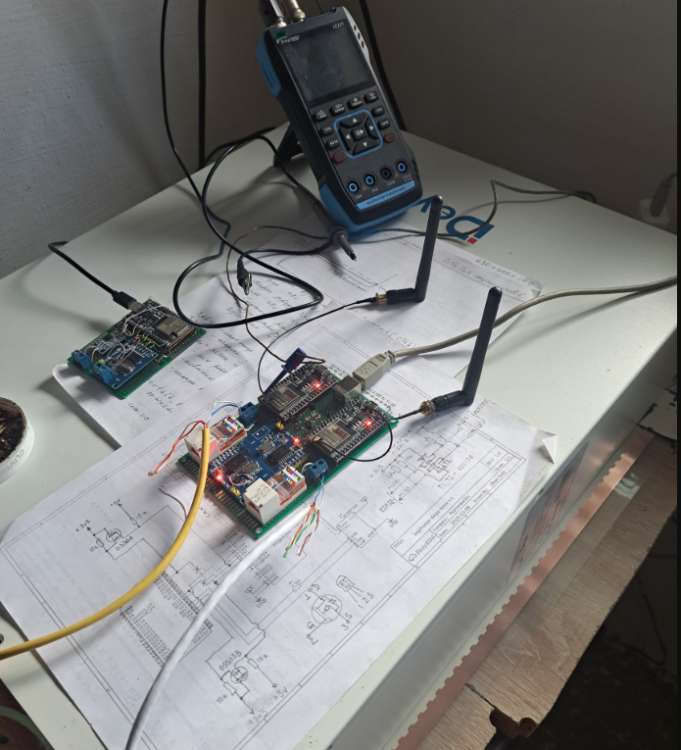
I finally got the battery monitoring working in Home Assistant. I used two ESP 32 to collect data. One runs on the Inter CAN bus, and the other on the PCS CAN bus.

-
Ohan, I forgot to say... Thank you for the information you provide on the forum. Your research helped me a lot. I have a Deye SE G-5.3 battery Hardware Version LVESS02_V 1, Software Version LVESS0223901 N01. This is probably an old version. My USB-CAN Analyzer V 1.8 read data from both ports in the CAN-Monitor-3000 and USB-CAN (V7.20) programs. The IDs from both ports match exactly what you got from your batteries.
-
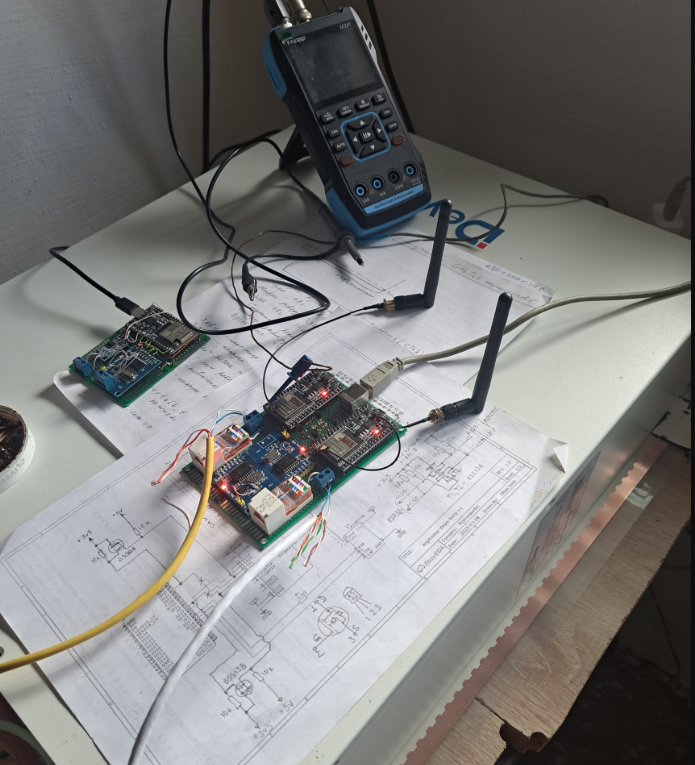
Hi ZS1SCI! I am using Deye SE G-5.3 battery. I am monitoring the battery using Canalist-II adapter and LVESS_Monitor V 1.18 program. I am also trying to monitor the battery via Home Assistant. Home Assistant receives data from Inter CAN port. I compiled YAML file to receive data from Inter CAN port about cell voltages and data about SOC, SOH, U, I Pack 1 PCS CAN port. But in Home Assistant only data about cell voltages from Inter CAN port appears. I checked signals on RX input (GPIO 16) with oscilloscope. Information from PCS CAN bus comes constantly. But why is it not displayed in Home Assistant then?