krzysiekfdds
Members
-
Joined
-
Last visited
-
The PV installation is a bit far from the Grid and CT connection. I will connect the old On-grid inverter to the Gen input, I will see if I can achieve Zero Extport to CT then. However I would like to avoid installing a new power cable,
-
Hello. The second inverter is an On-Grid type. When the sun appears, it transfers all the energy produced to the grid. There is no CT in it, it only synchronizes with the power grid and transfers energy from the PV panels. Zero Export to CT is maintained if the batteries are not charging. Limited to 5kW .

-
Of course I give the excess energy to the grid. First I have set the battery charging, then Home Load. After selecting the option from the picture the battery charges, but Zero Export to CT is not maintained when the battery is charging. When the Battery is full the inverter supplies energy from the battery if necessary to maintain Zero Export to CT.

-
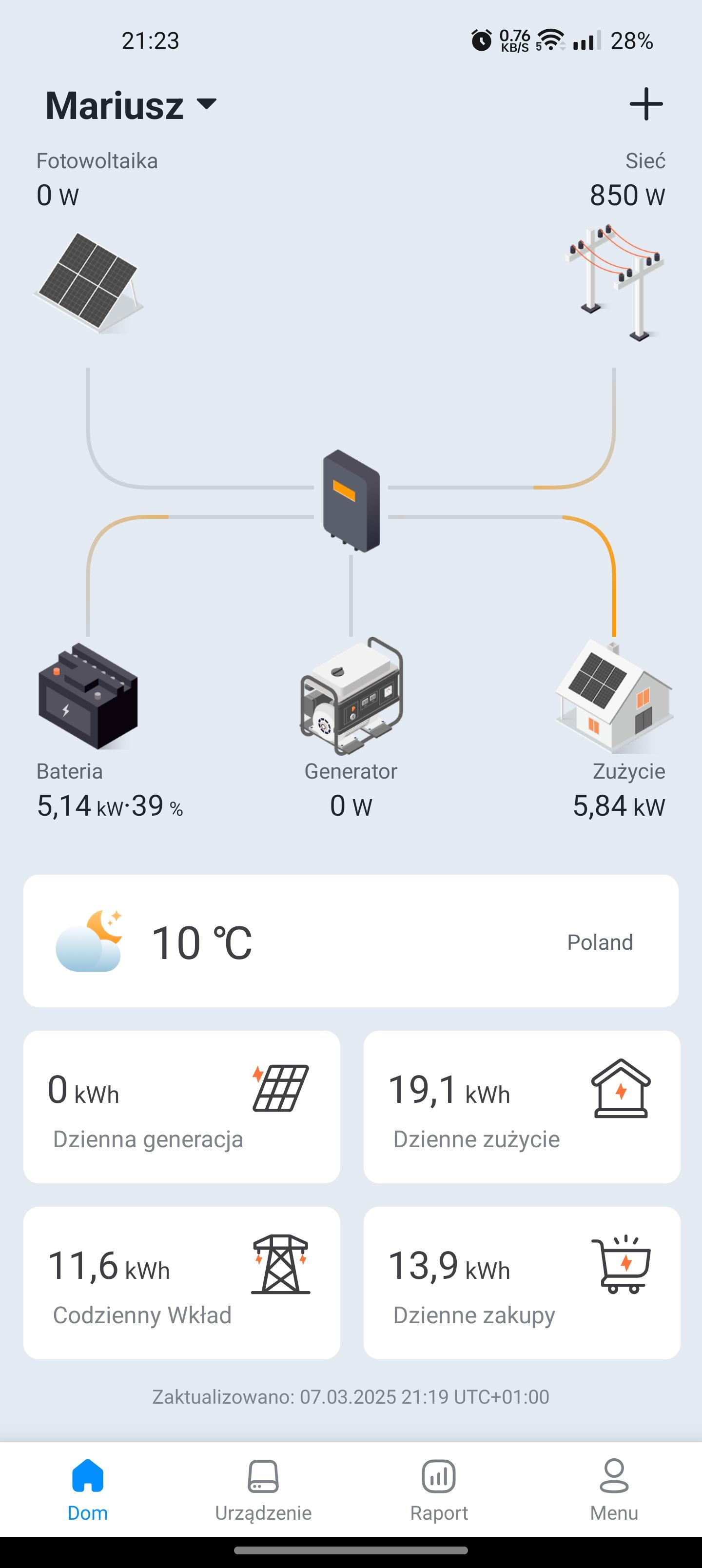
My Deye inverter connection. Zero Export to CT is on. I would like the battery to be charged only when the second installation is generating electricity, the rest of the time it is powered by the battery. unfortunately, in this setting, the current is drawn from the mains to charge the battery even though Zero Export to CT is on. please advise.