JohannesH
Members
-
Joined
-
Last visited
-
I flashed with U1 v74.04... seemed to work. Procedure was. Shut down the inverter. Switch off input and output AC. Switch on inverter After complete shut down. Start the flash and immediately switch on inverter takes a while to start but when it goes you have to wait. Display will be on when successfully completed. Restart and verify..
-
I will give the versions as soon as I get the chance. But just a reflash and it was fine again.
-
Managed to get screen working again. But now U3 shows 00.00 for WiFi module
-
I thing cpu2 firmware is the problem. After that update the screen is off.

-
I did check but forgot. Only I can show is what it sent last.

-
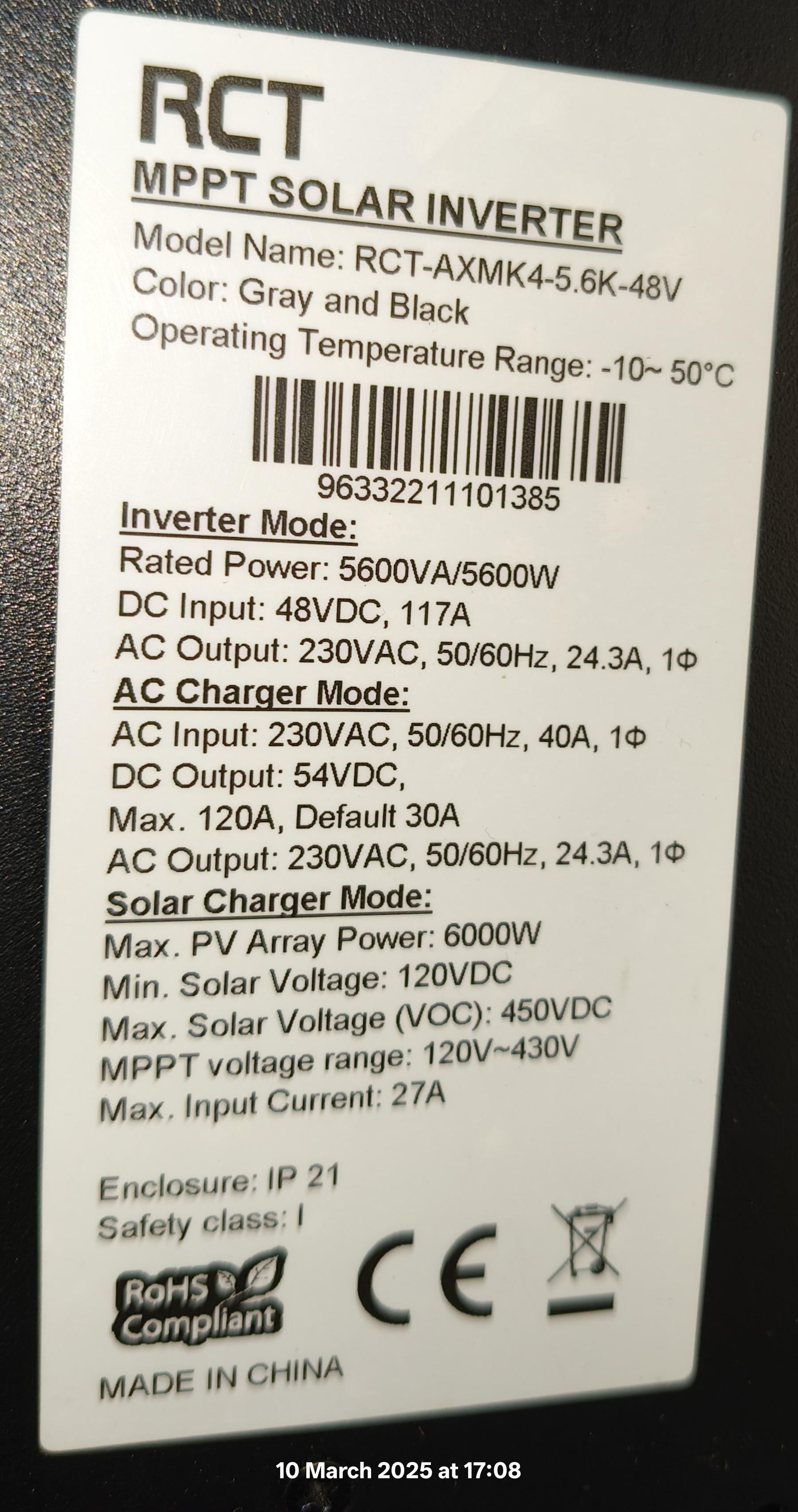
Hello there I am new here downloaded firmware for my inverter but now the screen is off. Inverter is working with last settings programmed but. I cannot change even with WiFi connection and app. Please assist..