Lt Dan
Members
-
Joined
-
Last visited
Everything posted by Lt Dan
-
Believe me, I feel the same - Buy nice, or buy twice XD. Unfortunately, the electrickery is not my department at all, and I want to have my facts straight before I talk to the appointed auto electrician. I appreciate the feedback! Much appreciated, will give them a ring!
-
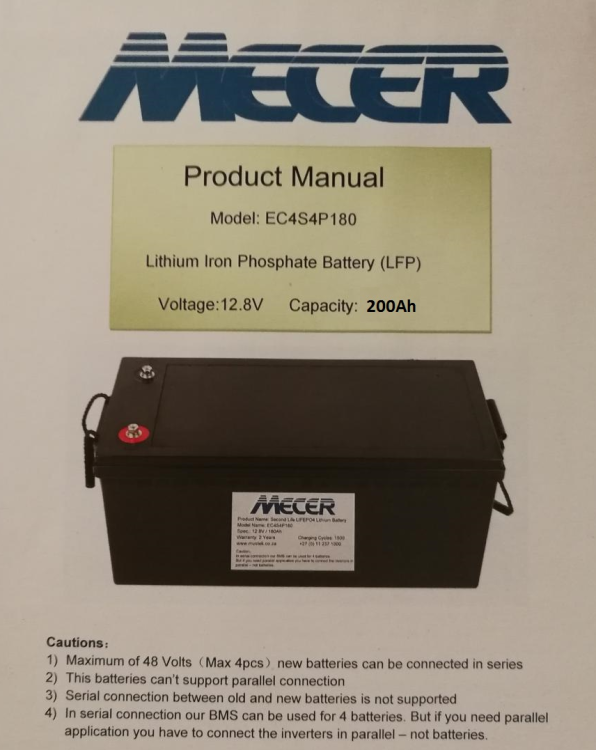
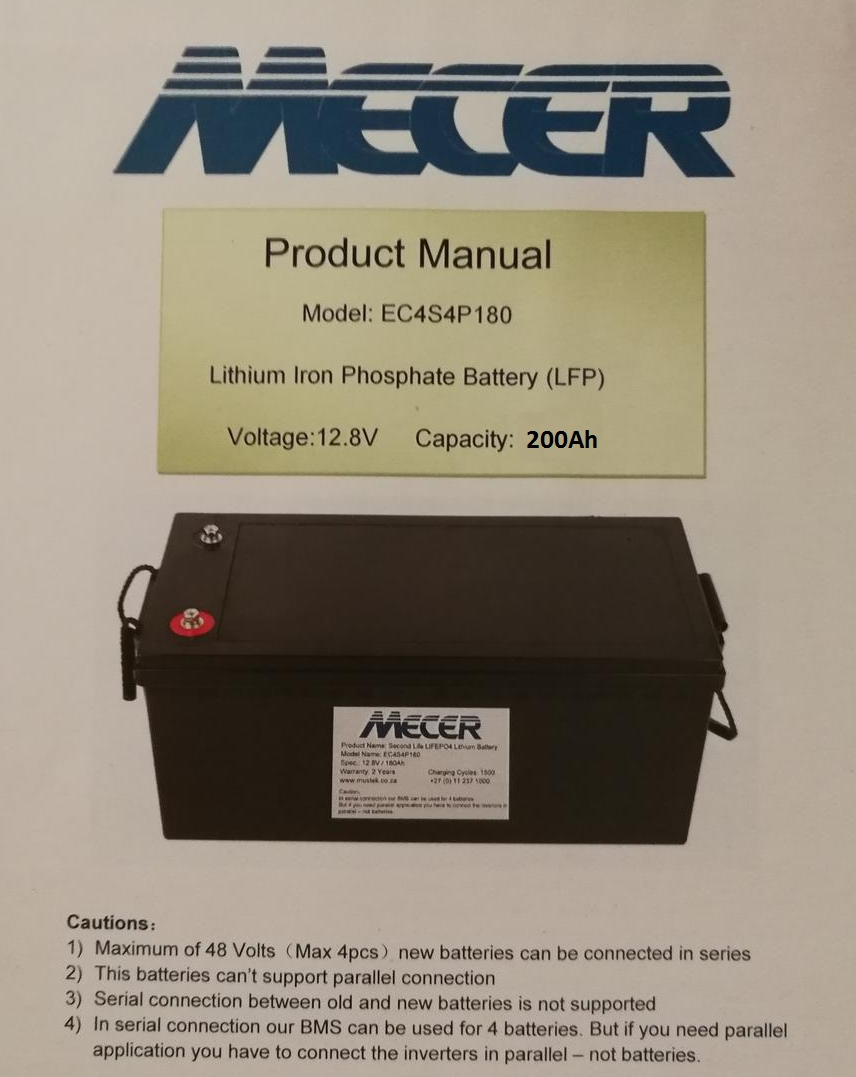
Hi all. I am working for an offroad accessories manufacturer and fitment center. We have an overseas client that wants the ultimate Land Cruiser build, similar to what you see on Aussie channels - all the upgrades, chassis extension, custom tray + canopy with all the bits and bobs, even a barista style coffee machine. So to power all the goodies, he wants a 12V REDARC system (inverter, fuse panel, BMS and TVMS displays). We managed to source everything abroad, except the batteries, which we got locally. These are Mecer Lithium Iron Phosphate, 12.8V, 200Ah, of which we got 2. I am not doing the installation of the electricals, but I am concerned because the battery manual states that these cannot be connected in parallel, and the inverter we got (REDARC 3000W 12V RS3 Pure Sine Wave Inverter, already delivered) is a 12V inverter. Is there a way to connect the batteries to the inverter in a safe and compliant manner? Here is the battery manual: And the link to the inverter: https://www.redarcelectronics.com/au/12v-rs3-inverter-3000w And the link to the BMS: https://www.redarcelectronics.com/au/manager-alpha100-with-redvision Thanks!