Axlotl
Members
-
Joined
-
Last visited
-
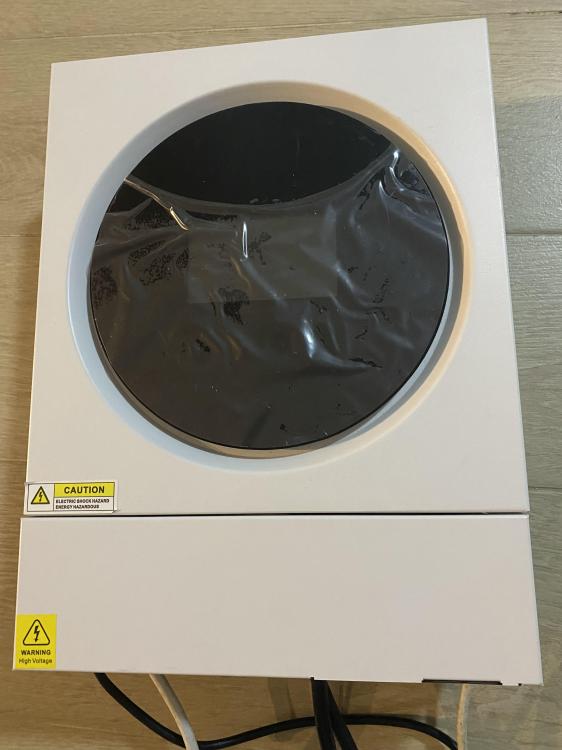
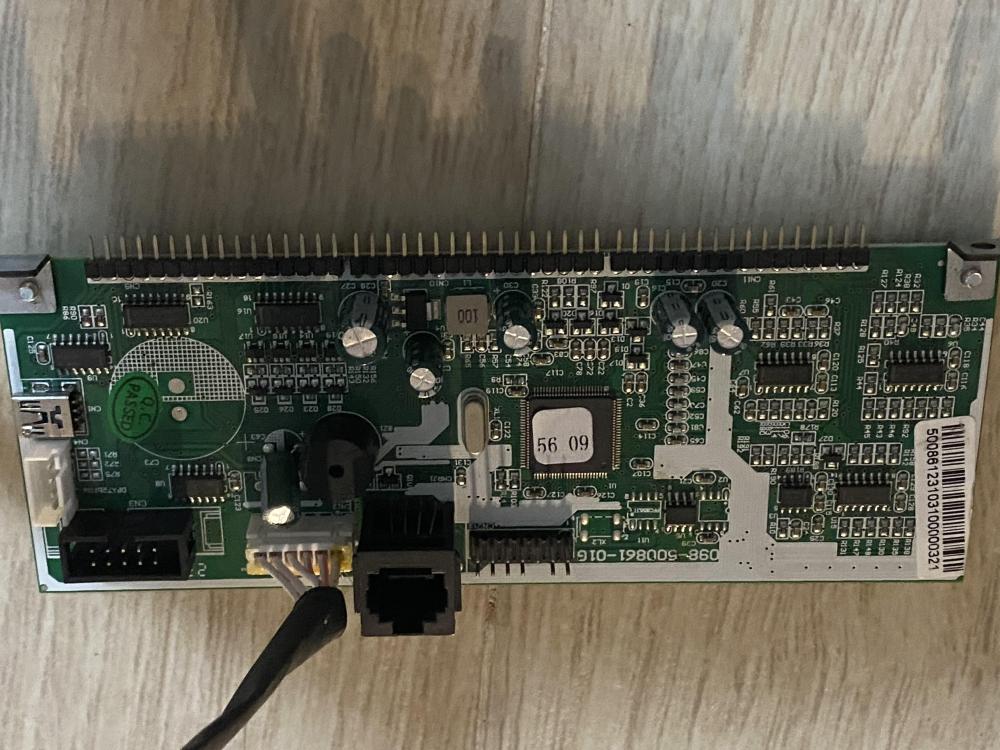
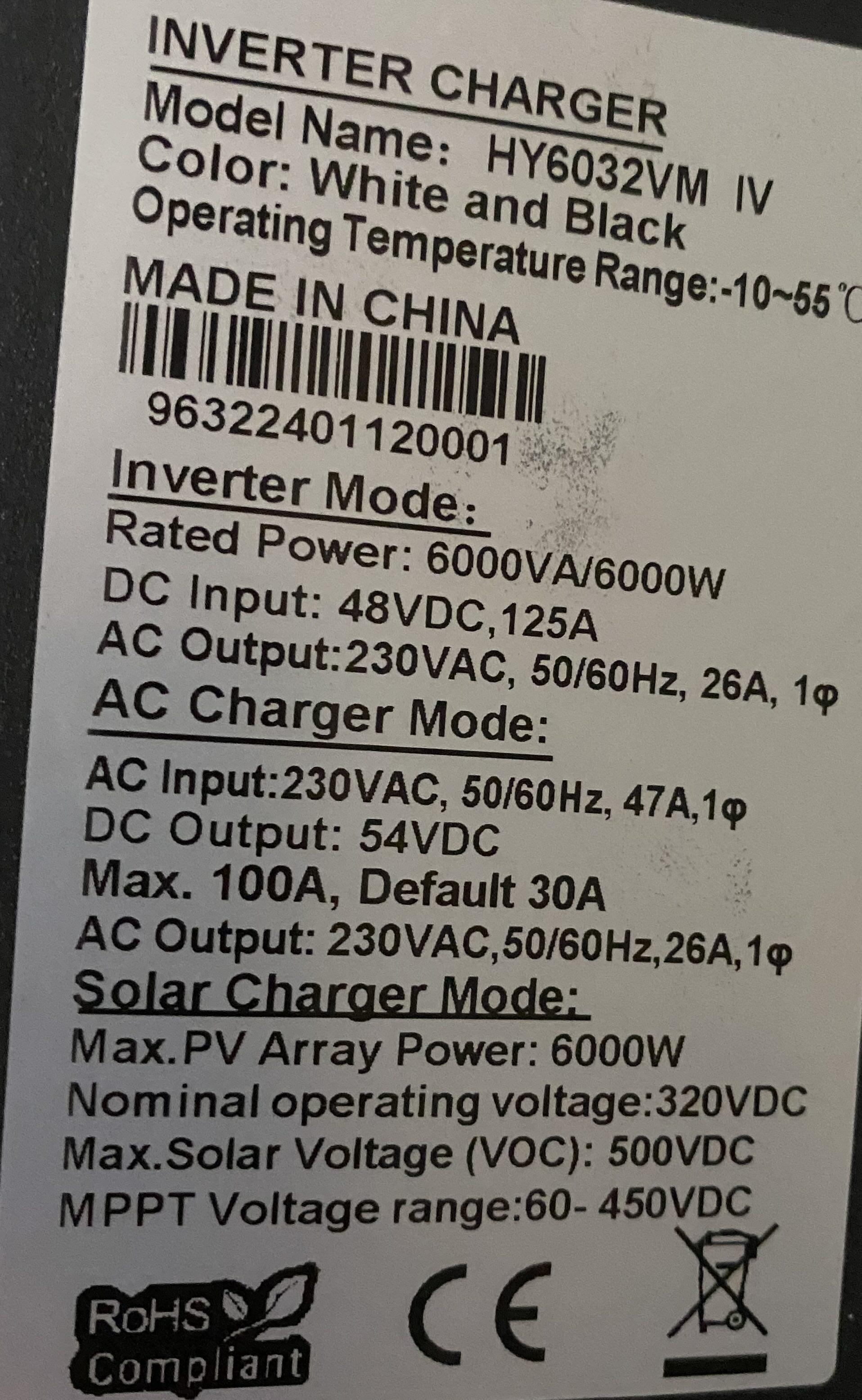
Hi everyone, This is my very first post on this forum, and I’m reaching out for help and advice regarding an off-grid solar inverter I purchased from a Chinese manufacturer (appears to be a Voltronic-Axpert-VM-4-TWIN-4KW-6KW, firmware 56.09). I hope in the future to contribute back to the community. Unfortunately, the inverter consistently goes into fault mode after just a few minutes of operation.I reached out to the manufacturer through their English website and support section, but my inquiries were ignored. After some research, I assumed that upgrading the firmware via an Ethernet-to-serial cable might resolve the issue. However, this attempt unfortunately completely "bricked" the inverter instead of fixing it (it is no longer reachable with the Ethernet-to-serial cable). Since the manufacturer hasn't responded to my emails requesting a spare control board, I’m now considering more technical solutions like JTAG or off-chip programming as a last hope. Since this is new territory for me, I would greatly appreciate any guidance or tips from the community on how to proceed with these methods: How to identify the JTAG port on the control board The procedure for programming the chip (TMS980320F28062PZTG4A) Thank you in advance for your help!