almusarrej
Members
-
Joined
-
Last visited
Everything posted by almusarrej
-
You're so helpful. I'm waiting for you
-
It didn't work, and I'm still waiting for the update file
-
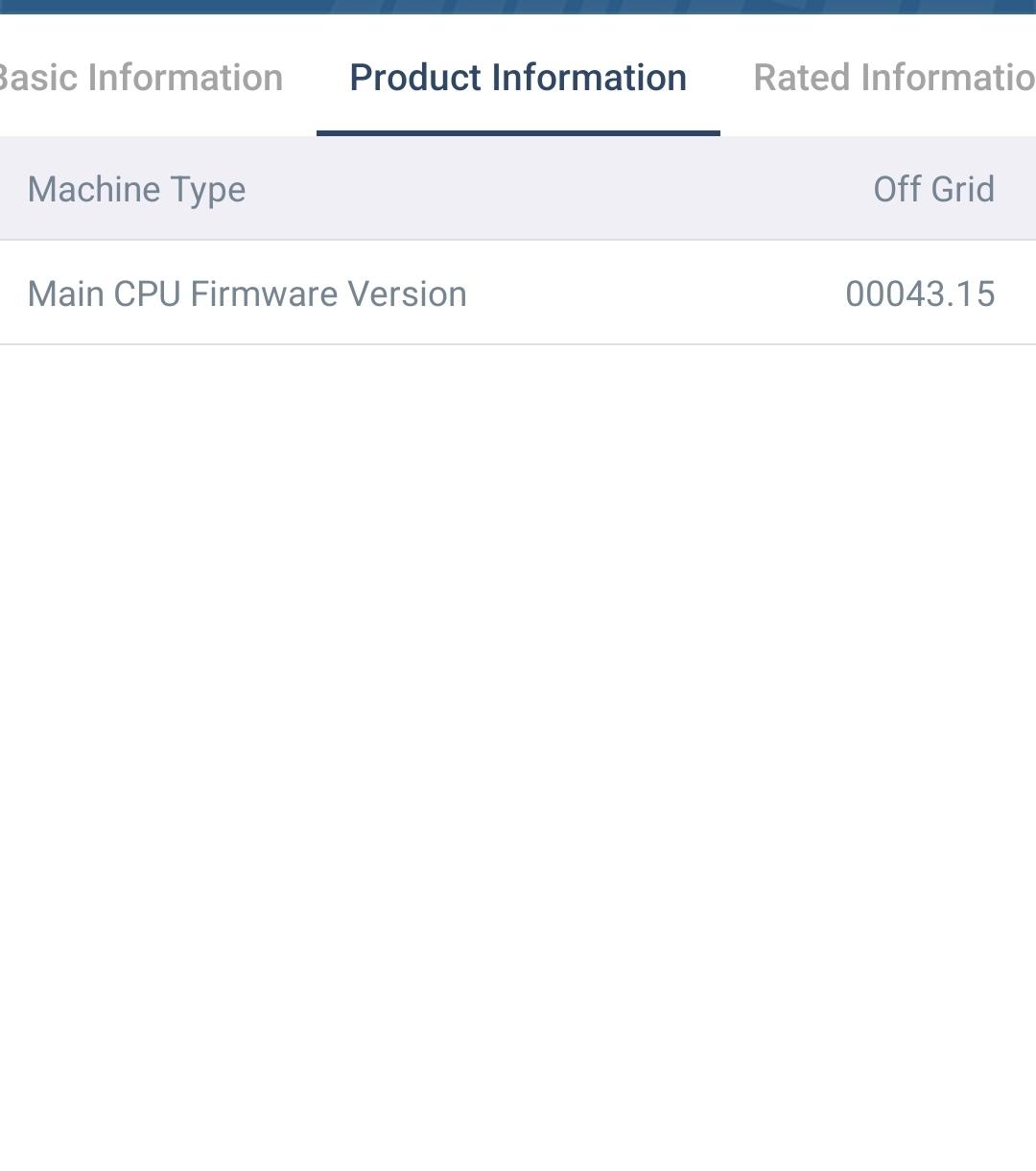
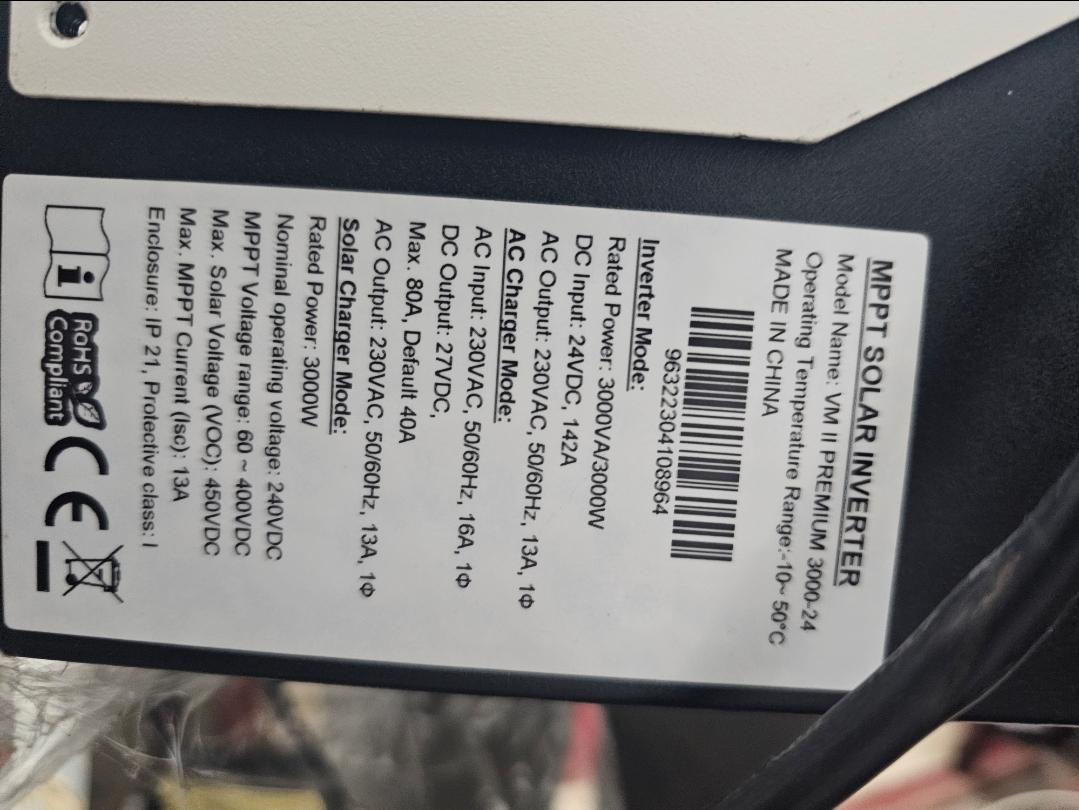
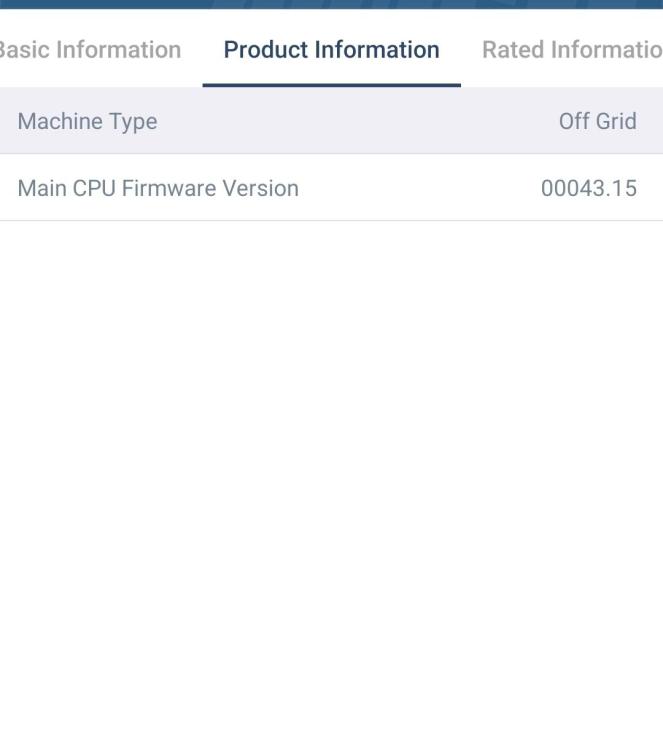
Hi Coulomb ,I hope you are doing well.I am following up on my previous posts regarding my inverter, the Voltronic Axpert VM II Premium 3kW (24V system).As you know, after I updated the firmware to Ver 43.28, the inverter completely stopped charging the batteries from both PV and Utility (the notorious zero-charging bug).I have carefully tried all the troubleshooting steps and workarounds you previously suggested in the forum (including isolating the system, battery-only cold restarts, trying different priority settings like SOL/SNU, and full factory resets), but unfortunately, none of them worked. The firmware remains glitched and refuses to initiate any charging current.My original stable firmware was U1 43.15, which worked perfectly before this update. Since this is a production system and my batteries are currently sitting empty, I am in desperate need of rolling back.Could you please check your archive or repository to see if you have the original Ver43.15.hex (or any stable, compatible 43.xx firmware for the VM II non-Max/non-VMIII) that I can flash to bring the charging functionality back to life?Your help is highly appreciated, as always.Best regards
-
I tried version I tried version 43.20 and version 43.35 and the same problem didn't work for battery charging
-
Tryed but same problem with version 43.29 does not charge I tried a second control with version 43.16 and the device was running normally from charging and operating
-
Thanks.. Thanks. I'll install and call you the result
-
Yeah, I'll get you a picture.
-
Hello, I updated my VM II 3K (24V) to firmware 43.28 and charging stopped. I need to roll back to U1 43.15. Does anyone have the hex file?"I am reaching out regarding an issue with the ViewPower Android application. I previously linked my Voltronic Power device to the app, but the device no longer appears under my account, and I am unable to unbind or delete the account. I kindly request your assistance with the following: 1. Unbind or reset the account associated with my device. 2. Help resolve the issue of the device not appearing in the app. Here are the relevant details: - Account: MTS2025 - Serial Number Device : W0031144953695 - Registered Email: [email protected] Please let me know if you require any further information to proceed. I appreciate your support and look forward to your response. Best regards, Eng. Abdullah --- AL-Musarrej Technical Services (MTS) Eng. Abdalluh Almusarrej Tel +9671516766 Wha: +967 777768438 [email protected] Technical Manager Websi.www.mtsye.com