AndreGreyling
Members
-
Joined
-
Last visited
-
I have a 8kw Sunsynk inverter with 5 panels of 545w each on one string and 8 panels on the second string. Panels north facing in Cape Town Due to shading problems in winter I want to change numbers per string to 4 on one string and 9 on the other during the winter Will the inverter handle the 9 panels on one string without potential problems? (do not want to take chances!!)


-
-
Thanks Hennie Am I correct by saying if I have shade on one panel the output of the other panels will drop to that of the shaded panel (in that specific string)?
-
Can the solar panels on a string be pointing in different directions without having a negative effect on the performance of that string? Meaning that the sun does not fall at the same angle on all panels.
-
Thanks for this fantastic explanation!
-
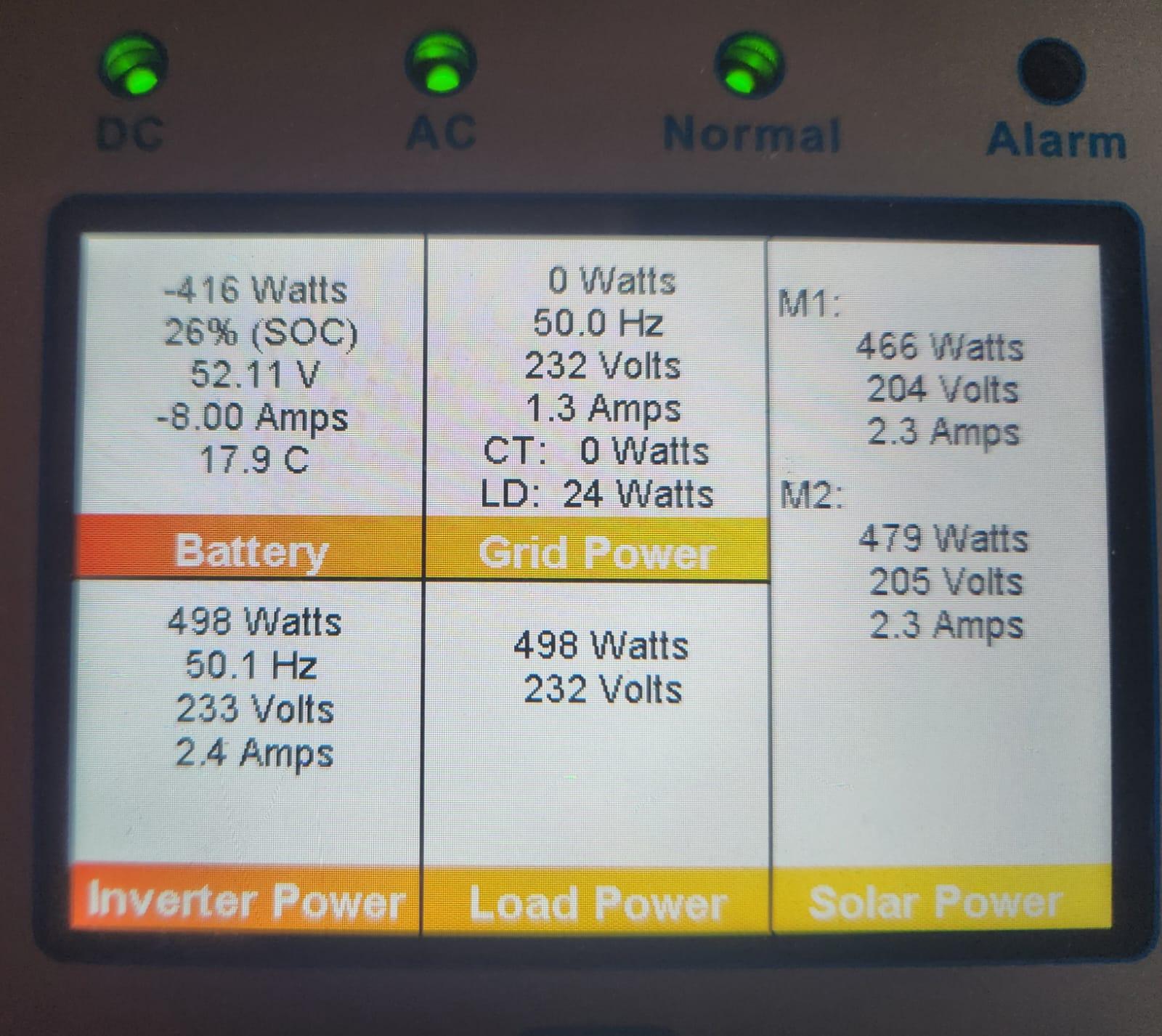
So I am using both MPPT's with one string each?

-
I have 2 strings with 5 panels each and want to increase one to 8 (545w) panels. Where can I see if I am using one string per MPPT and not perhaps just one MPPT with 2 strings on it?Thanks, it make sense!! It is 26A but is that per MPPT or total for both (my Inverter has 2 MPPT'"s)
 Forgot to ask - don't you also have to take the panel's current (Impp/A) into account when determining the number of panels? (I am a novice with solar!🫣)Thanks, it look impressive!!Thanks!Thanks for the info, I am in Cape Town So the max will be 8 panels? Can I have 8 on one string and 5 on the other?I have a 8Kw Sunsynk inverter with 2 strings and 545w panels (5 per string) Info attached) What is the max number of panels I can put on each string?
 Thanks, will have a look!