Skip to content
View in the app

A better way to browse. Learn more.

Power Forum - Renewable Energy Discussion

A full-screen app on your home screen with push notifications, badges and more.

To install this app on iOS and iPadOS
  1. Tap the Share icon in Safari
  2. Scroll the menu and tap Add to Home Screen.
  3. Tap Add in the top-right corner.
To install this app on Android
  1. Tap the 3-dot menu (⋮) in the top-right corner of the browser.
  2. Tap Add to Home screen or Install app.
  3. Confirm by tapping Install.

gamaree

Members
  • Joined

  • Last visited

  1. Wheres the reset button? Dumb question
  2. Yes I did join the EAP WiFi from 3 diffrent devices without luck. Get the same message.
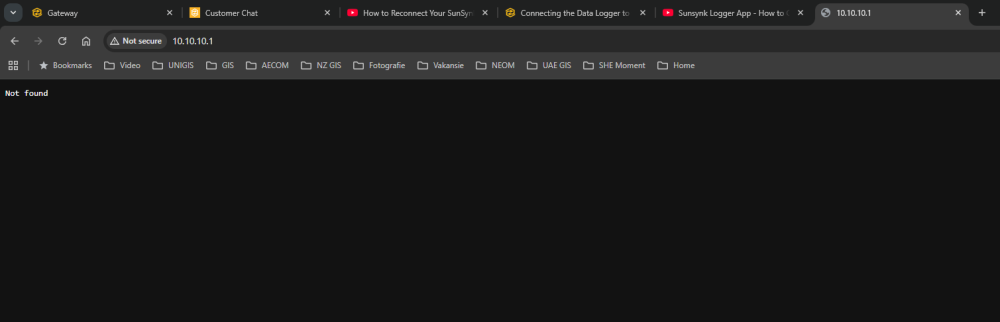
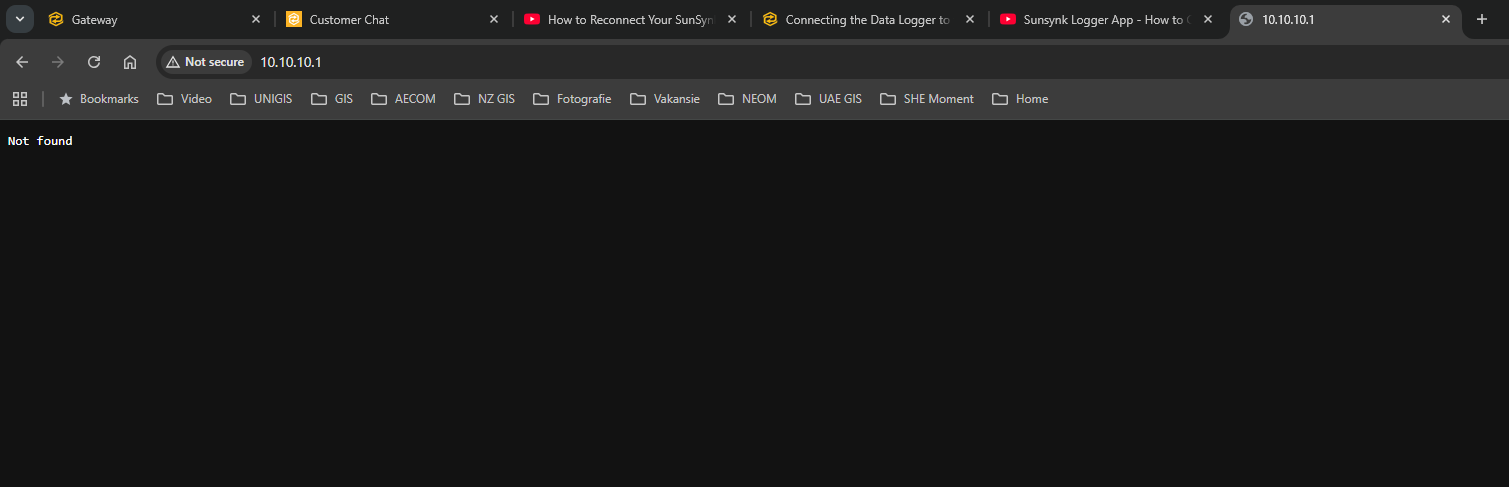
  3. My datalogger has been disconnected for the past two days. When trying to connect to it via WIFI on the EAP SSID at 10.10.10.1 I only get the text "Not Found". I unplugged the datalogger as well. Red and green lights flashing. Any recommendations?
Account

Navigation

Search

Search

Configure browser push notifications

Chrome (Android)
  1. Tap the lock icon next to the address bar.
  2. Tap Permissions → Notifications.
  3. Adjust your preference.
Chrome (Desktop)
  1. Click the padlock icon in the address bar.
  2. Select Site settings.
  3. Find Notifications and adjust your preference.