Petr74
Members
-
Joined
-
Last visited
-
Solved, DSP is 28066, flashed firmware to 272.62, performance in bad weather increased rapidly. Many thanks to the authors of the upgrade.
-
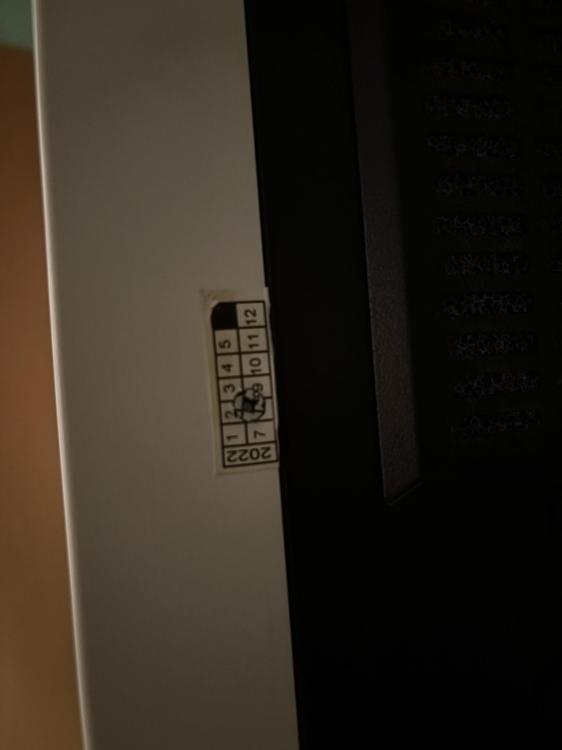
Hello, I´m new member here. I have an Axpert MAX 8000 purchased 2 years ago, I want to upgrade the firmware but I don't want to brick the inverter. The attached photos show a label on the side of the inverter, a small label apparently with the date of manufacture, a picture from the Watch Power application, where the current firmware type (72.03) is shown, and a photo of the PCB with the DSP processor. I'm not at all sure if this is a 2809 or 28066 processor.; Please advise me on a working firmware that fixes the MPPT stuck at 90V error in low light (especially in the morning) and the premature float bug. I would be grateful for any information or link to a solution to the problem. Thanks in advance Petr