


gavgold
Members
-
Joined
-
Last visited
Everything posted by gavgold
-
Morning @jacksdad. The unit is still available. Gavin
-
Hi Yes, it is still available. If you're interested I can message you my contact details. Gavin
-
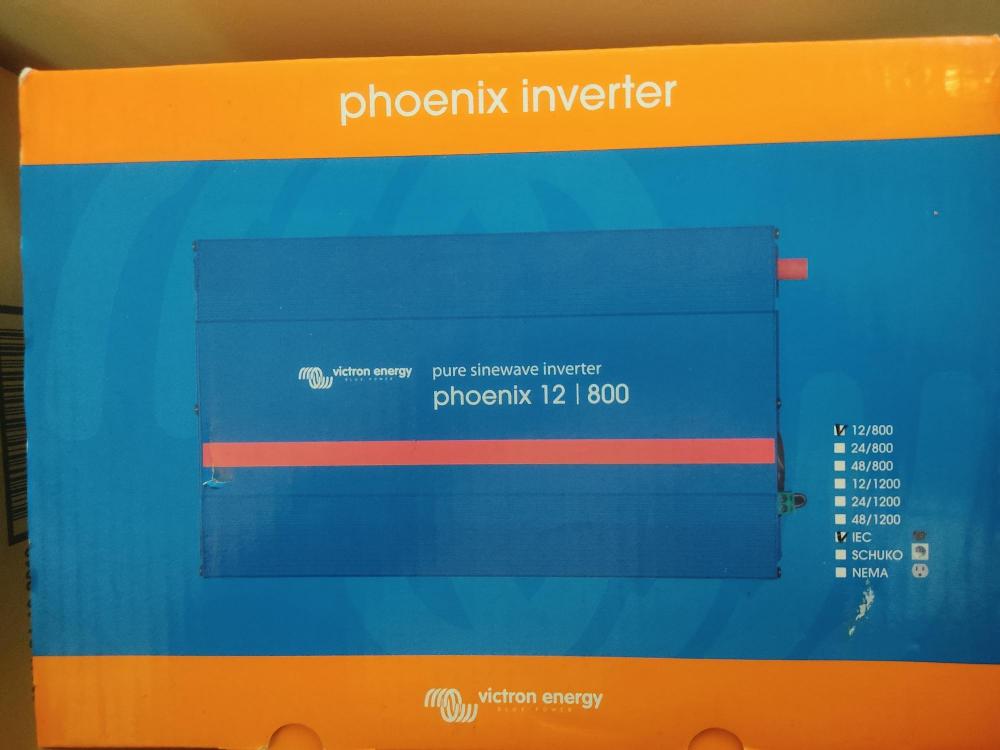
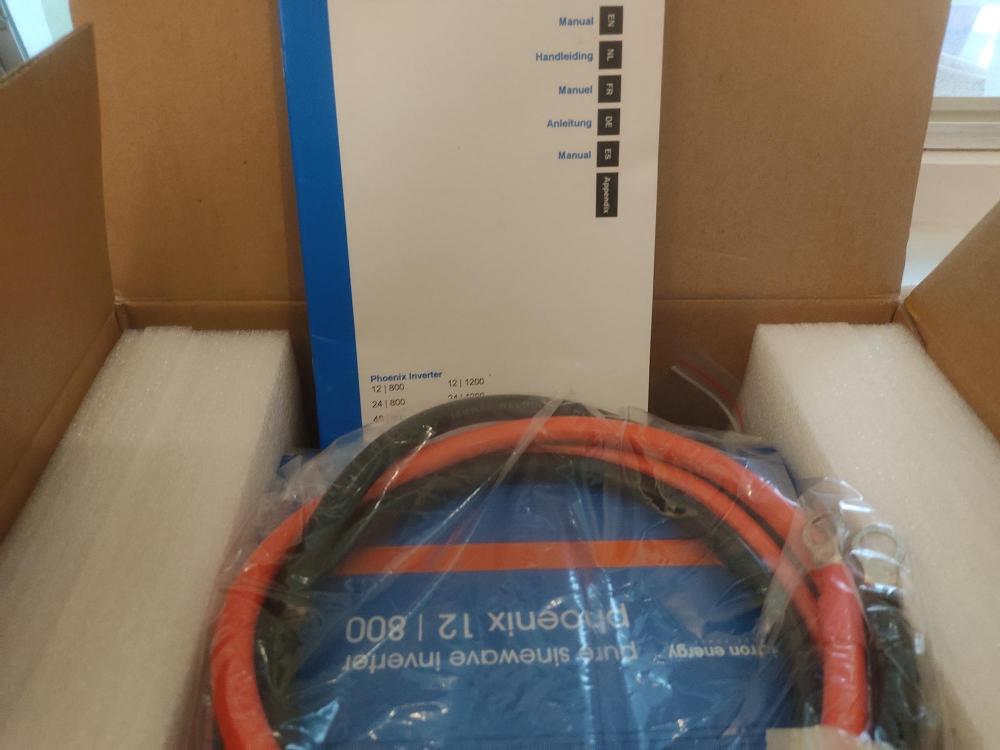
Item: Victron Phoenix Inverter Age: ± 8 yeard Price: R2,000 Payment Method Accepted: EFT Warranty: None Packaging: In original box Condition: as new - it was used for a few years then I upgraded to a larger inverter and it's been sitting in its box ever since Location: Meadowridge, Cape Town Reason: was used for a few years then I upgraded to a larger inverter and it's been sitting in its box ever since. Now I'm moving and no longer have the storage space Shipping: Collection or purchaser to arrange Collection: I can meet the purchaser in the Meadowridge / Constantia area Link: https://www.victronenergy.com/upload/documents/Datasheet-Phoenix-Inverter-VE.Direct-250VA-1200VA-EN.pdf?_ga=2.99210846.1791488691.1651841583-1366291585.1651841583
-
Thanks @Thunderdolt - now i know who to contact if i don’t come right. 8 appreciate the help.
-
No, that's the correct image. The RS-232 goes to an external box which is WiFi. This post has an image wifi box
-
On the Raspberry Pi - there is a solution available locally. See https://centurionsolar.co.za/about/shop/
-
A couple of months ago I replaced the USB module on my Axpert inverter with their Wifi module. WIth factory options you connect directly to the box and set up you WiFi password, etc. Unfortunately I got this wrong so it isn't connecting to my WiFi and I have no way to connect to it. The documentation (see attached) tells you how to perform a factory reset by using a jumper on the board - the 2 problems with this are: 1) they don's supply a jumper thingy - I guess I you just use piece of wire//paper clip? 2) the described board differs from the actual board (see attached) and I have no idea which pins to connect? I have not been successful at finding a solution with Google so would be grateful if anyone has any ideas as to how I can get back to the WiFi factory settings. Thanks PastedGraphic-2.tiff PastedGraphic-1.tiff
-
There is definitely a WiFi module available for the Axpert inverters. A few months ago I purchased the module from my installer which replaces the USB module which comes with the inverter. You could contact dean at newfiled.co.za

