Skip to content
View in the app

A better way to browse. Learn more.

Power Forum - Renewable Energy Discussion

A full-screen app on your home screen with push notifications, badges and more.

To install this app on iOS and iPadOS
  1. Tap the Share icon in Safari
  2. Scroll the menu and tap Add to Home Screen.
  3. Tap Add in the top-right corner.
To install this app on Android
  1. Tap the 3-dot menu (⋮) in the top-right corner of the browser.
  2. Tap Add to Home screen or Install app.
  3. Confirm by tapping Install.

bulaniy.sv

Members
  • Joined

  • Last visited

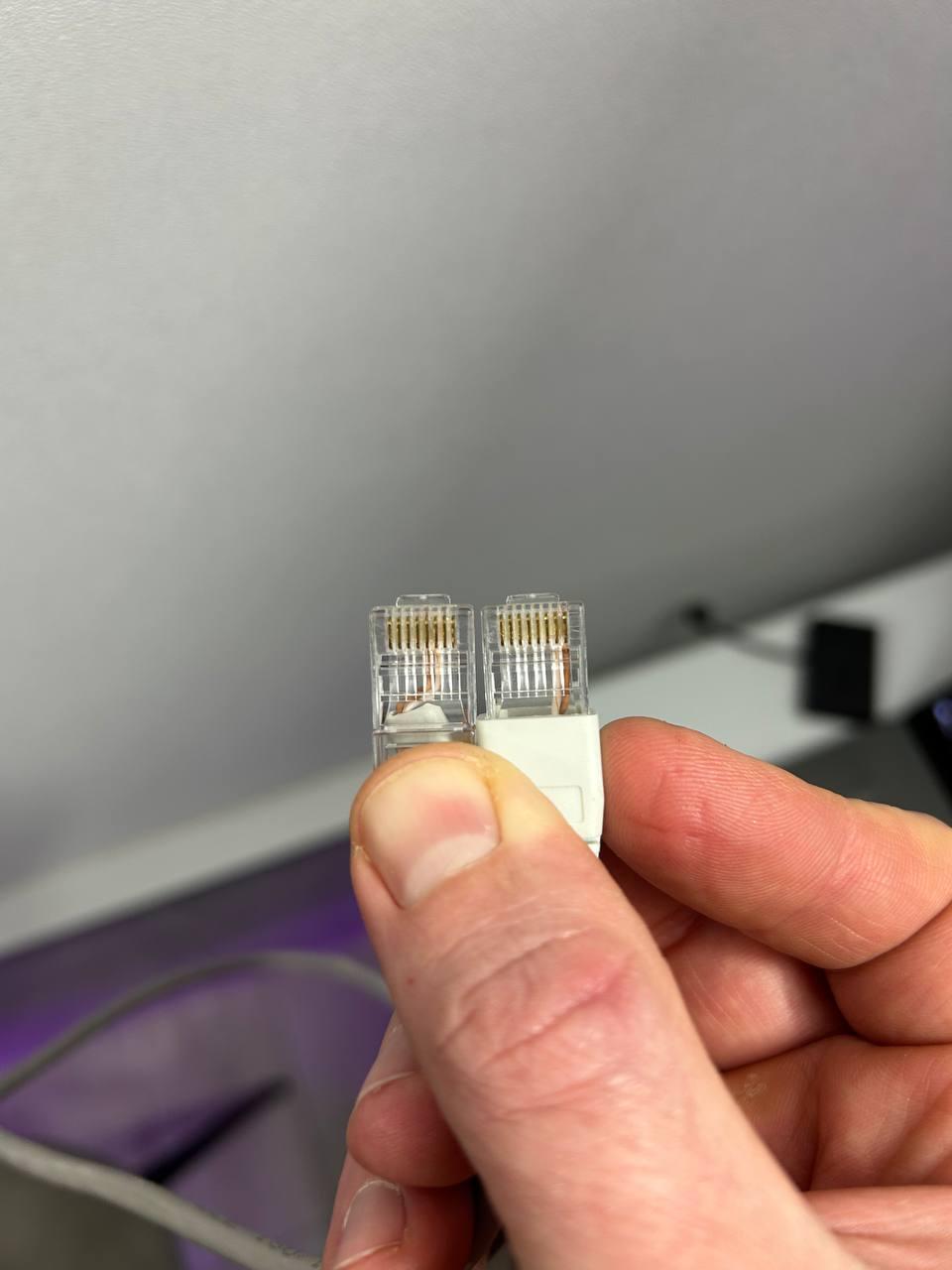
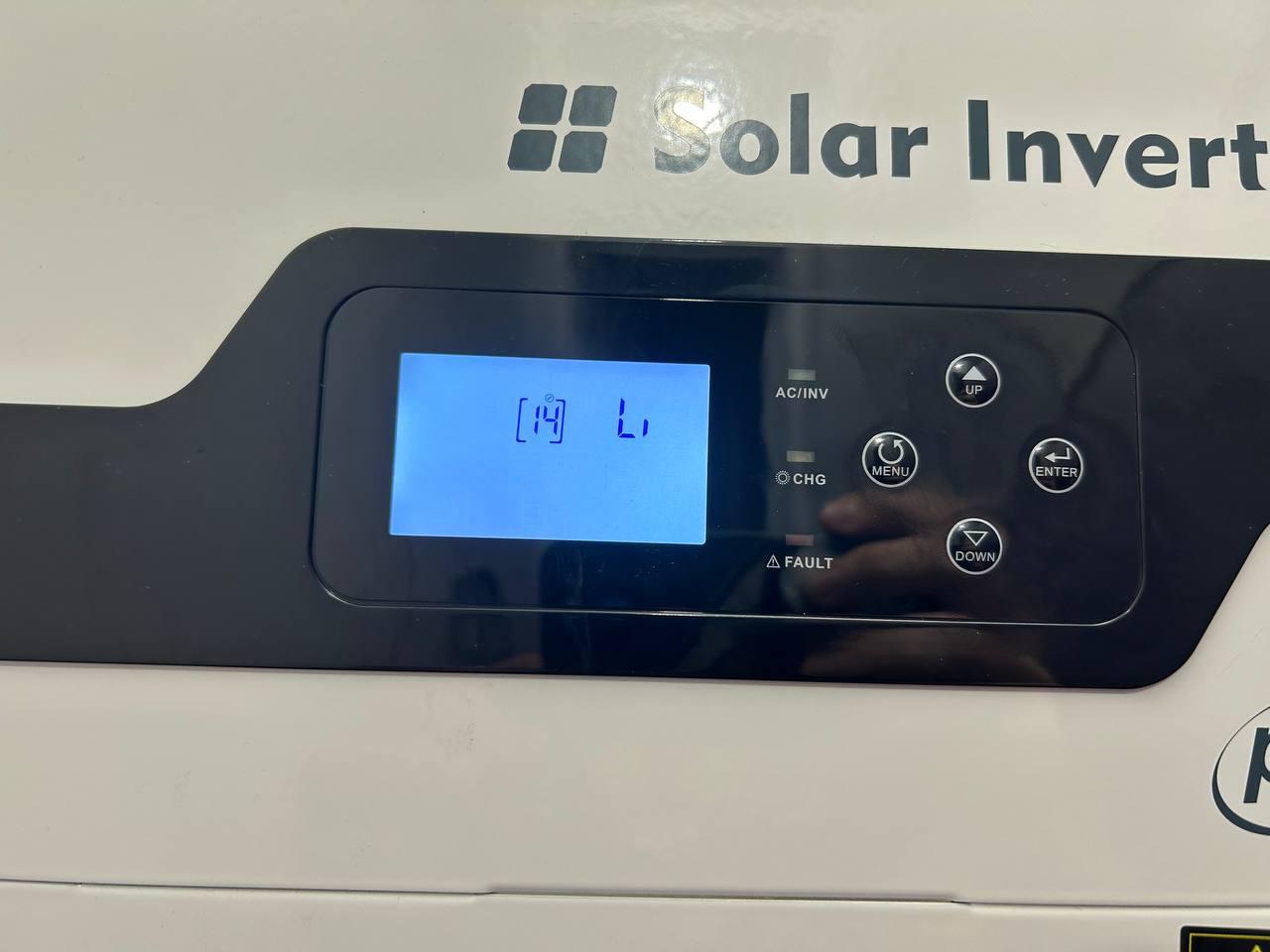
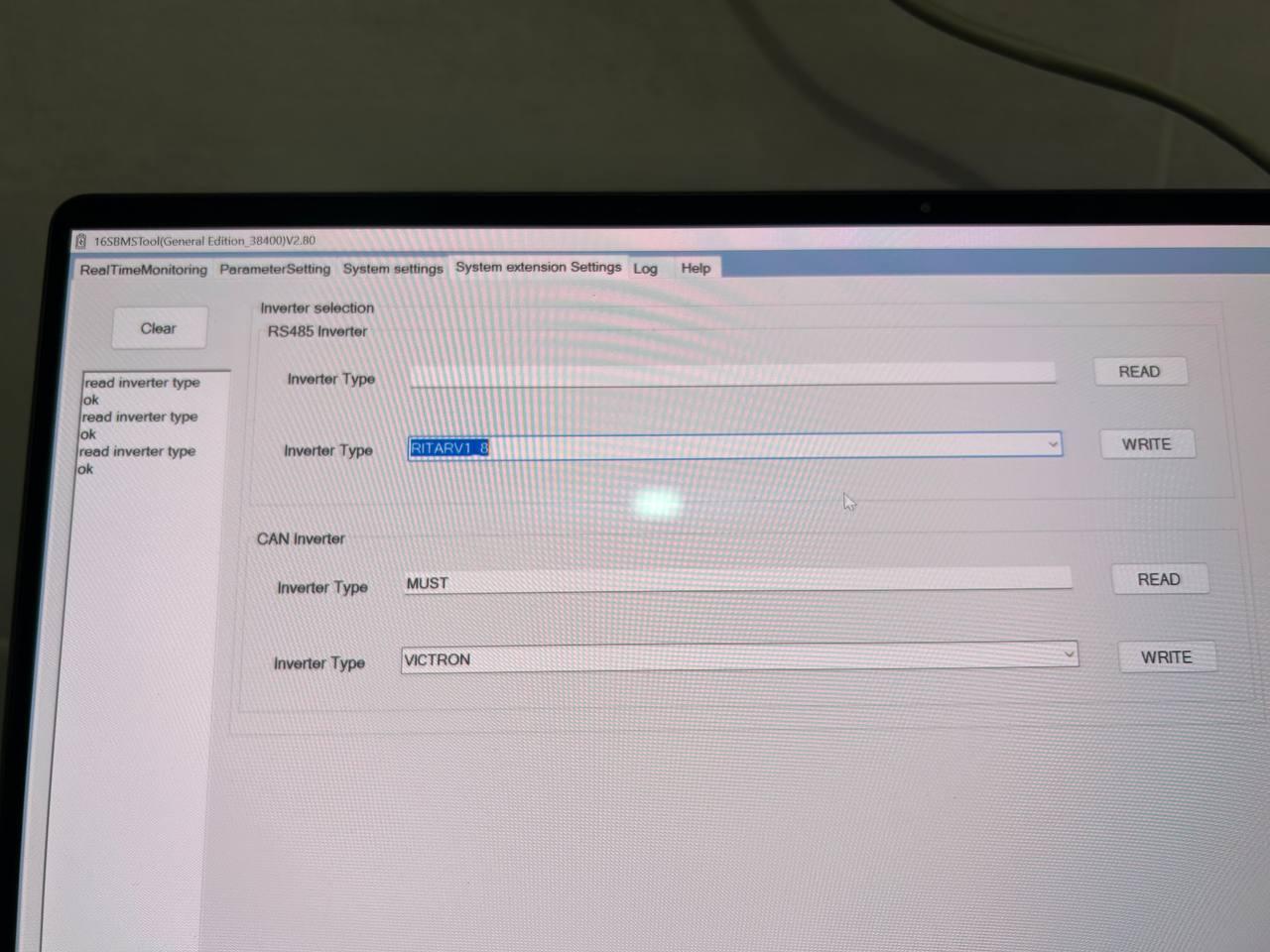
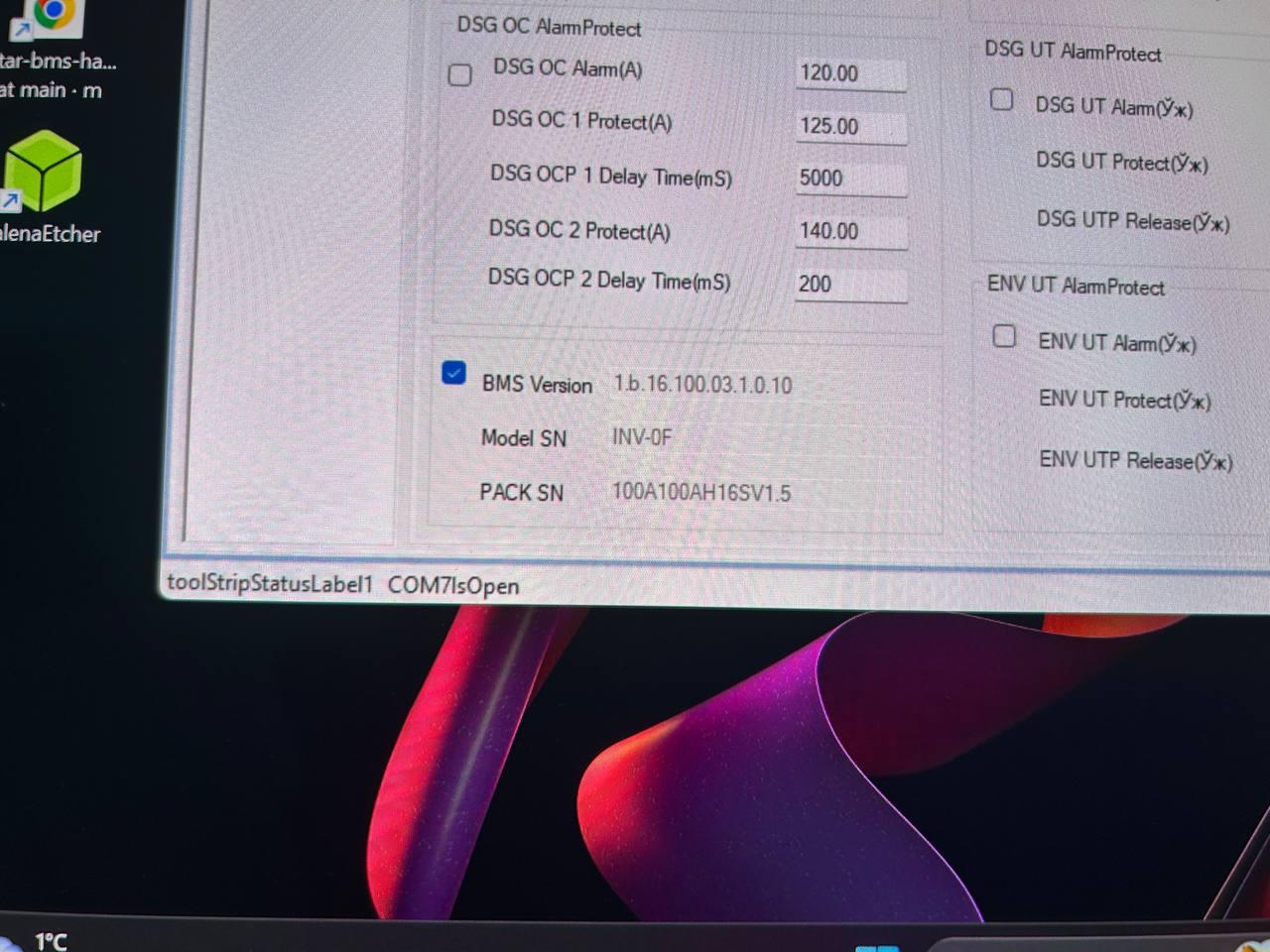
  1. Guys, please help me connect a Must PV18-5248PRO to a Ritar 51.2V 100Ah LiFePO4 battery (BAT-5KWH-51.2V) via RS485/CAN. I followed the official manual exactly: Connected the PC to the Ritar battery, selected CAN MUST protocol, and saved the settings. Set the DIP switches: Switch 1 (ON); 2, 3, and 4 (OFF). In the Must inverter settings: Program 14 set to LI; Program 41 set to 16. I crimped the cable according to the scheme: Inverter side Pin 6 (CAN H), Pin 5 (CAN L) / Battery side Pin 7 (CAN H), Pin 8 (CAN L). Checked the cable twice. Program 40 (BMS status) shows idP (Internal data processing/No connection). There is no connection. I’ve tried restarting the battery and inverter, and changing Program 41 to various protocols (0, 1, 8, 16, 17), but nothing worked. Please help me resolve this.

Account

Navigation

Search

Search

Configure browser push notifications

Chrome (Android)
  1. Tap the lock icon next to the address bar.
  2. Tap Permissions → Notifications.
  3. Adjust your preference.
Chrome (Desktop)
  1. Click the padlock icon in the address bar.
  2. Select Site settings.
  3. Find Notifications and adjust your preference.