ThomasNoir
Members
-
Joined
-
Last visited
Everything posted by ThomasNoir
-
this cable is what came with the pylon batteries, i think they are are Rs485 connected from the bms plug on our inverter to the battery
-
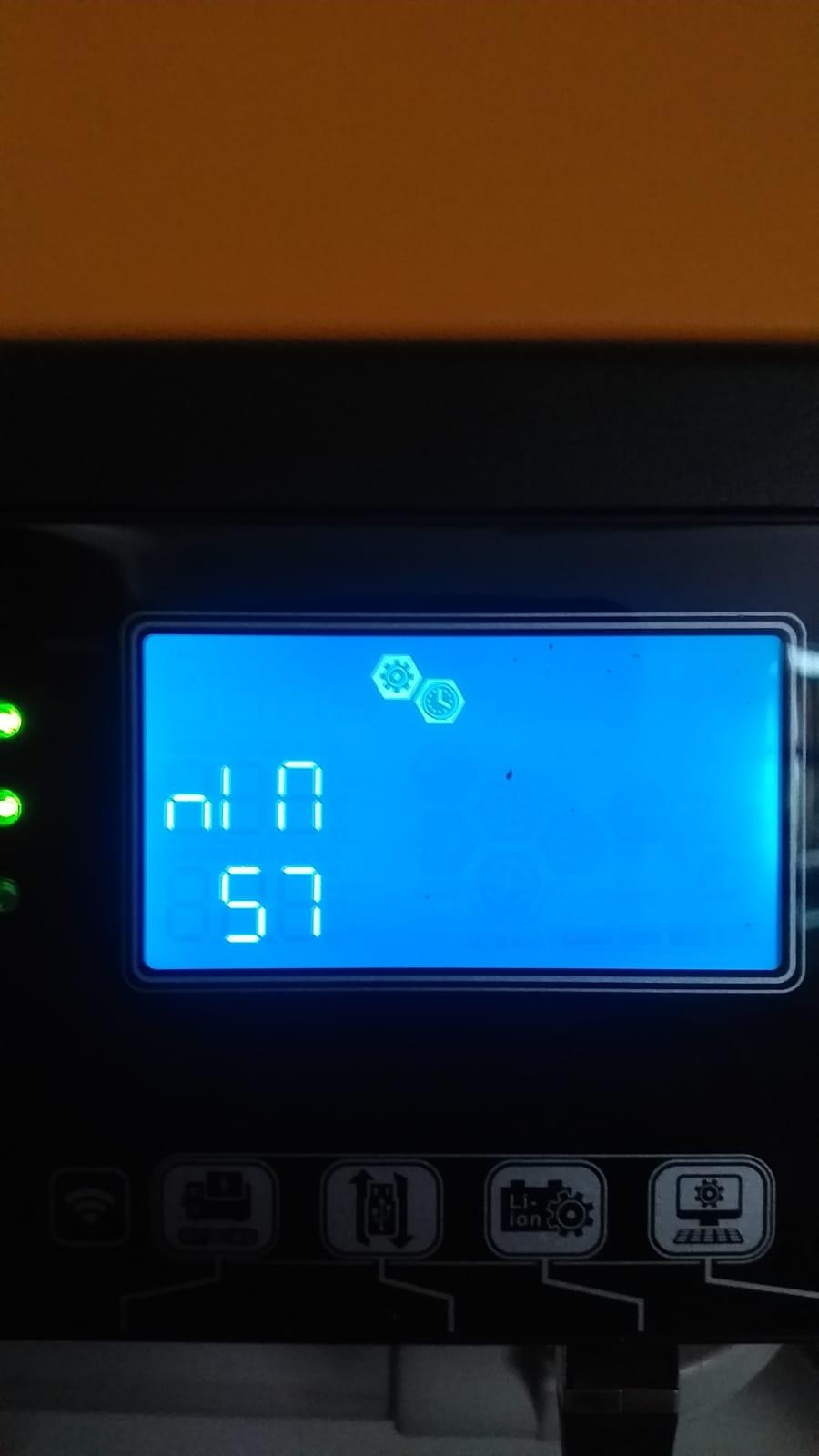
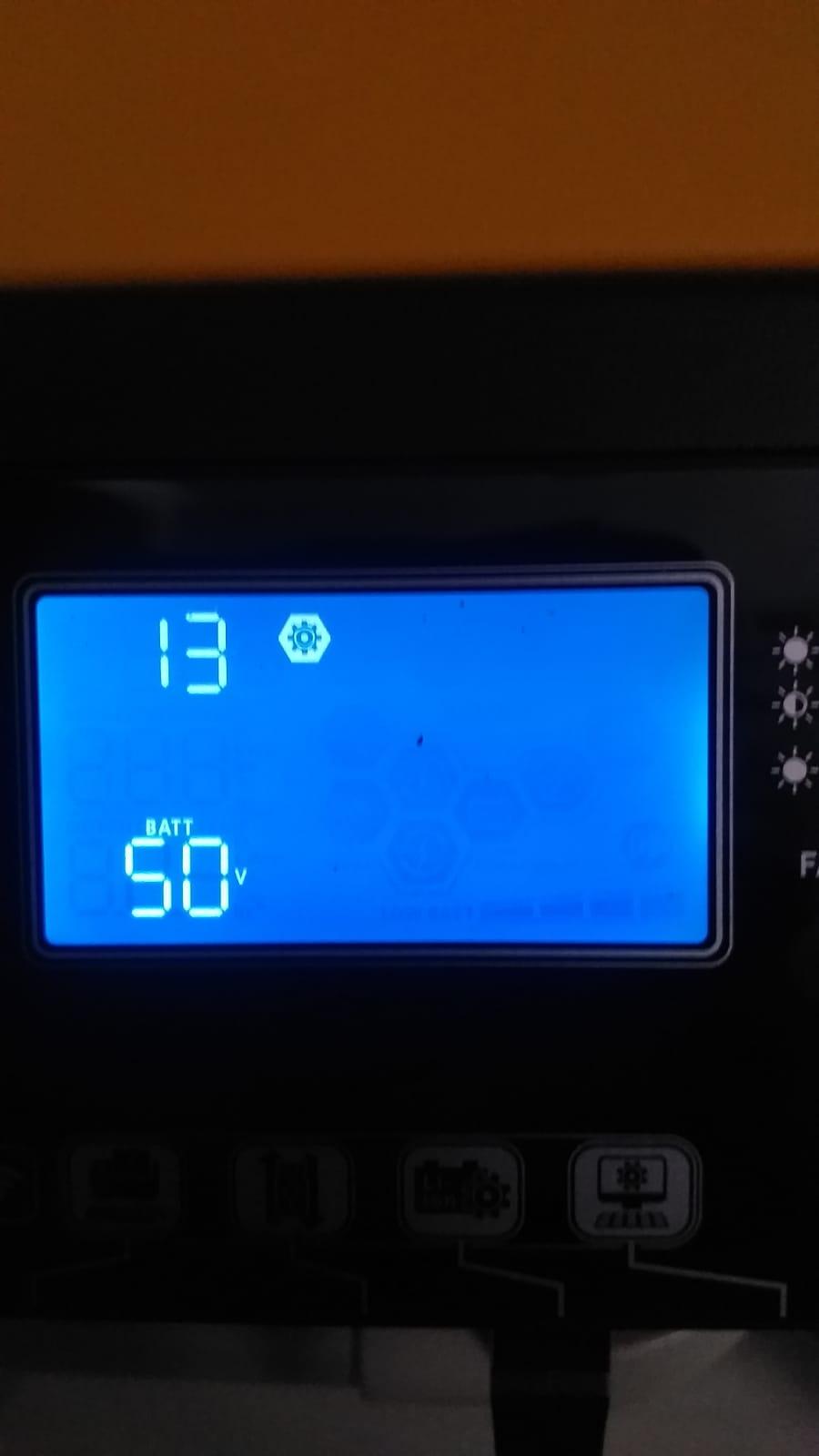
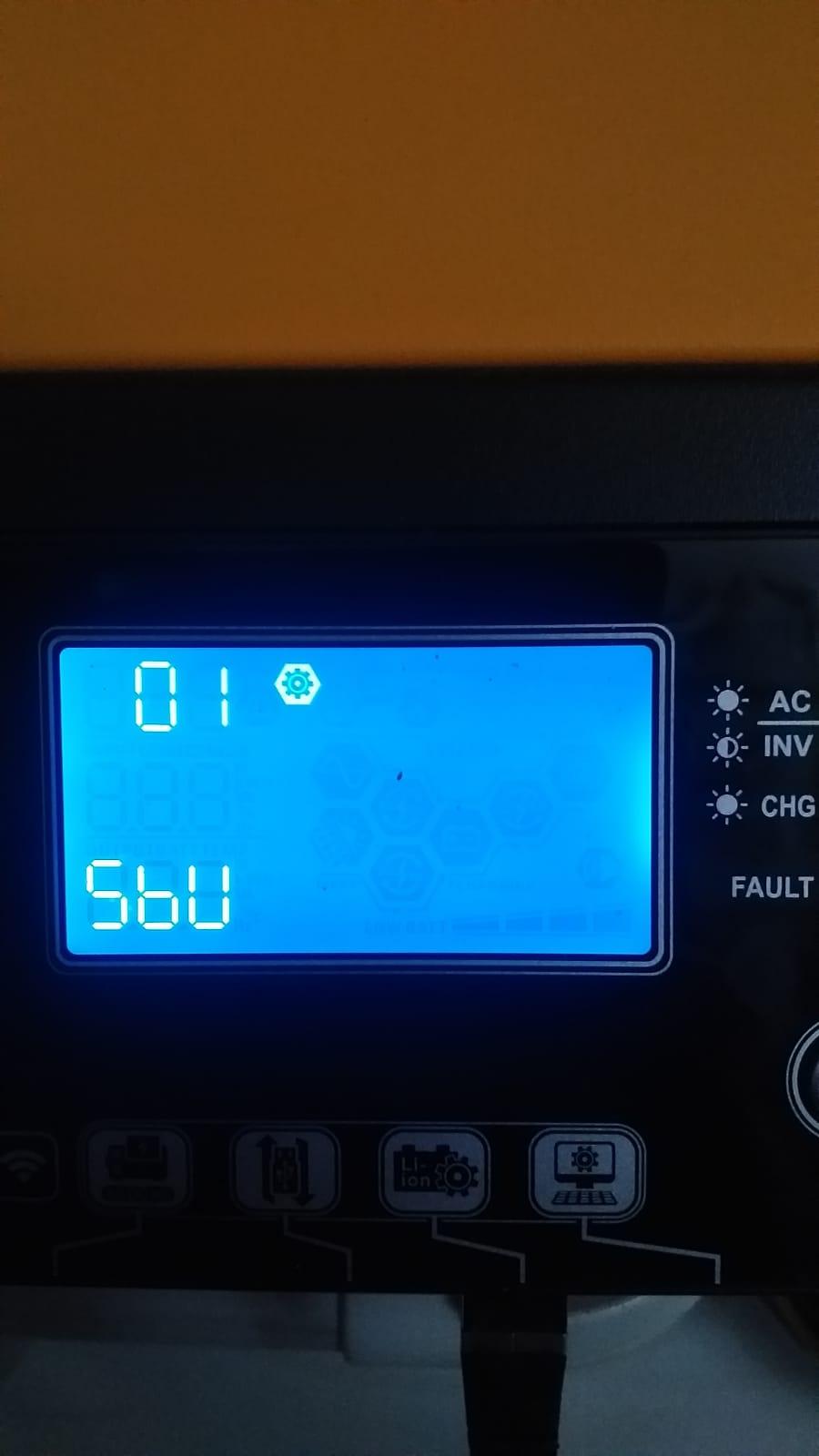
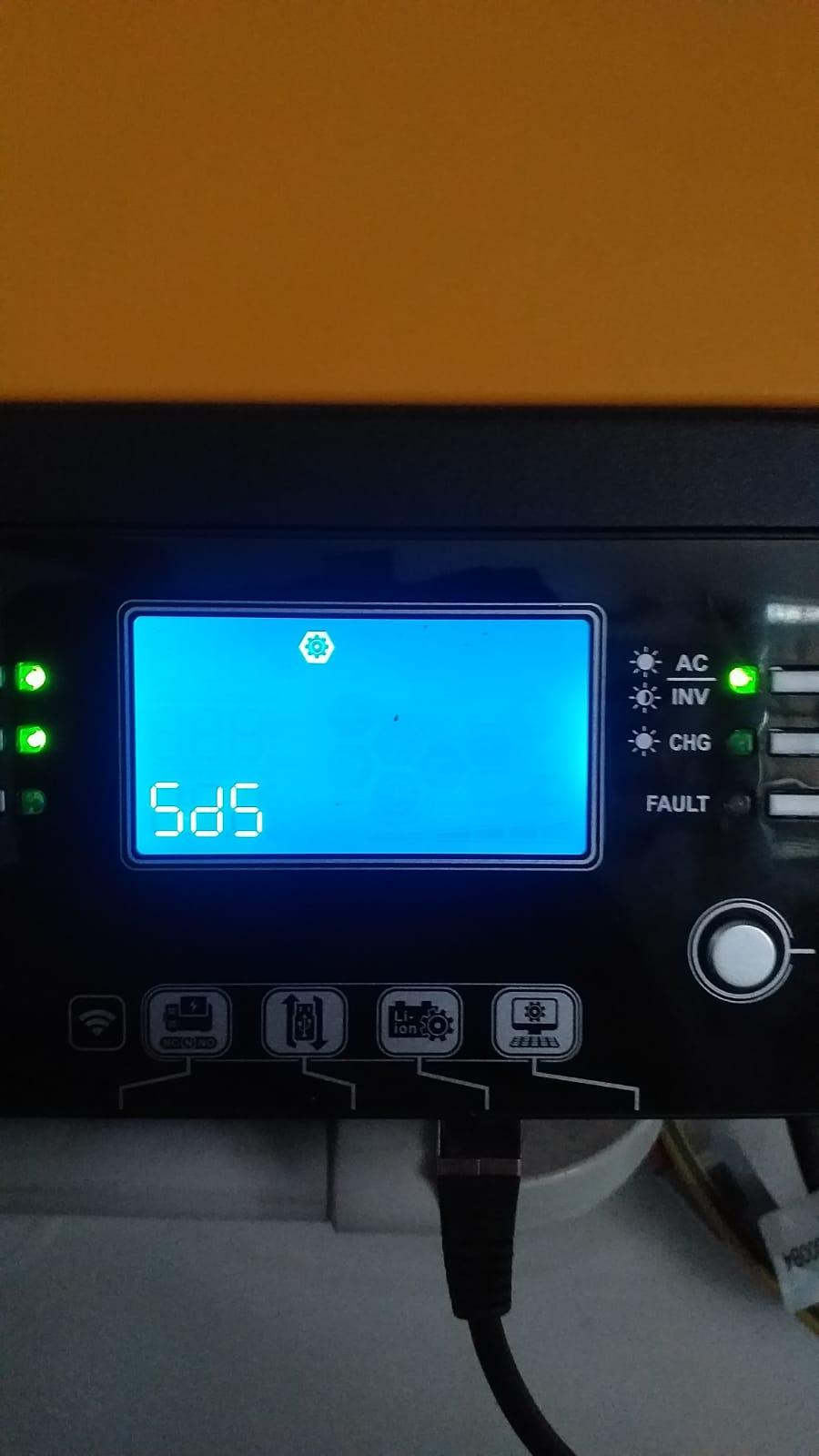
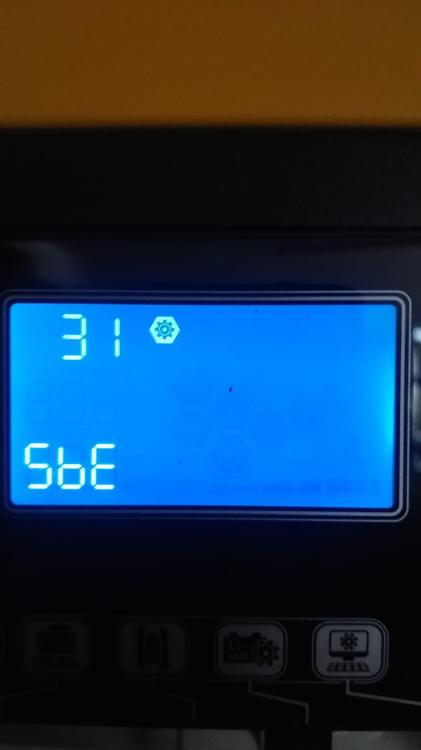
Well we got a Kodak OGX5.4a With a US3000C and a US2000C, the other US3000C has gotten swollen cells. I am gonna include images of our settings. Is there anything here that will cause a battery to fail like that. considering the US2000C seems to be fine


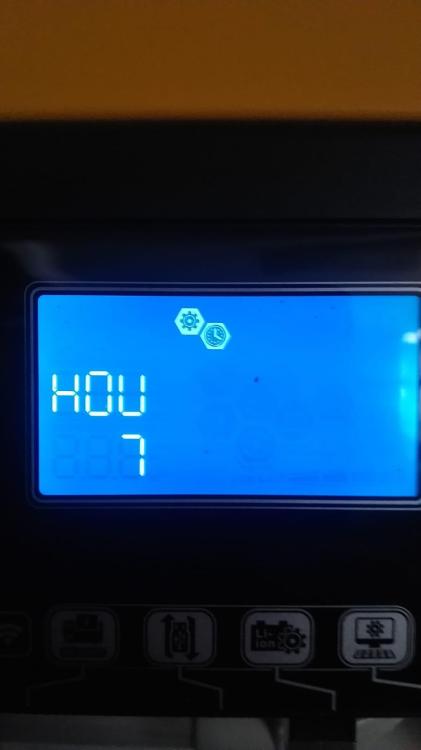


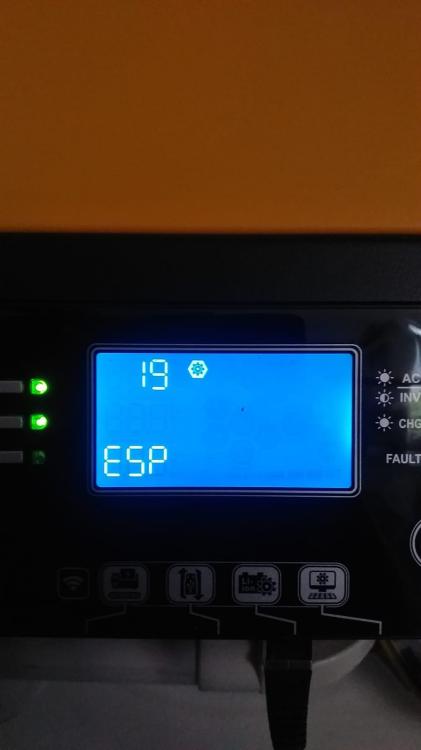


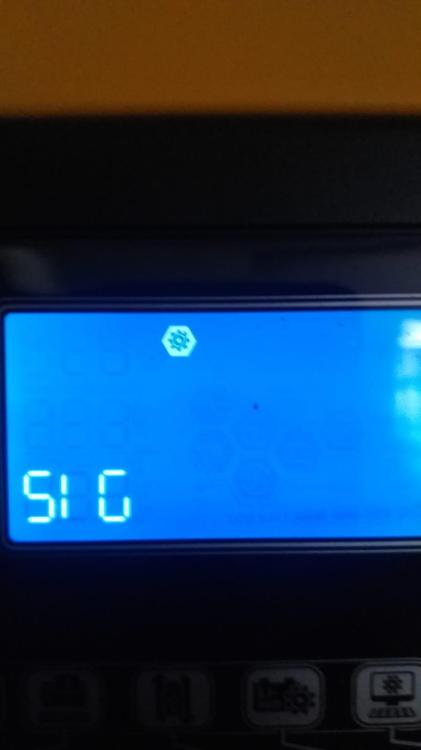


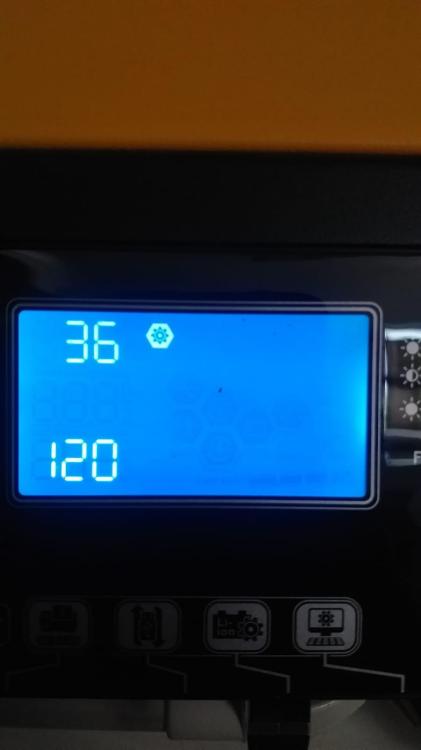




-
IS there anyone in the Western Cape that can get new cells and a bms for the us3000c Battery??
-
OK i opened the battery up and i see that we also have swollen cells. the other us2000c is working 100% so what would of caused this and is there anyone that can get and install replacement cells and perhaps the bms also please??
-
I am having an issue with one of the batteries we have in the installation. Its a us3000c, it keeps giving an internal comms alarm when vied on batteryview. when discharged, when the inverter usually switched over to main, the other batteries in the system are working fine, just this US3000c. can it be the battery only has 1400 cycles. and the cells are all fine. Can this be a firmware issue on the battery this battery was bough 5 years ago. the us2000c is still working perfectly.