Skip to content
View in the app

A better way to browse. Learn more.

Power Forum - Renewable Energy Discussion

A full-screen app on your home screen with push notifications, badges and more.

To install this app on iOS and iPadOS
  1. Tap the Share icon in Safari
  2. Scroll the menu and tap Add to Home Screen.
  3. Tap Add in the top-right corner.
To install this app on Android
  1. Tap the 3-dot menu (⋮) in the top-right corner of the browser.
  2. Tap Add to Home screen or Install app.
  3. Confirm by tapping Install.

SP4E

Members
  • Joined

  • Last visited

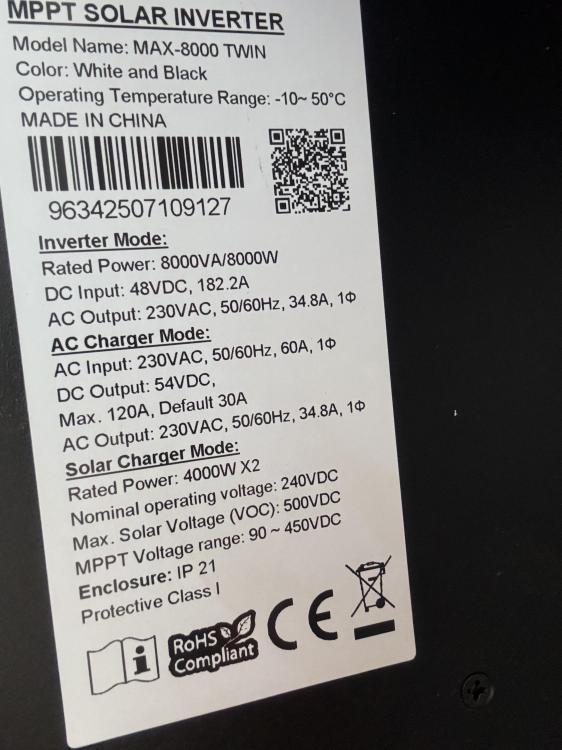
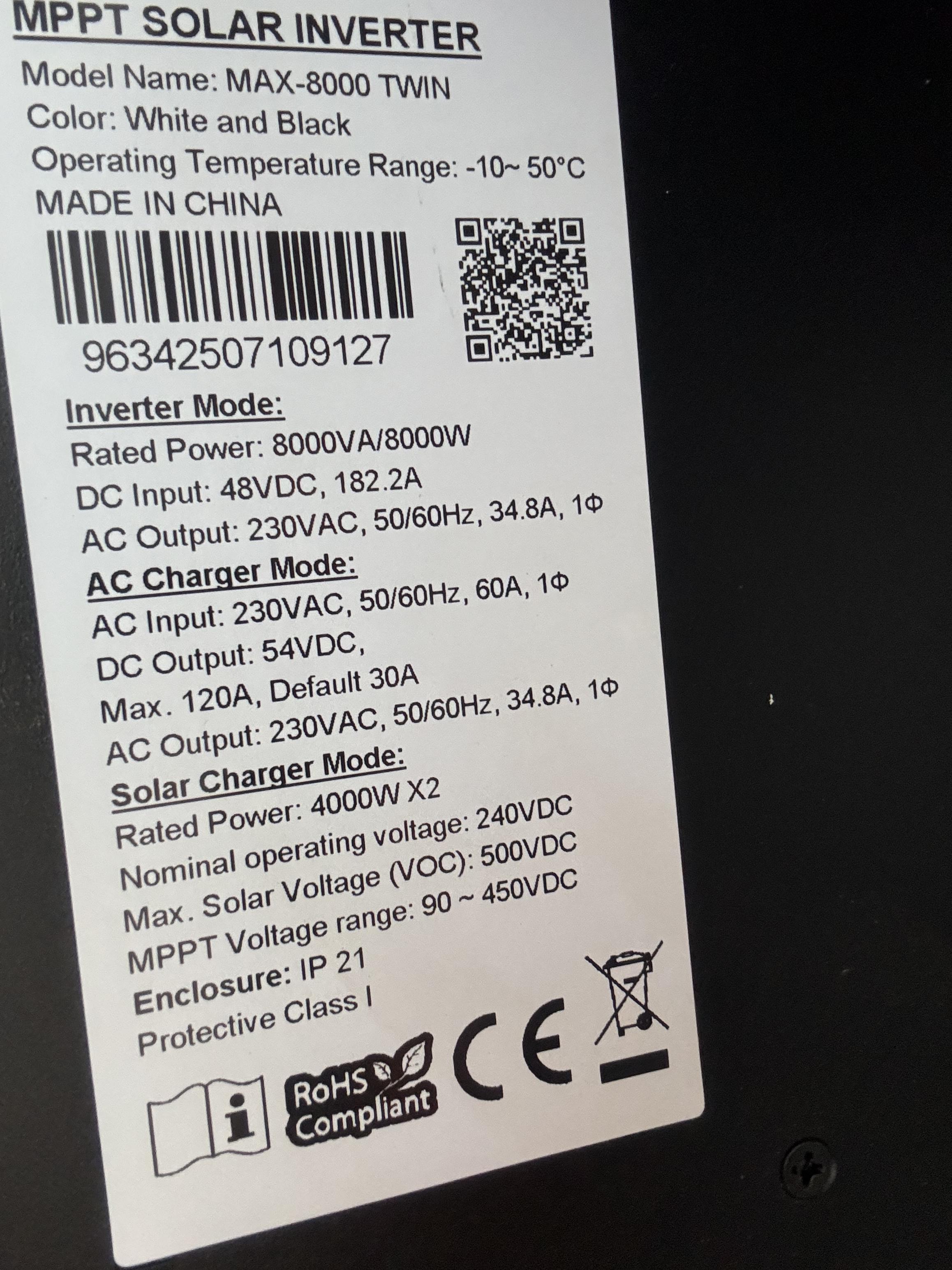
  1. Hi! I’m looking for the latest firmware update for my Axpert Max Twin 8K inverter. I tried connecting a Pylontech Fidus battery through the BMS communication port, but the inverter cannot establish communication with it. The battery currently works only in User-Defined mode, without BMS communication. Does anyone have a compatible firmware version or know whether this battery is supported? I would also appreciate instructions on how to safely update the firmware. Main CPU Firmware: 77.10 Secondary CPU Firmware: 38.18 Thanks in advance!
Account

Navigation

Search

Search

Configure browser push notifications

Chrome (Android)
  1. Tap the lock icon next to the address bar.
  2. Tap Permissions → Notifications.
  3. Adjust your preference.
Chrome (Desktop)
  1. Click the padlock icon in the address bar.
  2. Select Site settings.
  3. Find Notifications and adjust your preference.