Skip to content
View in the app

A better way to browse. Learn more.

Power Forum - Renewable Energy Discussion

A full-screen app on your home screen with push notifications, badges and more.

To install this app on iOS and iPadOS
  1. Tap the Share icon in Safari
  2. Scroll the menu and tap Add to Home Screen.
  3. Tap Add in the top-right corner.
To install this app on Android
  1. Tap the 3-dot menu (⋮) in the top-right corner of the browser.
  2. Tap Add to Home screen or Install app.
  3. Confirm by tapping Install.

Peet Welthagen

Members
  • Joined

  • Last visited

Everything posted by Peet Welthagen

  1. Thank you very much for the help, I will definitely upgrade and get the Raspberry Pi and software
  2. Thanx Coulomb
  3. Hi @wolfandy attached is my setup, with 21 250w panels
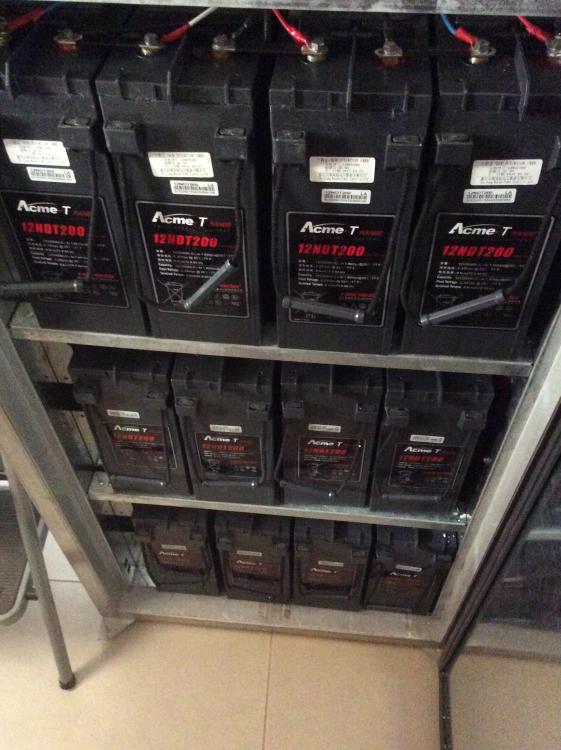
  4. I am not sure, were do I check if it is Axperts, and where is the best place to purchase a Raspberry Pi. Sorry for al the questions, but I am only start to learn from this forum now
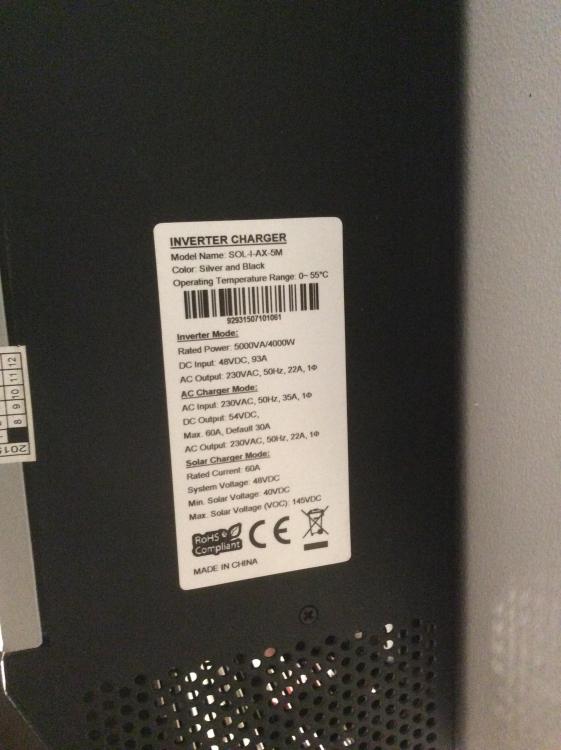
  5. Good day, I just want to know what is the best option, to remotely control my 2x Mecer 5000 kva inverters. I have a mac computer and the inverters is in my garage. I do have wifi as well. What do I need to work from my Mac. Regards

Account

Navigation

Search

Search

Configure browser push notifications

Chrome (Android)
  1. Tap the lock icon next to the address bar.
  2. Tap Permissions → Notifications.
  3. Adjust your preference.
Chrome (Desktop)
  1. Click the padlock icon in the address bar.
  2. Select Site settings.
  3. Find Notifications and adjust your preference.