Skip to content
View in the app

A better way to browse. Learn more.

Power Forum - Renewable Energy Discussion

A full-screen app on your home screen with push notifications, badges and more.

To install this app on iOS and iPadOS
  1. Tap the Share icon in Safari
  2. Scroll the menu and tap Add to Home Screen.
  3. Tap Add in the top-right corner.
To install this app on Android
  1. Tap the 3-dot menu (⋮) in the top-right corner of the browser.
  2. Tap Add to Home screen or Install app.
  3. Confirm by tapping Install.

Adnan

Members
  • Joined

  • Last visited

Everything posted by Adnan

  1. Hi Muk can you tell me the fan model or any information about fans, you used for infini?
  2. Hi Ivan which is the suitable and safe frequency to avoid this problem? Because i have the same problem but not with Earth leakege but with the inverter,Every time when grid trip off the inverter start working with batteries without any problem but when grid come back the inverter trip and restart automatically. I can't understand the real factor of this problem. Regards
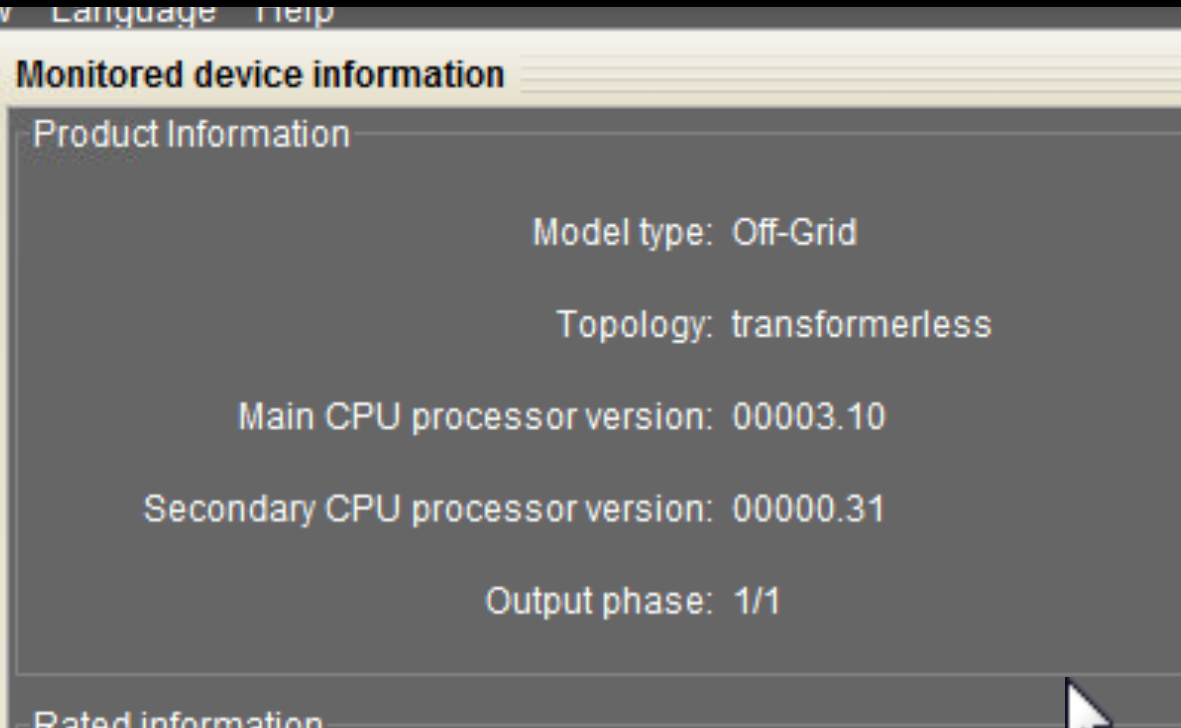
  3. Dear Prasert1965 I'm facing the same seeting error for different settings.Could you share the method with us to resolve this problem? p.s My infini unit is not plusk but simple 3kw. Best regards and thanks to all of you guys.
Account

Navigation

Search

Search

Configure browser push notifications

Chrome (Android)
  1. Tap the lock icon next to the address bar.
  2. Tap Permissions → Notifications.
  3. Adjust your preference.
Chrome (Desktop)
  1. Click the padlock icon in the address bar.
  2. Select Site settings.
  3. Find Notifications and adjust your preference.