Skip to content
View in the app

A better way to browse. Learn more.

Power Forum - Renewable Energy Discussion

A full-screen app on your home screen with push notifications, badges and more.

To install this app on iOS and iPadOS
  1. Tap the Share icon in Safari
  2. Scroll the menu and tap Add to Home Screen.
  3. Tap Add in the top-right corner.
To install this app on Android
  1. Tap the 3-dot menu (⋮) in the top-right corner of the browser.
  2. Tap Add to Home screen or Install app.
  3. Confirm by tapping Install.

batmax

Members
  • Joined

  • Last visited

Everything posted by batmax

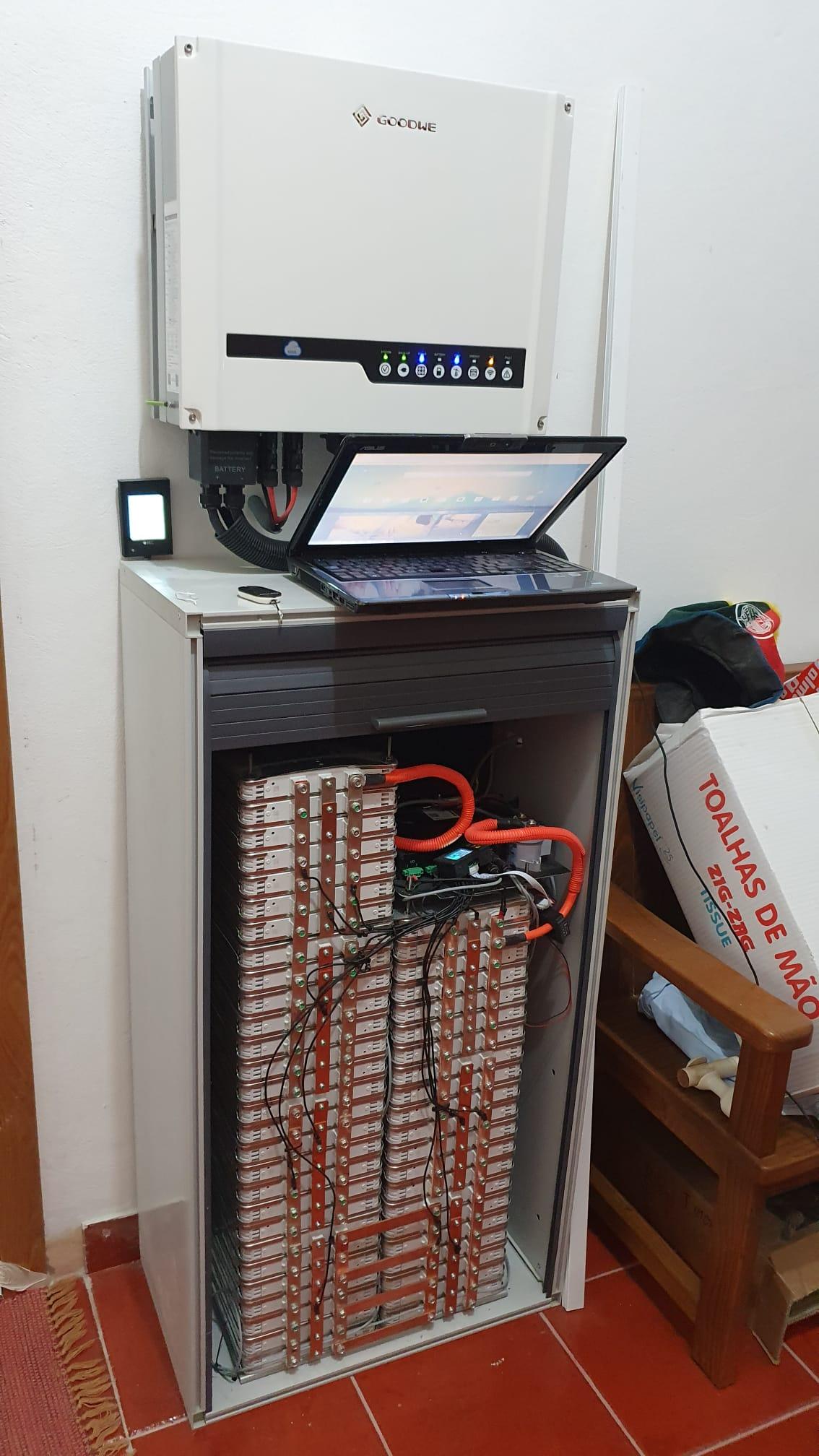
  1. is possible to choose the ip in my case i have two es 5048 installed ?
  2. Thanks for add me :), really nice your app Novo projeto.avi
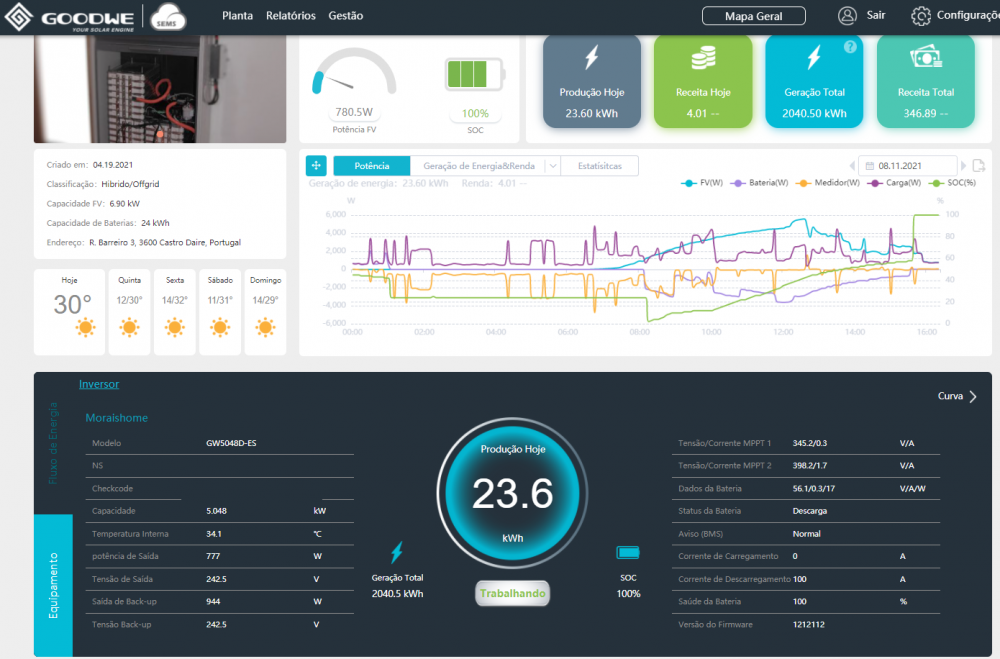
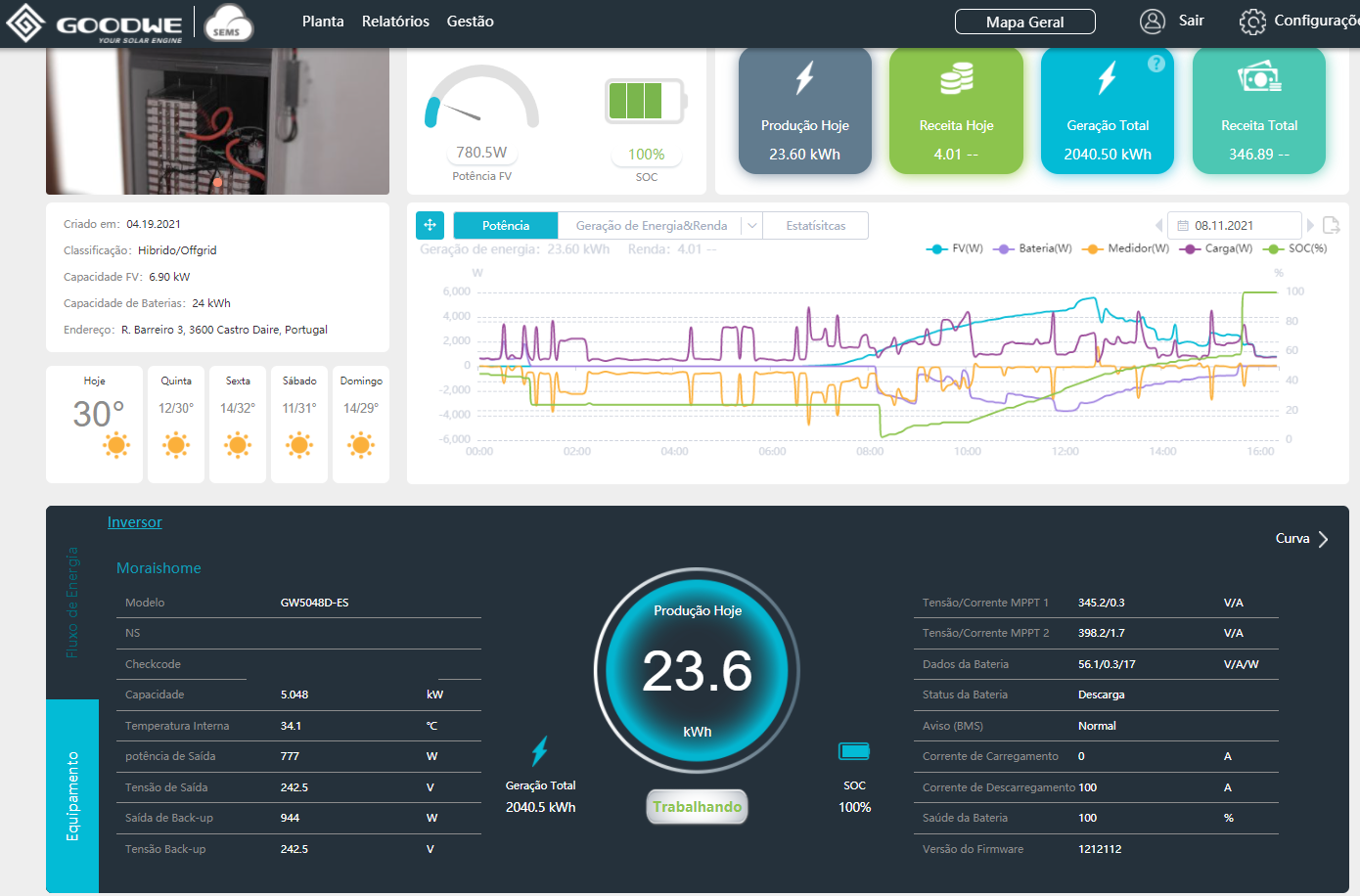
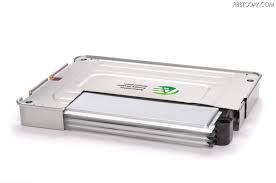
  3. when i refer oem is talking of sems and pv master setups, if you look on the list of batteries, they have the default for custom like me with leaf pack but the big issue i am getting is the limitation of 100Ah of capacity of battery they have as option and i know more ppl like me with same problem pack when I have a 24kw/420Ah capacity it should be possible edit the Ah like Sma Sunny Island for example. With these option o 100Ah only can extract 5Kw from my bateriebank :(, anyone help on these, maybe need to open other Thread for discuss ?
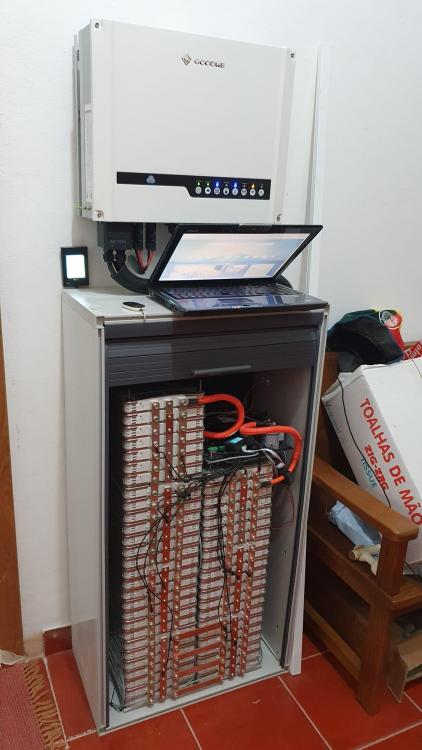
  4. in oem data default soh comes limited to 100ah, is possible edit in your version ?

Account

Navigation

Search

Search

Configure browser push notifications

Chrome (Android)
  1. Tap the lock icon next to the address bar.
  2. Tap Permissions → Notifications.
  3. Adjust your preference.
Chrome (Desktop)
  1. Click the padlock icon in the address bar.
  2. Select Site settings.
  3. Find Notifications and adjust your preference.