Skip to content
View in the app

A better way to browse. Learn more.

Power Forum - Renewable Energy Discussion

A full-screen app on your home screen with push notifications, badges and more.

To install this app on iOS and iPadOS
  1. Tap the Share icon in Safari
  2. Scroll the menu and tap Add to Home Screen.
  3. Tap Add in the top-right corner.
To install this app on Android
  1. Tap the 3-dot menu (⋮) in the top-right corner of the browser.
  2. Tap Add to Home screen or Install app.
  3. Confirm by tapping Install.

Asher-02

Members
  • Joined

  • Last visited

Everything posted by Asher-02

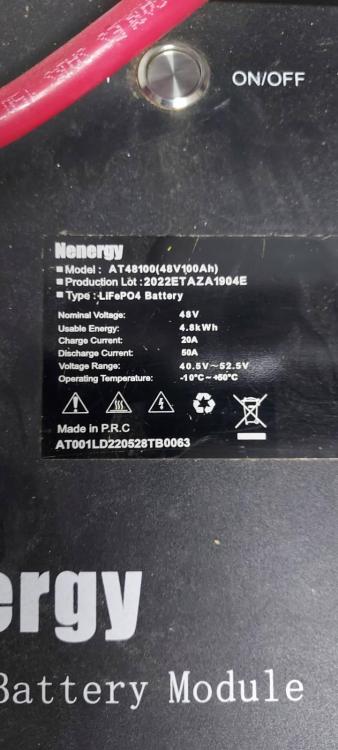
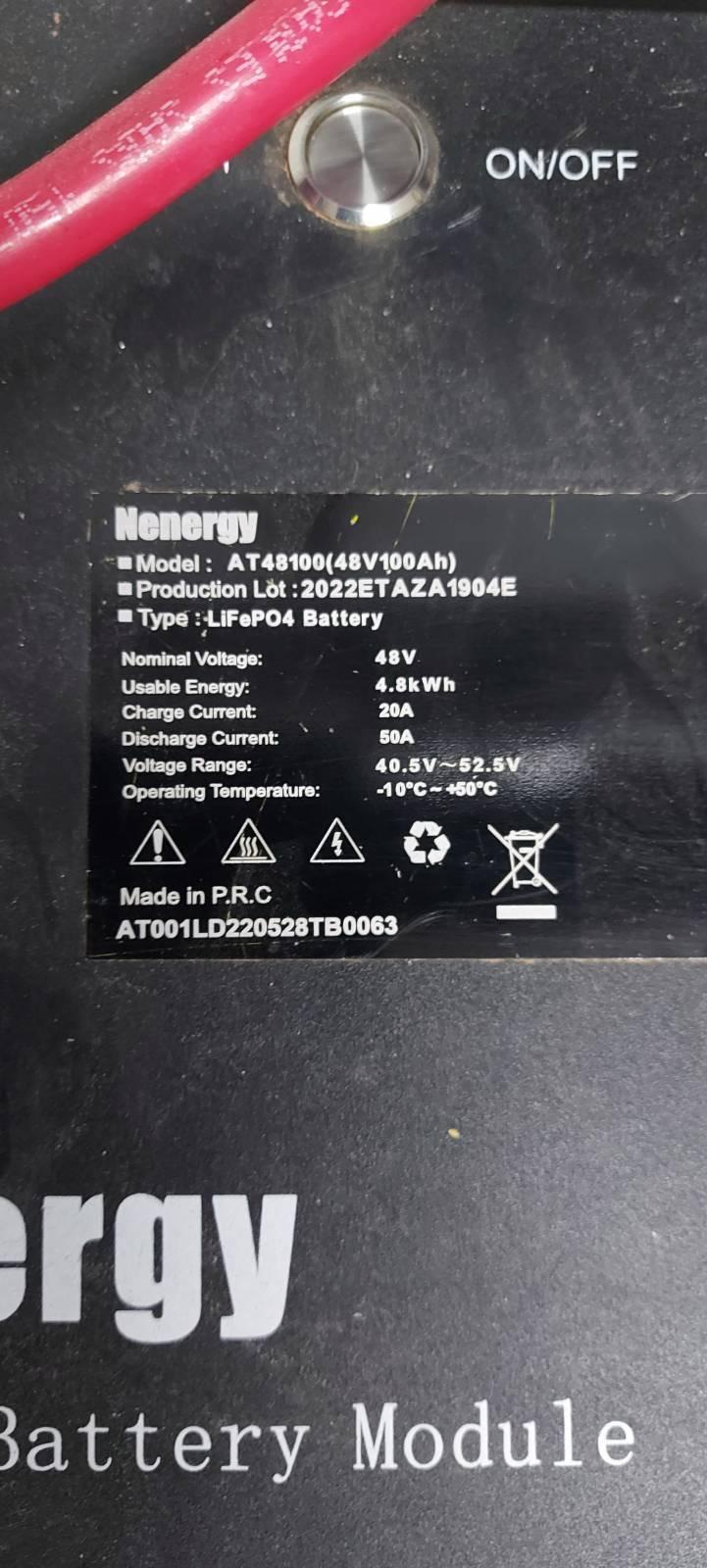
  1. have kodak 0g7.2 and nenergy at48100 battery, anybody managed to get it to communicate, no manual for battery either
  2. Just had a new inverter installed SPF5000ES on the 31st march and came with the below version Property: 113.01/114.01//A0B0D0T1P0U0M3S2 New firmware looks to be 113.xx and 114.xx
Account

Navigation

Search

Search

Configure browser push notifications

Chrome (Android)
  1. Tap the lock icon next to the address bar.
  2. Tap Permissions → Notifications.
  3. Adjust your preference.
Chrome (Desktop)
  1. Click the padlock icon in the address bar.
  2. Select Site settings.
  3. Find Notifications and adjust your preference.