Skip to content
View in the app

A better way to browse. Learn more.

Power Forum - Renewable Energy Discussion

A full-screen app on your home screen with push notifications, badges and more.

To install this app on iOS and iPadOS
  1. Tap the Share icon in Safari
  2. Scroll the menu and tap Add to Home Screen.
  3. Tap Add in the top-right corner.
To install this app on Android
  1. Tap the 3-dot menu (⋮) in the top-right corner of the browser.
  2. Tap Add to Home screen or Install app.
  3. Confirm by tapping Install.

rizwan

Members
  • Joined

  • Last visited

Everything posted by rizwan

  1. sir this model mks ? ks? kindly inform me plz
  2. the second inverter is ok working after frimware but this model still foult the solar time sir you have this model frimware this model mppt v 160last and second inverter pwm pv v 100v last
  3. sir you have mks 3kva plus mppt frimware
  4. Sir, this model is completely different That head is MPpt and this is PWM
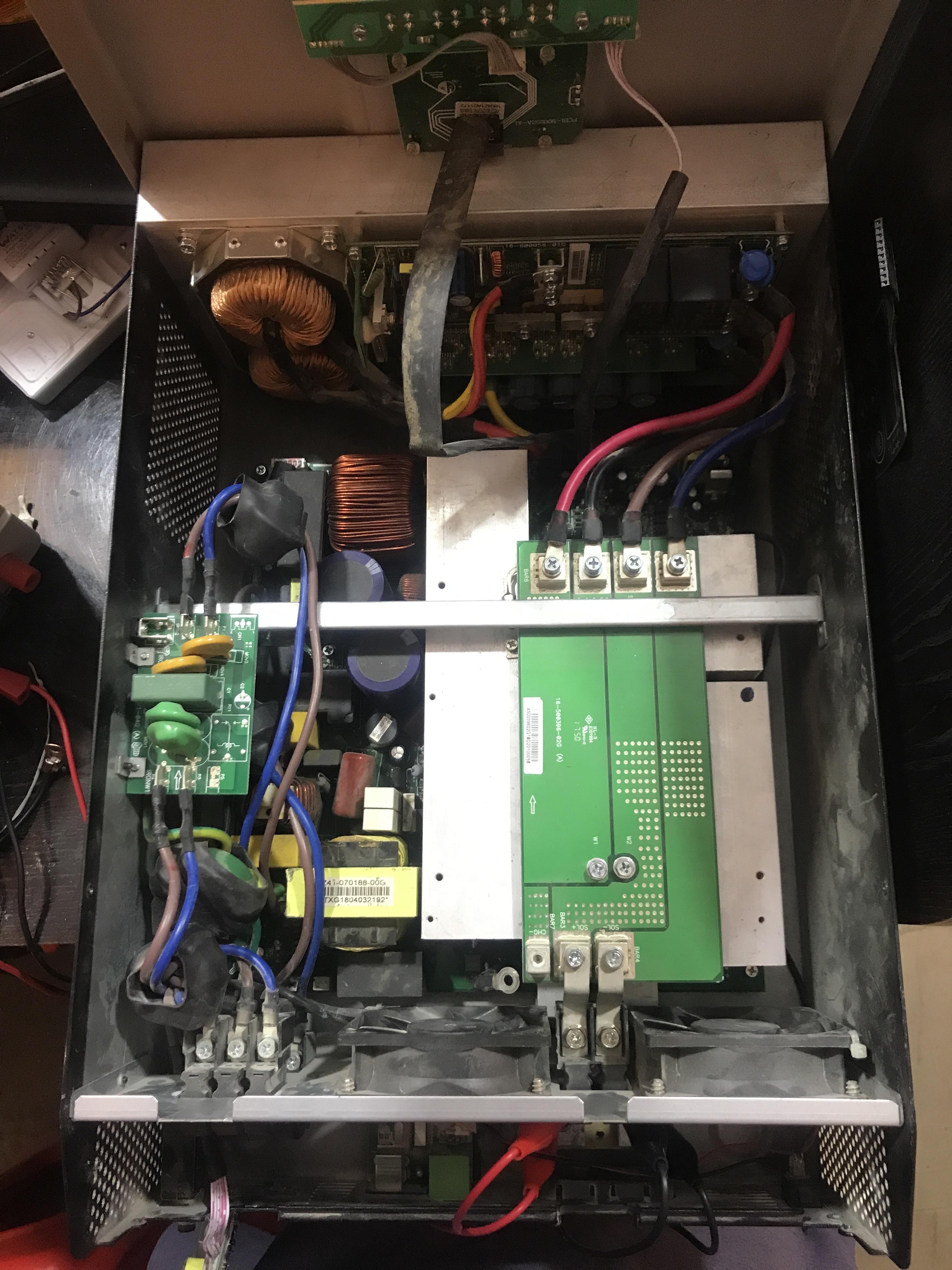
  5. hello sir u have this model frimware men board and scc
  6. yes sir i check them solar voltage 33v but solar display showing but charging not start i think sir frimware issue

Account

Navigation

Search

Search

Configure browser push notifications

Chrome (Android)
  1. Tap the lock icon next to the address bar.
  2. Tap Permissions → Notifications.
  3. Adjust your preference.
Chrome (Desktop)
  1. Click the padlock icon in the address bar.
  2. Select Site settings.
  3. Find Notifications and adjust your preference.