rizwan
Members
-
Joined
-
Last visited
-
: “Yes, I have it. I also have another unit available. I have plenty of DSPs in stock, and I both repair and do business in this field. So right now, the other model is available to me, but the DSP card for this specific model is not available. Because of this, I am adapting/designing a DSP card from another model to use on it.”
-
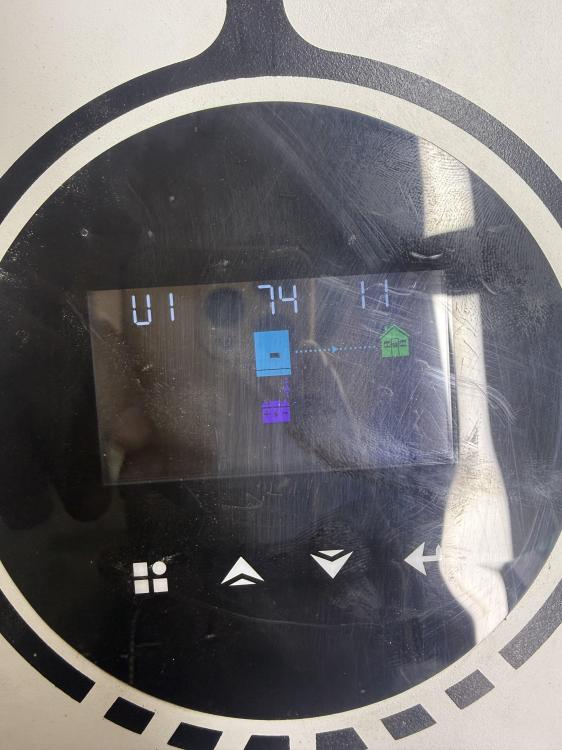
Hello, I have a 6.2 kW hybrid inverter. Both my inverter’s IC chip number and main DSP board number match your specifications. I would like to request the U1 firmware version 74.11 for my inverter. Could you please provide me the firmware file and instructions to safely update it? Thank you.
-
Victor nm eco 6.2kw
-
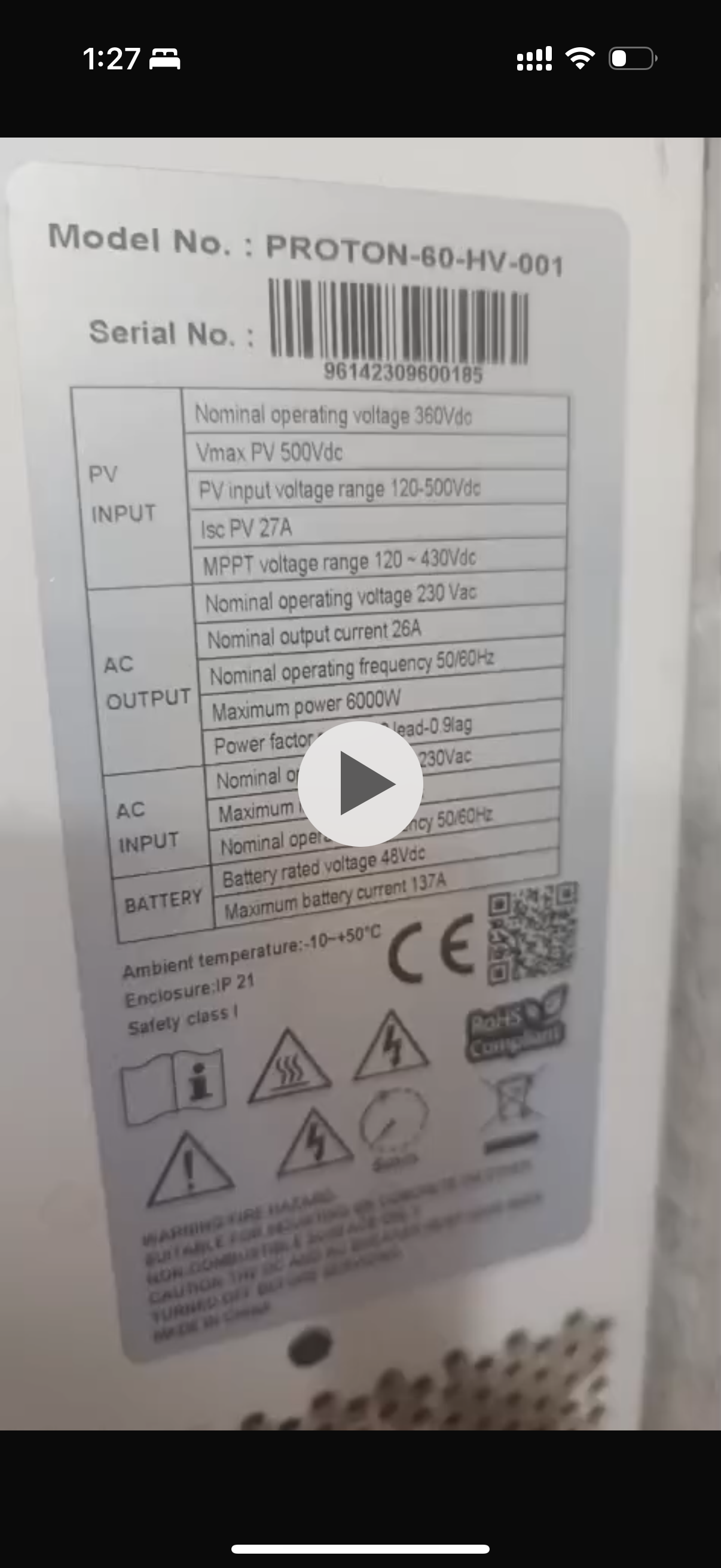
This is the main sticker that is on the main board. I found you. Can you help me with this?

-
If I can find a 37.3 frimware or a 74.3 frimware, both can work for me.
-
If I get the framer for this model, my problem will be solved. I will make this framer and install it directly on it. Then the family of the picture I sent is telling me 74.03. So this model is telling me, so please confirm it. It is the February version of 37.03.
-
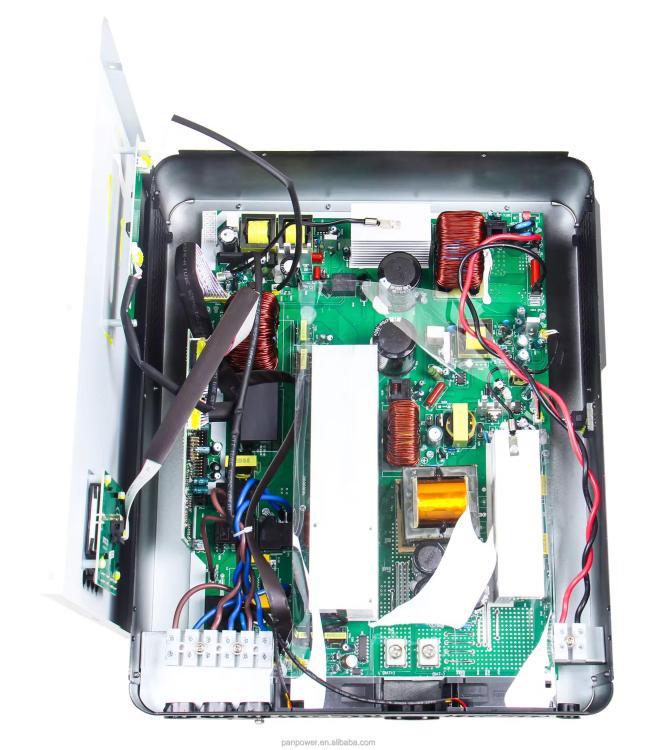
Both have the same boot and there is some difference in the board which is that they have a separate PT and it is installed in one board along with it but the primer that I have in Watch Power is 74 03 now I don't understand where I can get this firmware and where I can get this software and I have also shared the picture of the board here and I have shared the pictures of its main DSP but I don't know its completeness and which version of its firmware is running at the moment which is 37.03 is not available anywhere and if it is available then I am not sure that it will be installed in it.

-
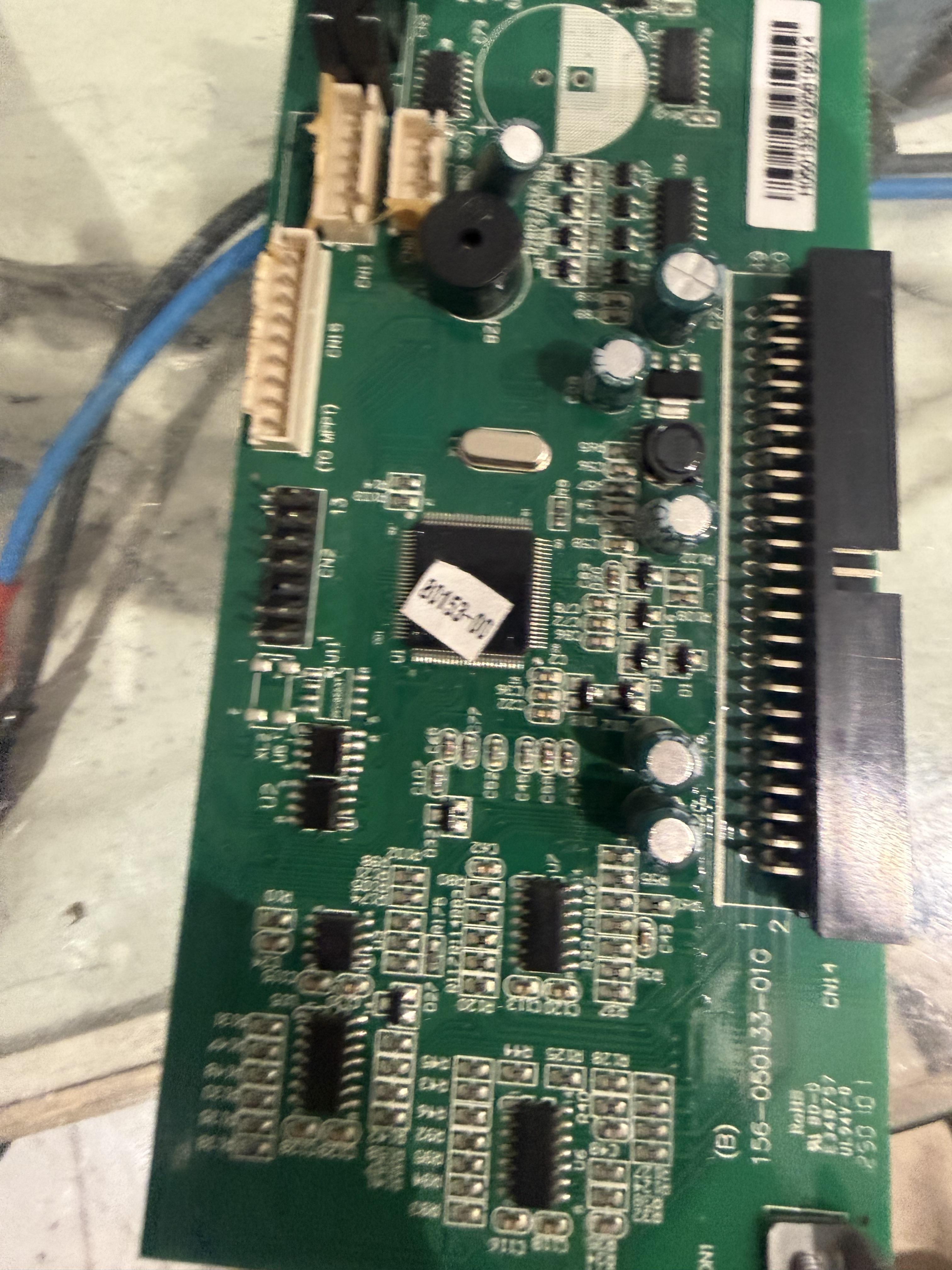
Hi everyone, I am looking for the original firmware file for my hybrid solar inverter. Here are the technical details of the board and the unit: Inverter Model: Crown Relax 4.2kW 24V (Dual Output version) Main Board Part Number: 156-050133-00G Main DSP Chip: Texas Instruments TMS320F28062PZ Current Firmware Version (from WatchPower): U1 74.03 Hardware Setup: This is a dual-output model with MPPT and Main Board integrated. I have several spare DSP boards from the "Relevo" single-output model (same part number 156-050133-00G) and I want to flash them with the 74.03 firmware to enable Dual Output functionality on my Relax unit. Since the TMS320 chip is locked, I cannot read/copy it. Does anyone have the .exe reflash tool or the .bin/.hex file for version 74.03? Any help would be greatly appreciated!
-
This dsp card

-
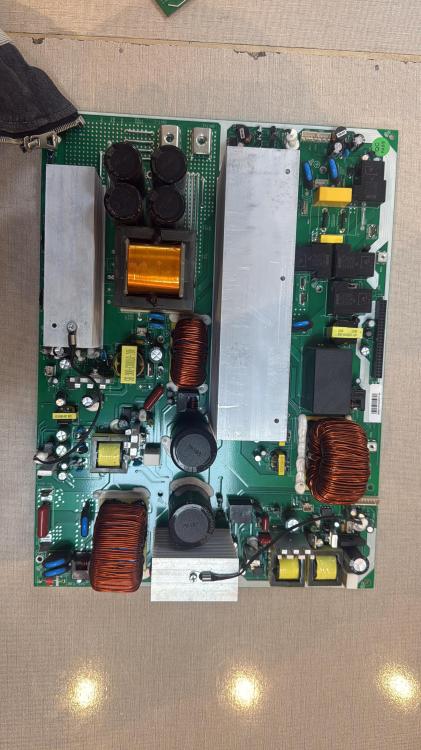
Can anyone tell me the name of this model and does anyone have the firmware for this model?
-
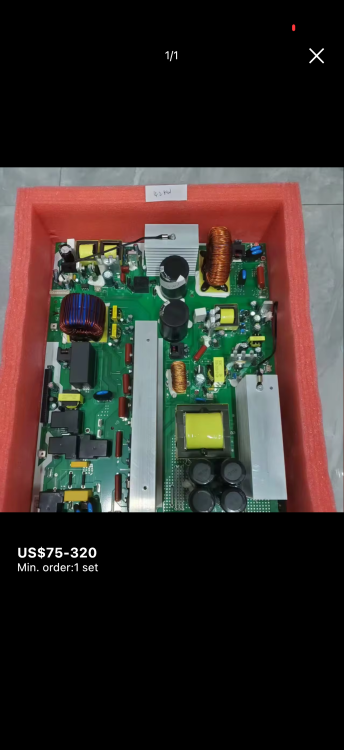
Are there any companies in China that make good quality PCBs for Voltronic and any model? If there is a reliable person, a company, or someone who has any contact information, please share it with us so that it is reliable.
-
-
Well, I will send you all the pictures etc. in the morning,
-
What is the difference between the firmware of a Sako inverter and the firmware of a Voltronic inverter, and how do you know which firmware can work with which model?
-
Can you give me a picture of the solar power software that you use