


GrIn
Members
-
Joined
-
Last visited
Everything posted by GrIn
-
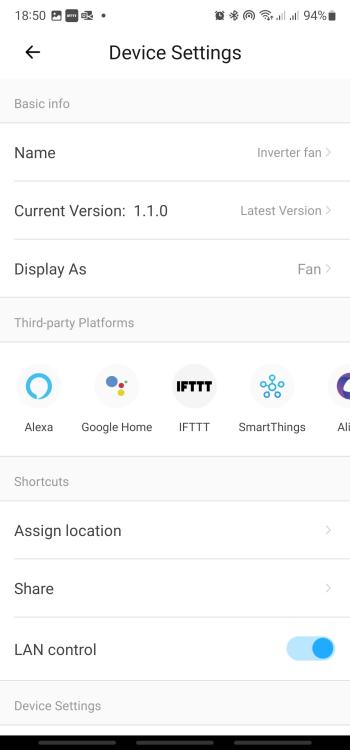
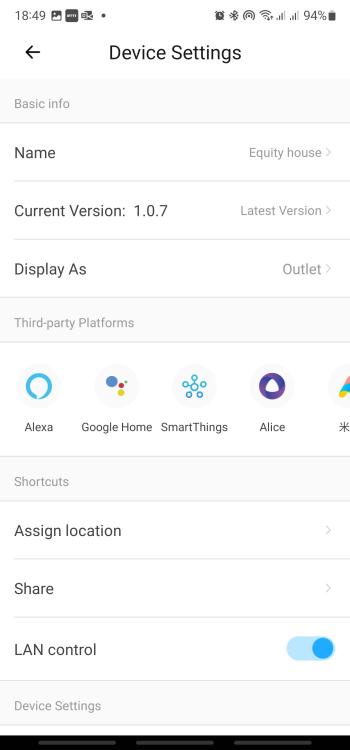
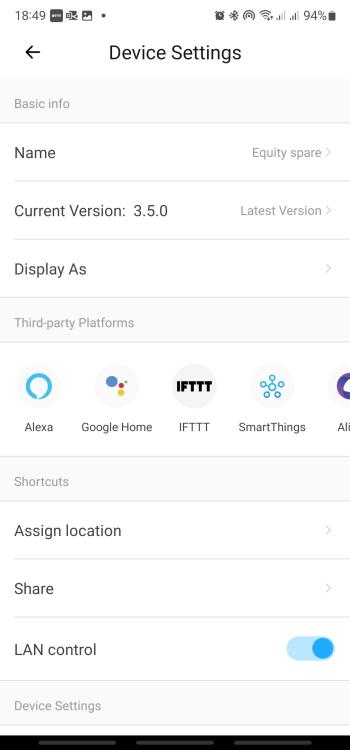
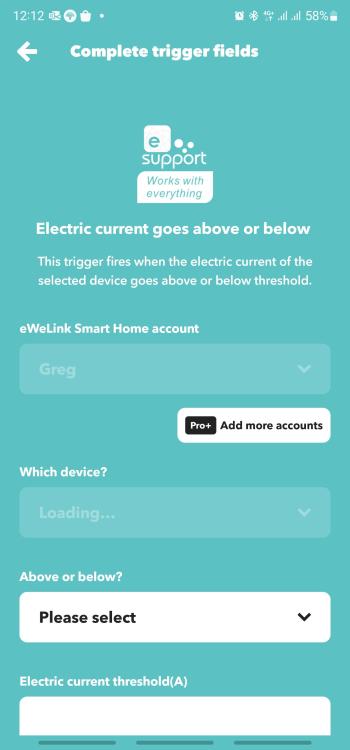
I'm stuck... I am wanting to setup an IFTTT rule that switches a Sonoff Powr Elite off when the current flowing through another Sonoff Powr Elite exceeds a set level, and then back on when the current drops. Basically, switch off geysers and pool pump when someone switches on the kettle/microwave/toaster/dishwasher etc. to protect the inverter. I can access all of my (>20) Sonoff devices, and can control all of them via the App or web. I can build IFTTT rules for all them - except the POWR320d's. I can even build an IFTTT temperature or humidity based rule with a Sonoff Elite TH unit I have (it switches a secondary fan to cool my inverters). I've subscribed to the eWeLink Advanced Plan. The POWR Elite units are on the latest available firmware (1.0.7). IFTTT does not appear under "Third Part Platforms" on these 2 units, but appears on all my other units (including the Elite TH units, which is on firmware 1.0.11). I'm clueless as to what to try next... Any help would be greatly appreciated!
-
Hi Kieftus. I have just installed a pair of RCT Axpert Max 8kW units, operating in parallel. They replaced a pair of old 4kW 5000VA Axperts. I'm getting lower solar yields from the new units, despite rewiring my panels to take advantage of the higher voltage MPPTs. Is this a known issue? Can you send me a link to the new firmware files please?


