Johannf
Members
-
Joined
-
Last visited
Everything posted by Johannf
-
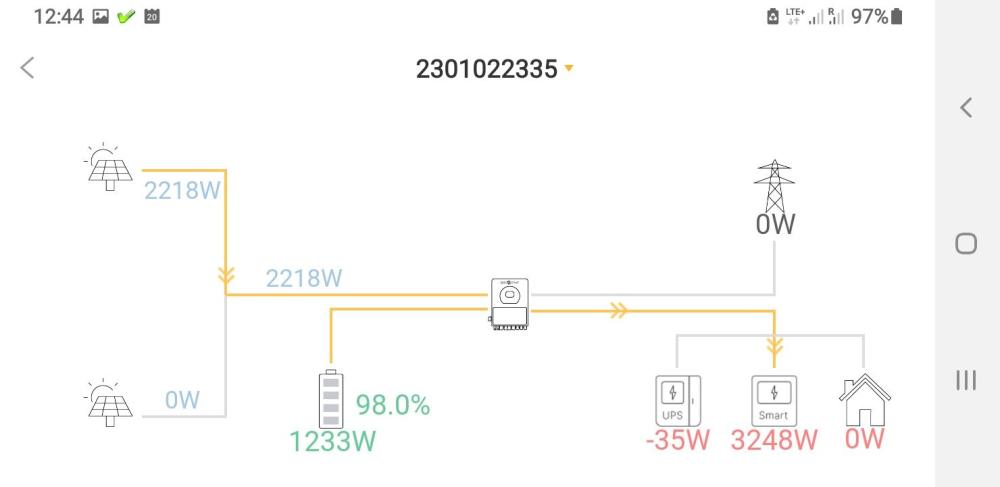
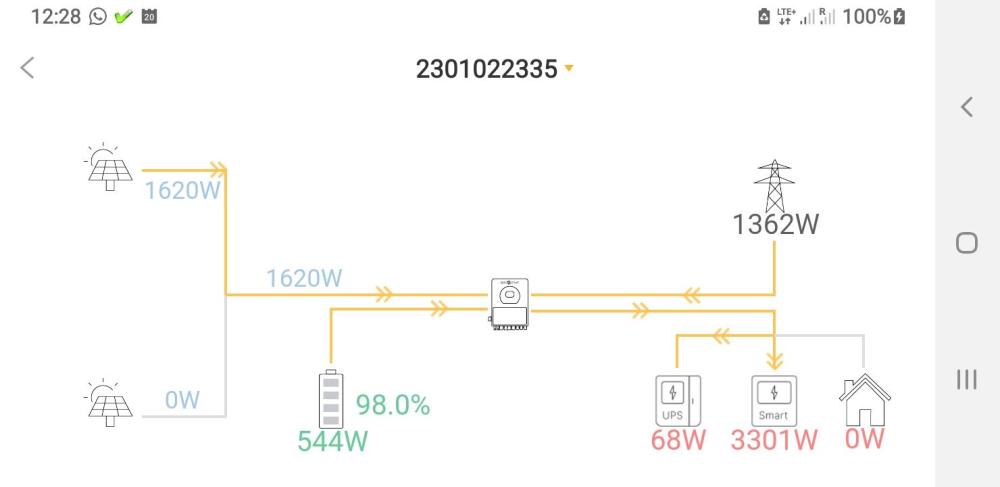
The two images below illustrates what happens when the grid is on or off.
-
So just to clarify. "AUX LOAD ON" means put the aux loads on when then battery is above the set percentage. So setting the aux load on to 50% means it will only put the aux loads on when the battery state of charge is above 50%. "AUX LOAD OFF" means put the aux load off when the battery is below the set percentage. So setting the aux load off to 50% means it will put the aux loads off when the battery state of charge is below 50%. Also, aux loads will only be supplied with solar power, and not with power from the battery. I there a way that the aux load can use power from solar and battery and not from the grid? The only way I found to have the aux load be supplied from battery power is to put the grid power off.
-
Their prices are way cheaper than the solar wholesalers prices! And nobody will be able to do an installation for R 1999! Scammers! https://www.nextgensolar.co.za/product/10kw-growatt-solar-package/