Jakobus
Members
-
Joined
-
Last visited
Everything posted by Jakobus
-
-
If a few solar panels are mounted on building's roof... As in connected to a caravan or motorhome. (Where caravan is shaded by the house or trees most of the day). But not connected to house's certified 230V AC wiring DB board- Wonder if municipality will still have a pain about it. Coct already make use of their aerial imagery data to fine residents for putting up wendy houses and shade cloth carports or additions without approved plans. These pictures are in the public domain on their website. From around 1926 to 2023. https://citymaps.capetown.gov.za/EGISViewer/ From the layer list select imagery and select a date. Then zoom in to find your house.
-
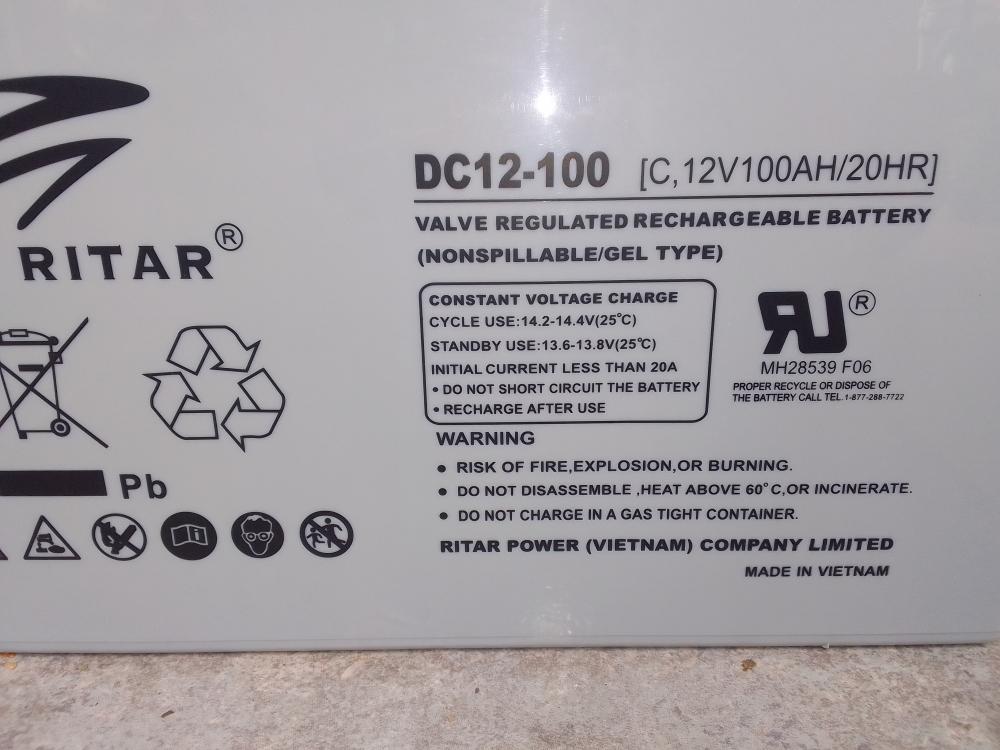
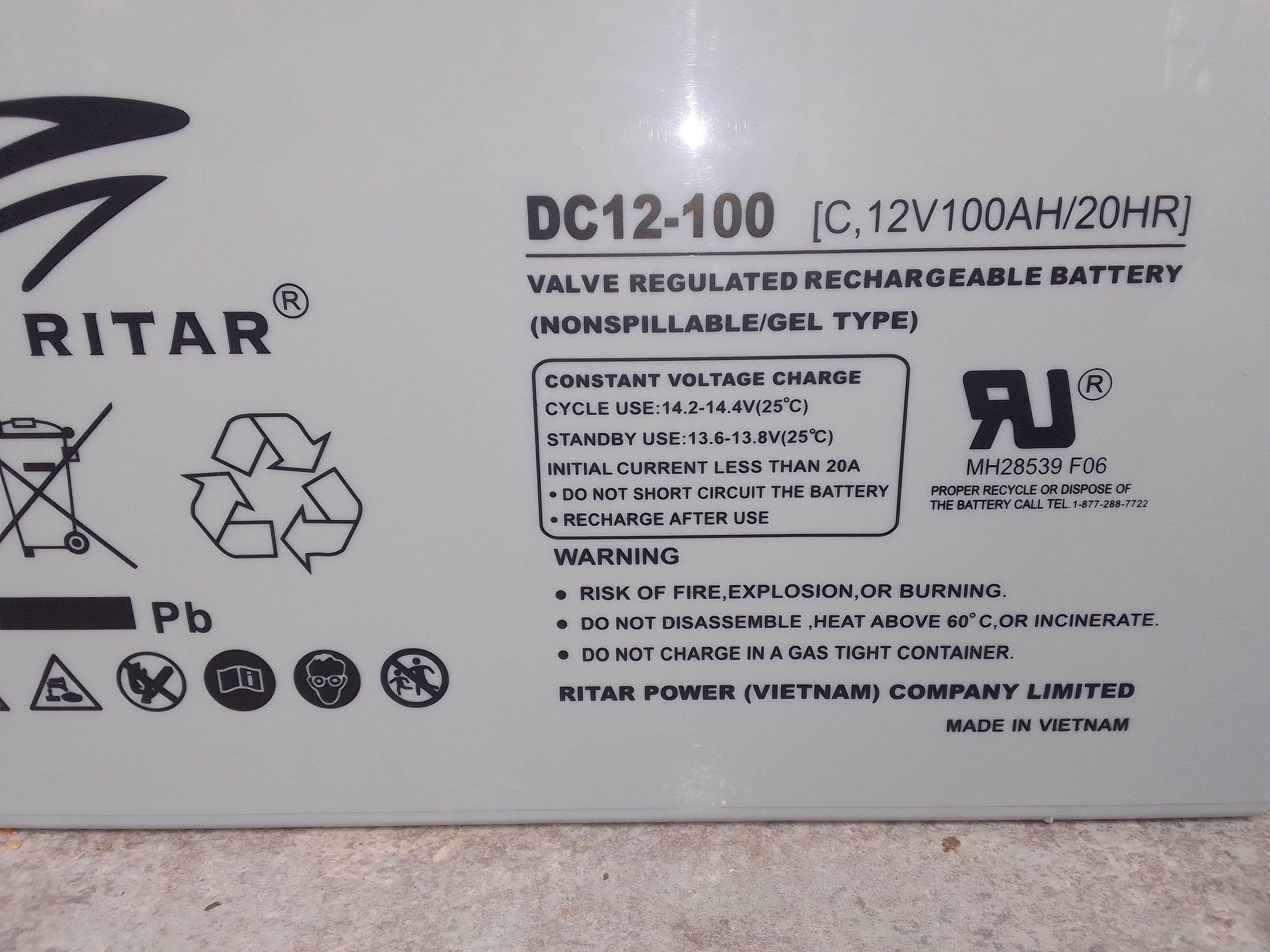
Looking for the full specs on these batteries. To see where else they differ from Ritar's other lead carbon batteries aside from the lower charge current.
-
Ordered, payed, and picked up two Ritar DC12-100C Lead Carbon batteries today. The stores people mentioned that these are indeed "c version/ lead carbon" batteries, marking on batteries just different. What i got have different markings compared to pictures of other DC12-100C batteries. It says "initial current less than 20A". (Other pictures show 30A). Also mentions "gel". Made in Ritar's Vietnam factory. Could this just be a gel version instead of agm type of their lead carbon battery?