chrisc
Members
-
Joined
-
Last visited
-
-
Was given this by a friend who vacated his rental house in Dec 2025 as it was to be renovated by the owner He ended up in a flat so could not use it and since passed away. I gave his widow R500 for it I have no means of testing it, apart from connecting a 220 volt supply to see it comes on Please collect in Cape Town southern suburbs.
-
-
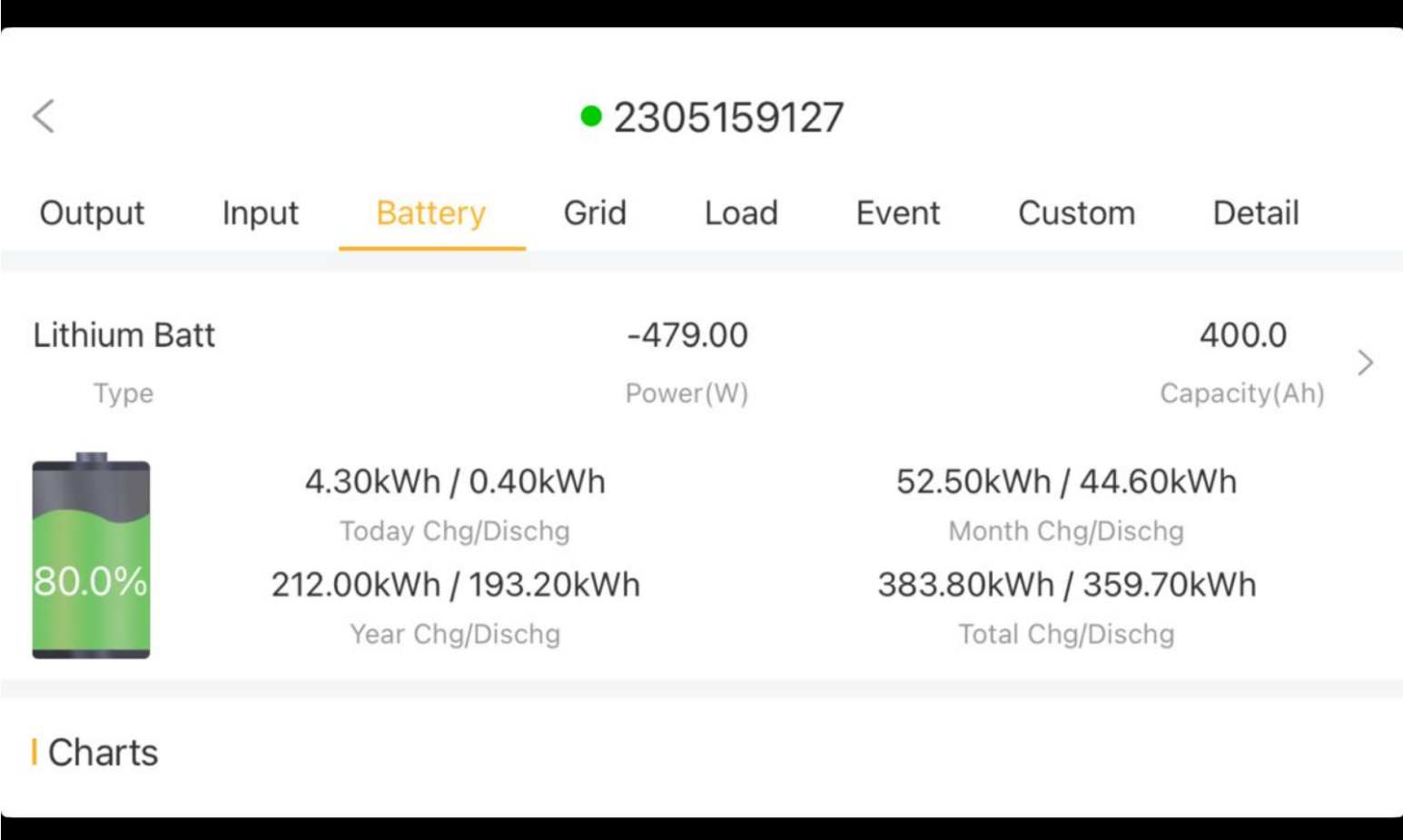
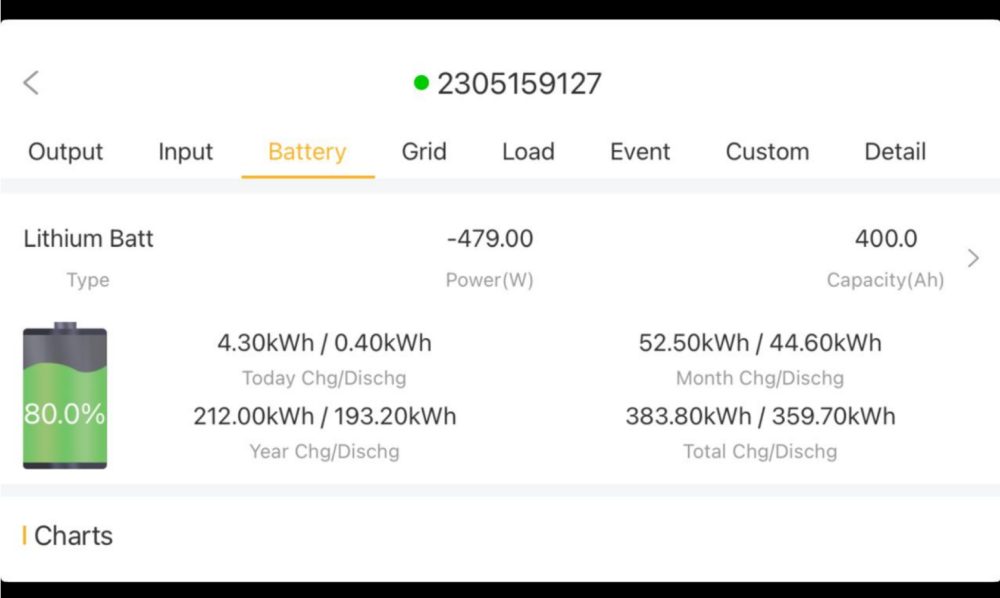
Used the app on an iPad and got this result Thank you for your assistance
-
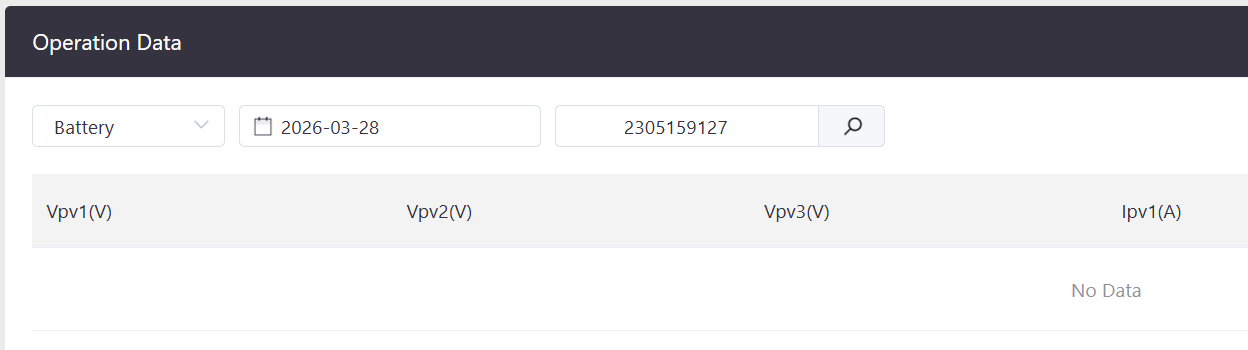
Did that This is what I see

-
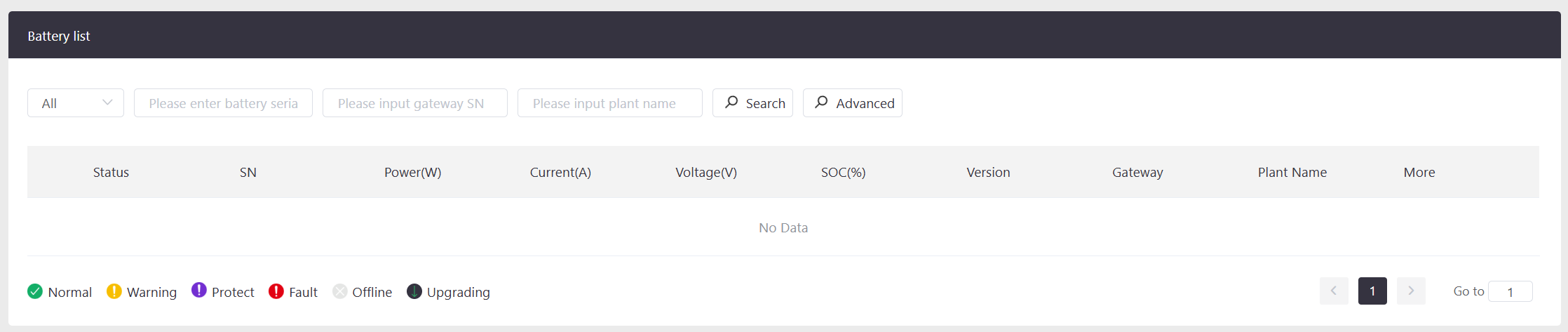
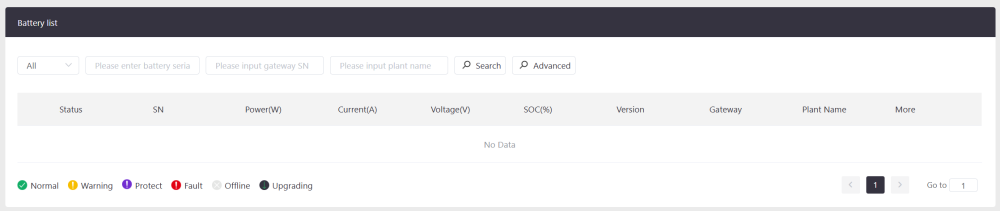
The batteries are SHOTO Sdc Box 10 Battery 1 is connected via the CAN port on battery and inverter Batteries 2, 3 and 4 are connected using the RS485 ports to battery 1 The battery list on Synsynk connect shows nothing
-
-
In the greater Cape Town transmission system, individual blocks can be managed at a switching control station in Newlands. It even goes as far as individual sub-stations if necessary On the wall, measuring 12m x 4m is a display of the area served by City of Cape Town as far as Gordon's Bay. Each sub-station is identifiable and the operator can see the local load If for instance a sub-station in Fish Hoek fails or is undergoing maintenance, supply can be diverted (up to a point) from another area
-
I contacted Pablo at Sunskyn and he arranged a firmware upgrade for the inverter The Remote option appeared and many more options on the mobile phone app Helpful guy - [email protected]
-
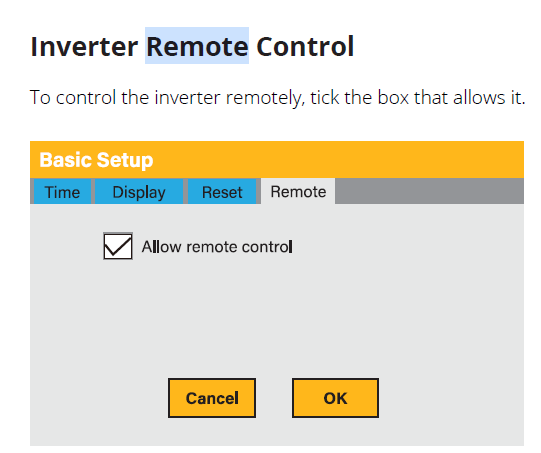
The manual, under "Basic Setup" offers a Remote Control facility Has this option been discontinued? On the unit I am using, this option is not there
-
-
How do you specify a charge rate for a specific time period?
-
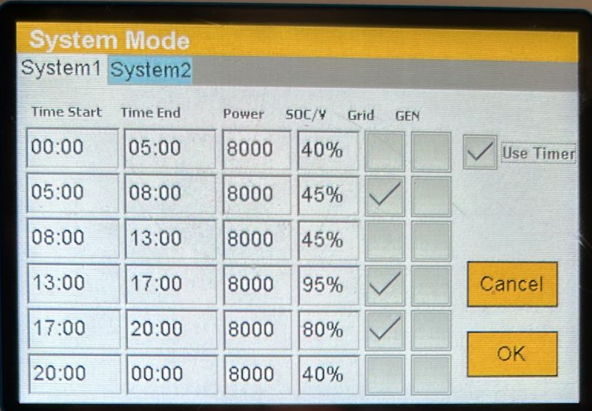
Reading the installer manual carefully, I note the following: Solar always charges the batteries If a time period is set to grid-charge at 75%, then the grid will only commence charging if the SOC is below that value at the commencement of the charging period Example: The time period is set to,operate from 15:00 to 19:00 at 75%. AC is switched on. At 15:00, the SOC was 84%. Therefore grid charging did not start This is exactly how I envisaged it should work. This is not well explained in the training manual, a lot of which seems to apply to oldder models
-
Your suggestion sounds sensible The geyser is not powered by the inverter. It has its own solar system managed by a Geyserwise ECO, been in 10 years now Line 4 - 13:00 to 17:00 95%. Does this mean that the grid will switch on (for charging) if the SOC is below 95% or does it mean it won't charge higher than 95% What does the power column do? Does it restrict the output? Here's my latest effort
-
There are 4 batteries 1 and 2 connect to disconnect switch A 3 and 4 connect to disconnect switch B Negative connects to disconnect switch C The output of A and B are bridged
-
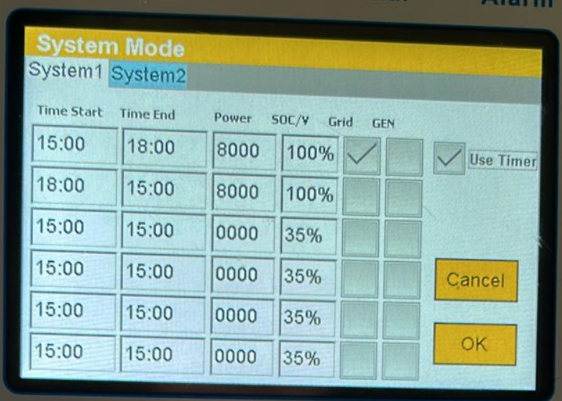
Thank you I had done exactly this over the past 3 days. After replacing the batteries, it registered 100% SOC within an hour There is one setting that puzzles me This is the System mode timer. What does the % column indicate? As mentioned before, AC is off from October to mid-March For the period 16th March to 30th September, there is insufficient PV power to run the house 24 hours a day. It needs grid input for some of the time. By 15h00 the PV panels will have charged the batteries a bit, unless its a cloudy overcast day, of which there are a lot of in a Cape Town winter I programmed the System mode as follows: Is this the correct approach, or am I reading the instruction book incorrectly? Thanks (again)
-
I fitted a 12cm fan on the inlet on the RHS Its a 12 volt fan, powered by the 12V DC supply in the inverter The temp used to reach 61 deg, now it never goes above 52 deg. On Monday 16th it was 38 deg outside and the inverter showed 52 deg Right now it is 26 deg outside, the inverter is 46 deg
-
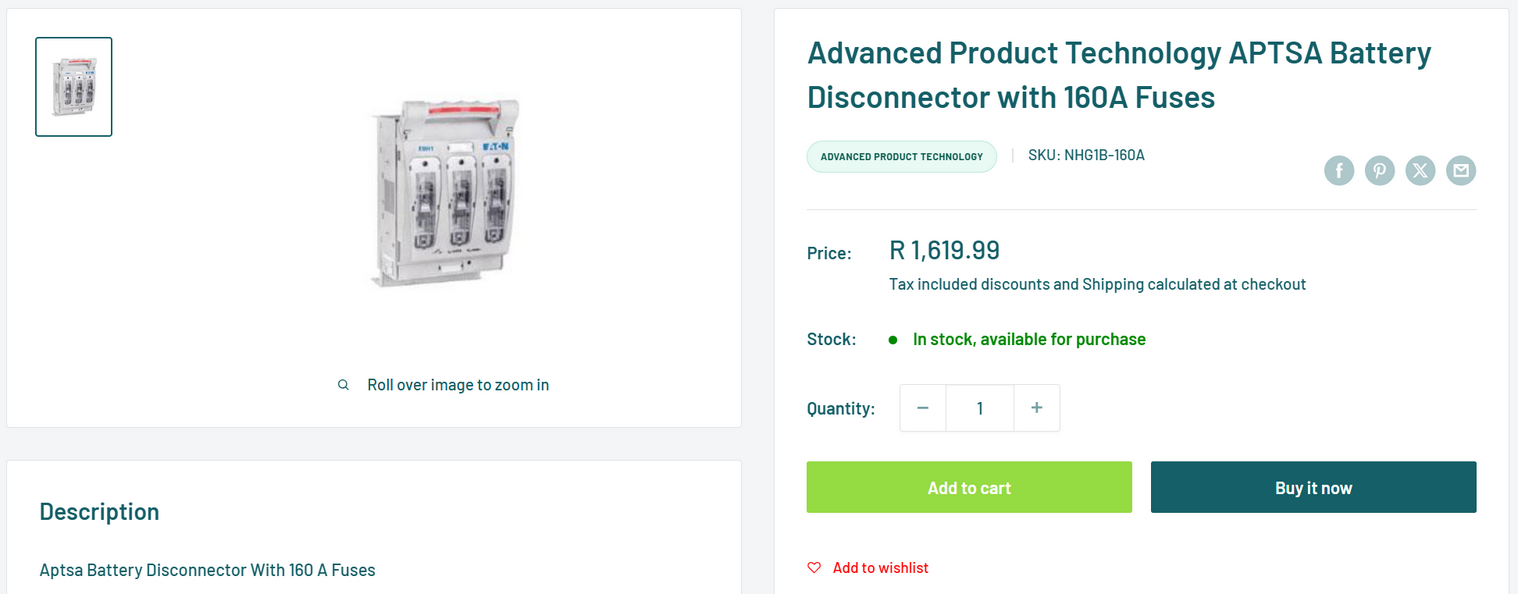
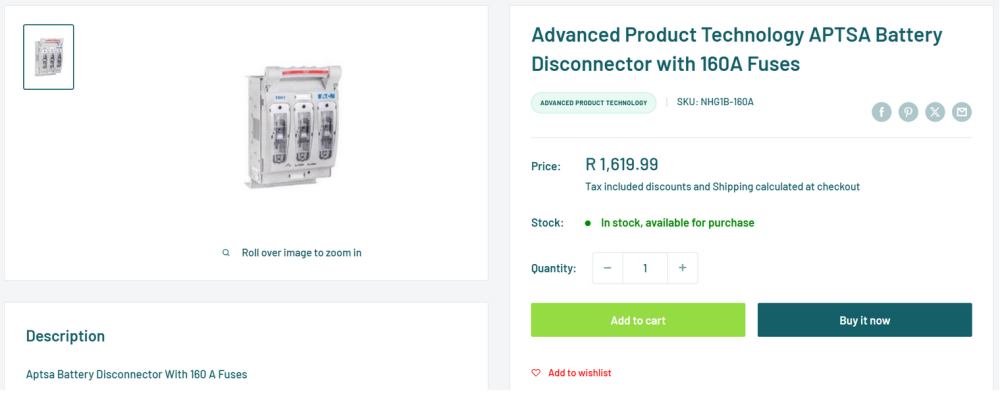
I am having a hassle with Livestainable Ordered a set of cables and a 3-pole battery disconnect switch and fuses The website image showed a APTSA switch and said "fuses" It took 7 days for half the order to be delivered with a different brand of switch. The carton was damaged, had been repaired with brown adhesive tape and a short piece on top. One good shake and a small box fell out There was only one fuse An email to Livestainable asked for a picture, but didn't specify what of. I sent a picture of box with a label "3 fuses" and the inside showing one The next email from Livestainable said I was confused and only 2 fuses are supplied and said this was mentioned on the website. Well, it is not Still waiting for the set of cables. I told L to stop procrastinating and send the goods ordered, or a complaint will be lodged with the National Consumer Commission
-
What could go wrong...?