mknecht
Members
-
Joined
-
Last visited
-
I have given up on EASun and bought 3 Axpert King 2 5kw. EASun is a bunch of fraudsters
-
 schpuntik reacted to a post in a topic:
Trouble with Easun ISolar SMP 5KW (Removable Display / WiFi Version)
schpuntik reacted to a post in a topic:
Trouble with Easun ISolar SMP 5KW (Removable Display / WiFi Version)
-
Coulomb reacted to a post in a topic:
Trouble with Easun ISolar SMP 5KW (Removable Display / WiFi Version)
-
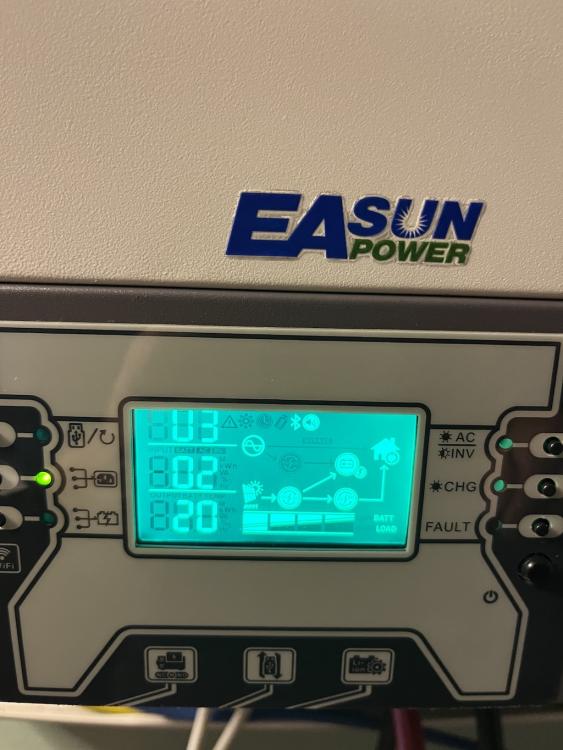
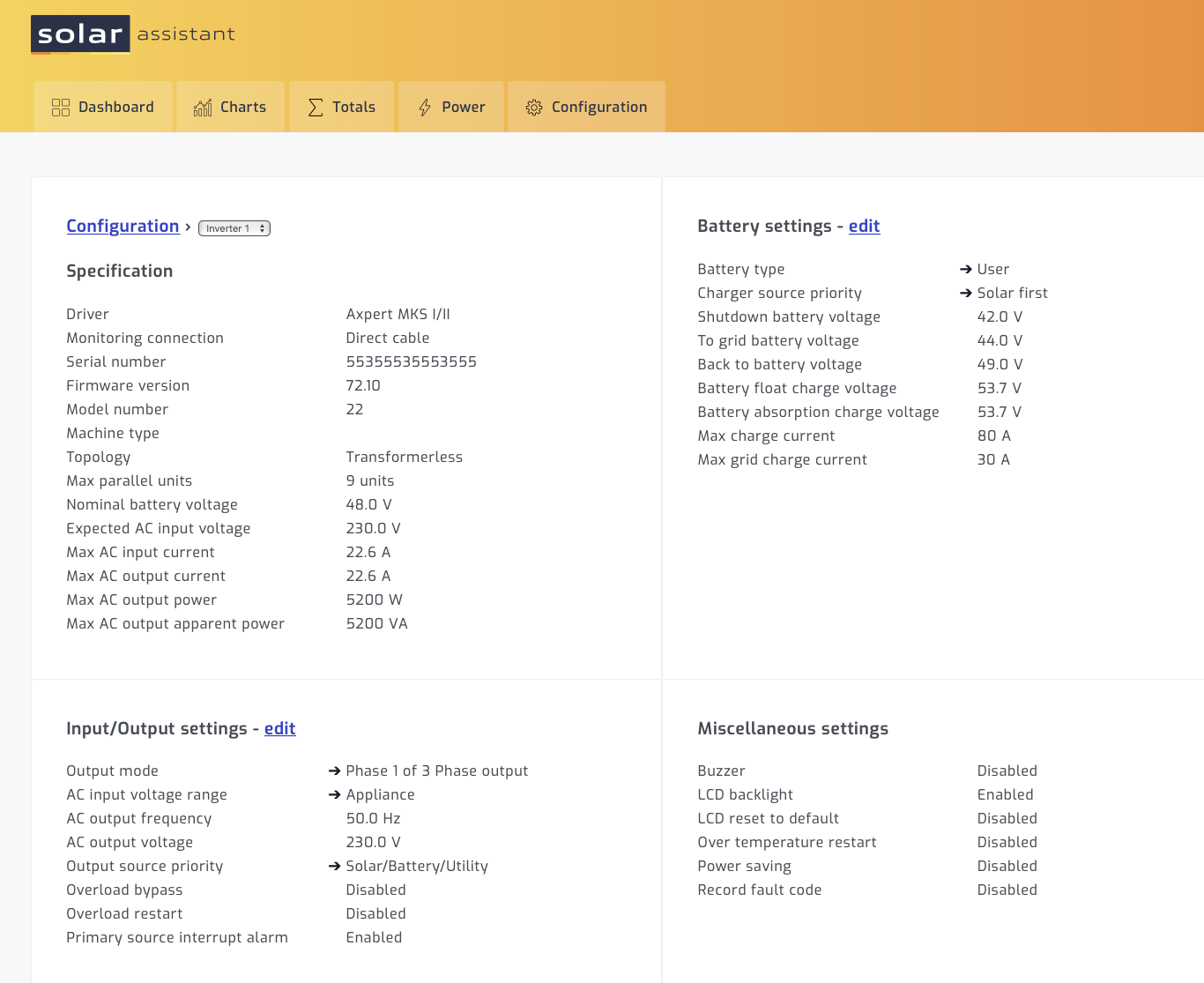
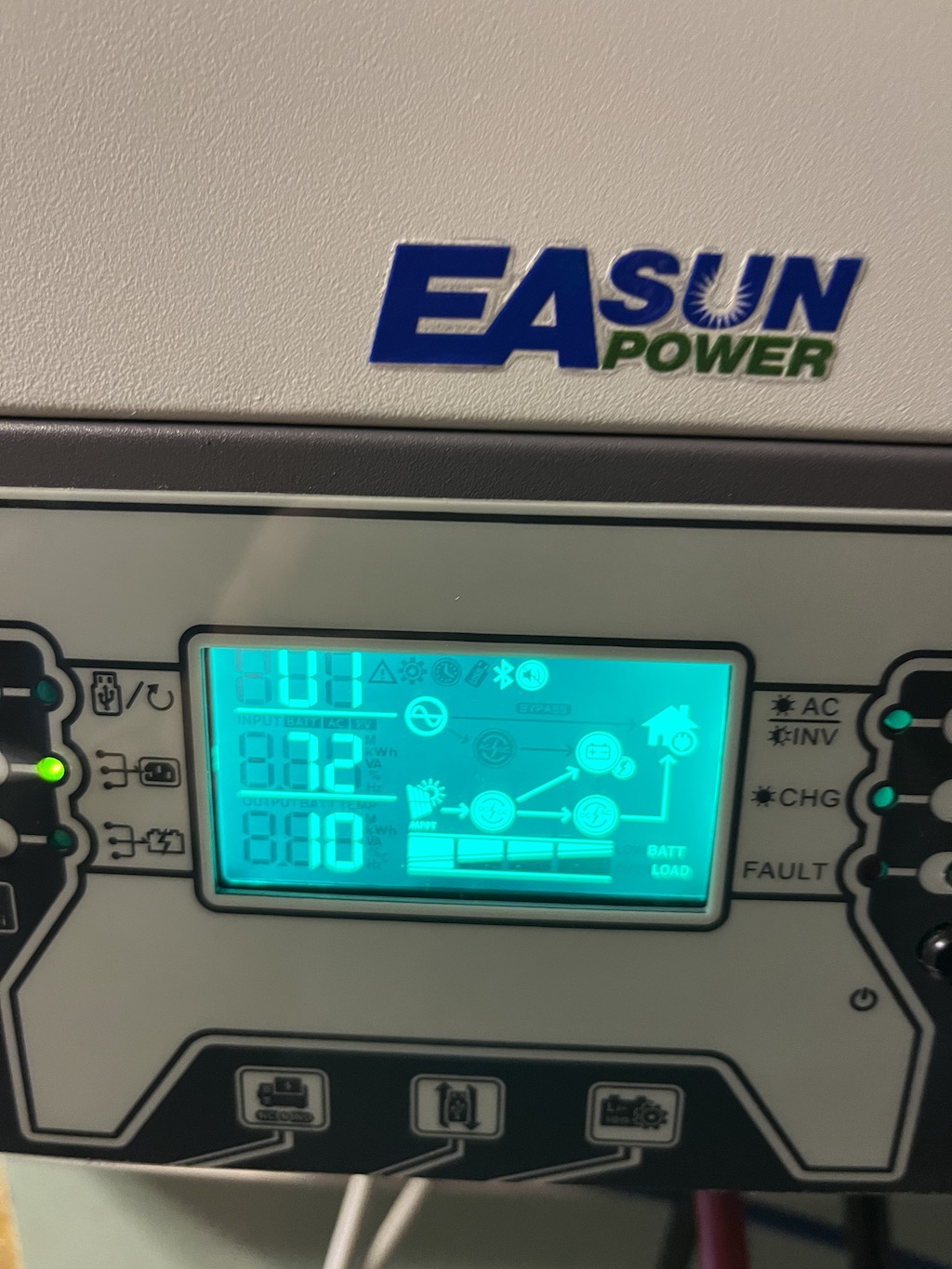
Hey Coulomb, you are a hero..., I've got so many problems and it looked like they are all related to this removable displays. I found your post on the adapter cable to bypass the display and I've decided to try it. So, in the morning I've build 3 adapter cables (and yes TX and RX have to be exchanged) and connected them to my solar assistant Raspberry PI. Now I can make all settings as I'm used to, like setting each inverter individually to my preferred max grid charge current. Also, the inverter values are now read correctly, as for example the charge source priority and output mode was showing wrong values when connecting via the displays. With displays attached, I had the following problems: - Unstable connection via USB/Micro USB cable and USB to Serial cable - 1 of the USB to Serial cables started to get seriously hot so that I could even deform the plastics of the serial plug - Unplugging the USB Serial cable from USB side, immediately shutdown the display - Sporadic shutdown of the display during operations, connection became unresponsive then - Problems to read / set inverter certain values, which didn't allow to operate the inverters as needed. - Sudden and unnecessary change from Battery Mode to Utility, typically every full hour. It appears to me that these timer buttons forcing some activity even though no timer is set. So, it looks like it's all resolved. Without the adapters I would have to buy new inverters from somewhere else, as EASun is not responding to any of my requests. Their 30 days money back guarantee is simply lie.


-
I've checked voltronicpower.com. Working now. From the specs my inverters should be the same as the InfiniSolar V III 5KW, it's with WiFi, on grid option and 450 VDC Great. I'll have a look. Thank you for your help
-
I'll have a look at the infinity series to compare the specs. What is the official web-site for Axpert inverters? I found voltronicpower.com but this site doesn't work (showing a compiler error) and I found voltronic inverters on Taiwantrade.com Same me. It was always working fine with the old inverters. It's the same with my inverters, when I disconnect grid and turn power switch off, they power off after 30 sec if battery is still attached. I've tried to change settings with power switch off, but grid still connected, which didn't work. I will try as you recommend. Is there any download section for the firmware or do I have to search the forum for some download links?
-
The day before Yesterday, I've replaced the display of the inverter which turned dark with the display of my spare inverter. So, at least the serial connection is running stable since then. For me it looks like the Axpert MKS III Off-Grid Inverter, but mine has WIFI build in and also an ON-Grid feature which I'm not using. I would use my spare inverter for testing a firmware update, when I can get at least a firmware version which is most likely to be working. I also have a few more strange effects with the current version: - In parallel mode, max grid charge power can only be set on inverter for phase 1, the others allow only 2A to be setup. Actually I'd rather 30A - 40A per Inverter for charging my batteries instead of 60A-80A on only 1 inverter. - Output voltage can only be set to 220V in battery mode, while Utility is running 238V - 240V. I don't know why it's not possible to set it 240V to run it grid synchron and make the switch between battery and utility more smooth.
-
Hi everybody, I'm new to this forum and found a lot of knowledge here, so I hope to find some help. I'm from Germany and I'm running since 4 years Easun 5K/48V Inverters in 3Phase parallel mode und approx. 20+ KW 48V batteries, self-made with Daly BMS. For monitoring I'm using Solar Assistant on a Raspberry PI connected via USB to the inverters. A couple of weeks ago, 1 inverter smoked up and it looked like repair might be too difficult for me. So, I quickly bought 3 new inverters from Easun ISolar SMP 5KW, as I couldn't get a replacement (same type/firmware for parallel mode) for my defect one. I thought, I simply replace the inverters and continue operation... Unfortunately, one inverter came up with Error 81 (No Host), indicating some issue with the parallel connection. I checked all cable, exchanged the parallel board between the inverters, exchanged all cables, but the problem remained always with the same inverter, so it must be defect. So, I've ordered a 4th one and contacted the Easun support that I want to replace the defect inverter. No response from support, but after a few days I got at least my new inverter, replaced it and happily it was working. However, connecting my Raspberry PI via (now) micro USB cables for monitoring, it startet working for 2-3 hours and then USB connection was failing, first with one inverter, then some time later with all inverters. The new inverters have a button on top left, which can be long pressed for 3 seconds to start a firmware update from USB drive. Clicking this to enter firmware update mode and then go back, seamed to reset the USB connection and then monitoring was working again for a few hour until connection started to fail again. Ok, I thought if USB connection makes trouble I ordered USB /Serial Cable with PL2303 chipset in order to use those for monitoring. Also, seamed to be working fine for 8-10 hours, then the display of one inverter turned dark and was not longer responsive for button controls also serial connection was failing. The inverter was still operating ok. This can be recovered only by switching off the inverter and restart again. I also figured that removing the cable from USB port while connection is established, make the inverter turn dark immediately. I need monitoring and control as I need to charge batteries from utility when electricity price is low in winter times, which I'm controlling through home assistant. Easun Support is not helpful at all. They also don't want to replace the defect inverter, but only send a new internal connector cable. I've reminded them on the 30 days money back guarantee, but then the support didn't answer any more. My questions: 1. Is there somebody having the same problems 2. Is there any firmware update fixing those issues (there are also more issues when setting the parameters) 3. Does anybody know which firmware to use for this models 4. Is there maybe any better / recommended cable (micro USB or Serial) which are connecting stable Any help is highly appreciated. Thanks, Michael