Skip to content
View in the app

A better way to browse. Learn more.

Power Forum - Renewable Energy Discussion

A full-screen app on your home screen with push notifications, badges and more.

To install this app on iOS and iPadOS
  1. Tap the Share icon in Safari
  2. Scroll the menu and tap Add to Home Screen.
  3. Tap Add in the top-right corner.
To install this app on Android
  1. Tap the 3-dot menu (⋮) in the top-right corner of the browser.
  2. Tap Add to Home screen or Install app.
  3. Confirm by tapping Install.

Abinah

Members
  • Joined

  • Last visited

  1. Good day please if may someone assist withme manual for this Inveter
  2. Abinah replied to Abinah's topic in Batteries
    Alright thanks
  3.    Abinah reacted to a post in a topic: Pylontech US3000C
  4. Abinah posted a topic in Batteries
    Good day .l have pylontech US3000C with a bloated cell which was removed inside the battery ,my question is ,is it possible to find another cell and install it ,will the battery work ?
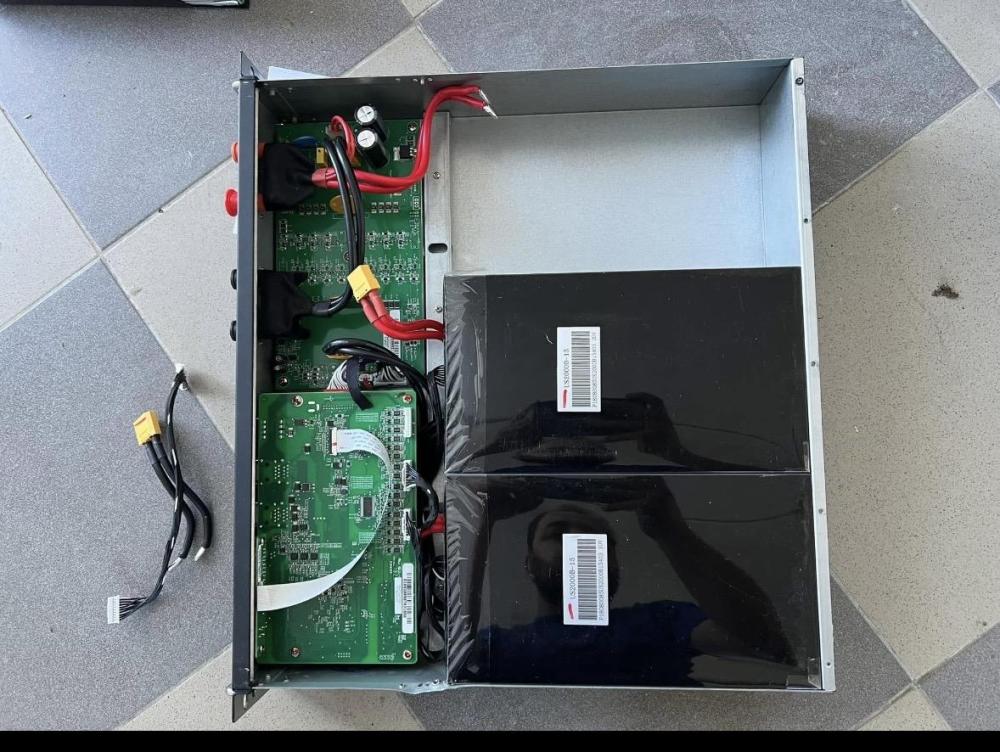
  5. Abinah replied to Abinah's topic in Batteries
    So what might be the best solution
  6. Abinah posted a topic in Batteries
    Hello guys ,what causes this on pylontech us3000C
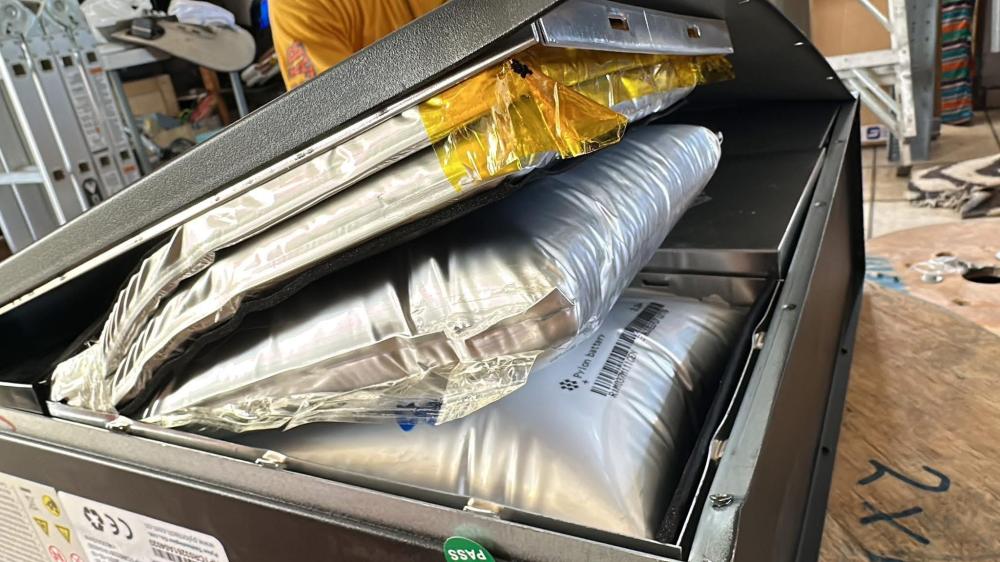
  7. hello guys l don't know if this was once discussed here. how do l make a Kodak 5kv vmll communicate Pylontech UP5000 battery and also with Pylontech US 3000C

Account

Navigation

Search

Search

Configure browser push notifications

Chrome (Android)
  1. Tap the lock icon next to the address bar.
  2. Tap Permissions → Notifications.
  3. Adjust your preference.
Chrome (Desktop)
  1. Click the padlock icon in the address bar.
  2. Select Site settings.
  3. Find Notifications and adjust your preference.