RoelofDeJager
Members
-
Joined
-
Last visited
Everything posted by RoelofDeJager
-
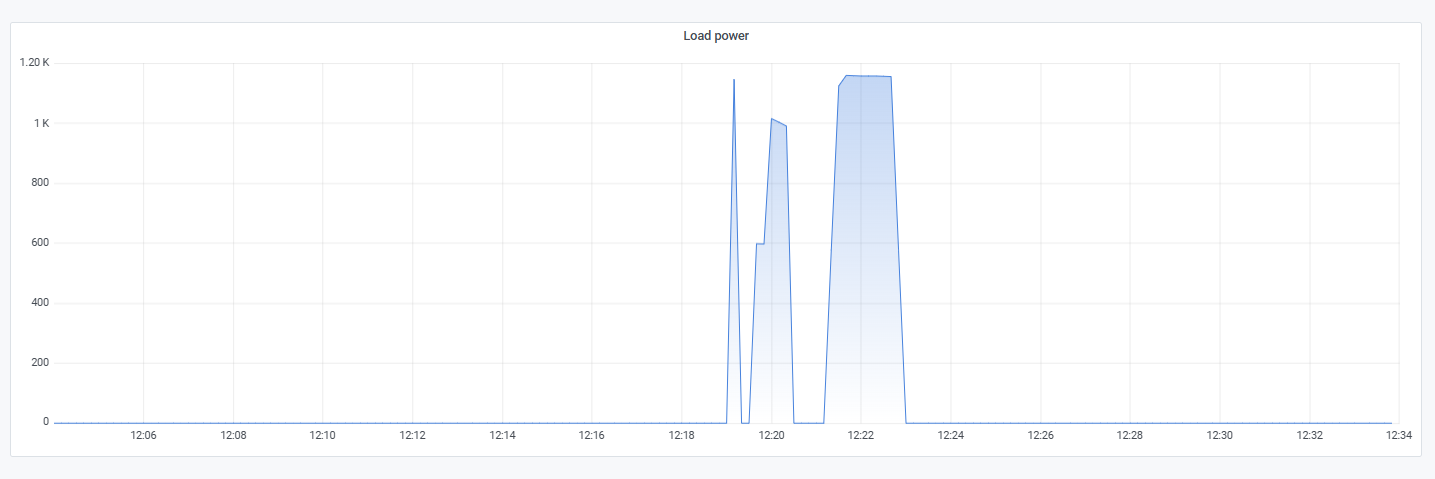
Load does work @RowanB . This is a hairdryer in action.


-
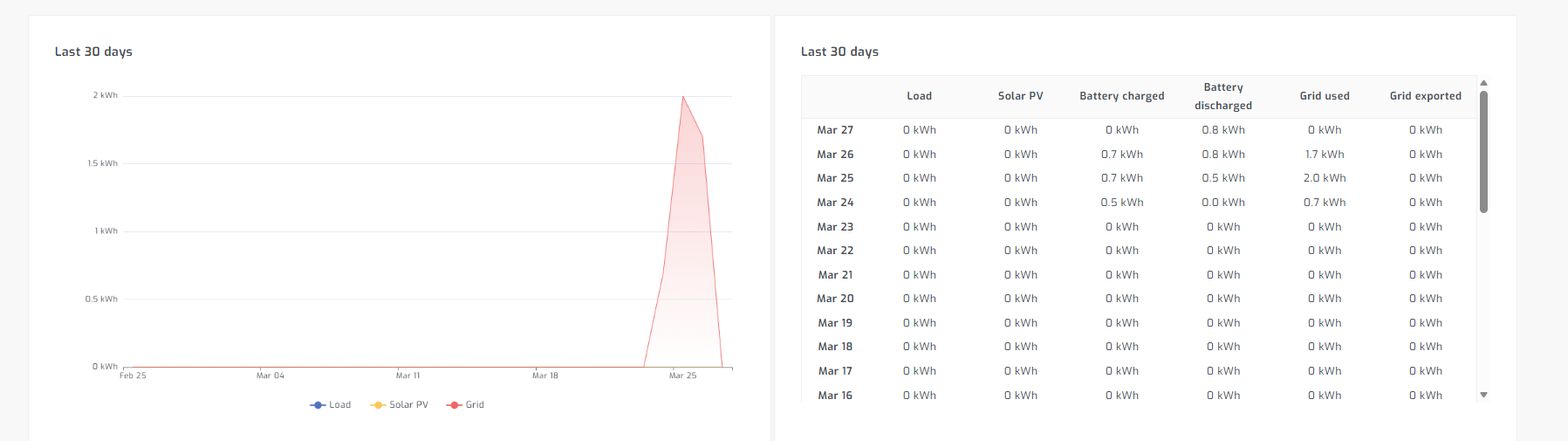
Please see example. Grid seems 100%, I unfortunately do not have load or PV connected yet. I will try and get a temp extension lead added for a test load this weekend and revert back.
-
For solar assistant you can try this, Works on 5kw unit with usb printer cable, also make sure inverter powered on via bottom toggle.

-
I used my rpi 4, connected the USB A to B (printer cable) to the unit on the USB port. Attempted to get the BMS data into solar assistant too for better battery data with the RS485 cable but no luck on any of the comms settings.
-
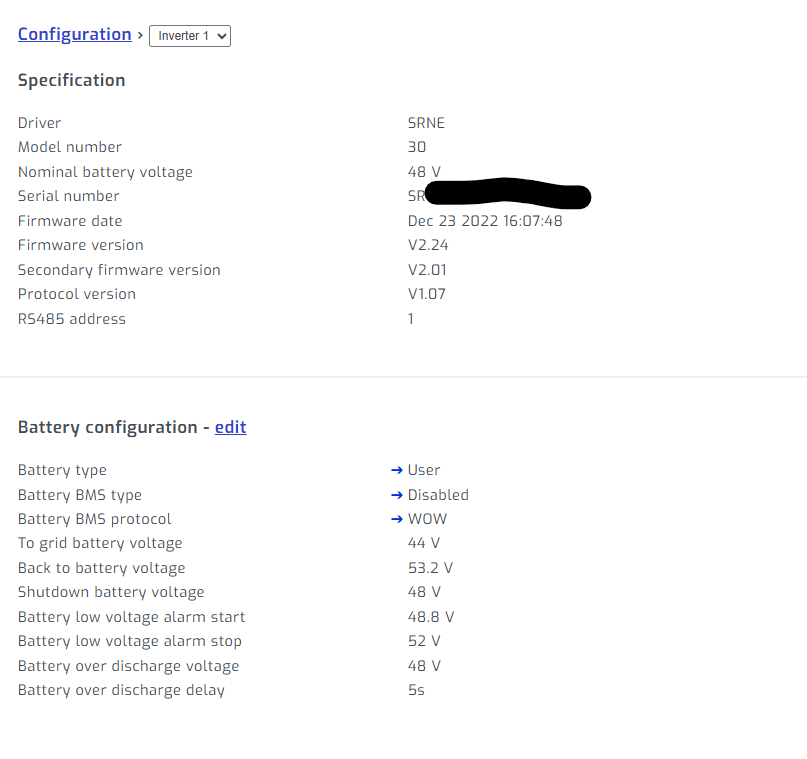
I added my 5kw unit to Solar Assistant thanks to the SRNE discovery, the unit also says BMS protocol is WOW. Not sure if that is just default and must be changed, but changes to unit such as bulk and float etc are easy enough to change from Solar Assistant. Let me know if I can test something.

-
Has anybody connected their units yet? Im still playing and monitoring the battery before mounting or installing. I don't have full confidence yet. I have set it at 5A AC charge (due to crappy cable I'm using) and let it cycle without load (just inverter draw). It does seem that it loses SOC fairly quick with no load. BMS shows 1A draw from inverter with no load so basically 50-60Wh, but I have managed to somehow give it 8300Wh in total from AC but now im not sure what the exact time frame was for this charging because I'm dumb. So I'm going to have to do it again from Scratch. Also if somebody believes they have the sweet spot for float and bulk please share. Edit: I just found these handy graphs on the web version of SmartESS (www.dessmonitor.com) Uploading Attachment...

-
My box also looked like it came out of a war but luckily no damage whatsoever to unit itself (75KG listed). In in my bag that contained the manual there was an additional manual for paralleling that seems fairly useless in terms of info. In the actual manual I think it states only the 3KW unit cannot do parallelling. But if your unit also has the dip switches for addressing surely it must support it. I want to start and compile a list for all parameters and get some AI input for best values etc. I think we all need to discuss and share values as everything is just on generic defaults. I only changed my battery type from GEL to L16 for now. Next up getting it charged via AC. Also check if yours has the 6 Month Warranty label stuck on the front below battery BMS screen?
-
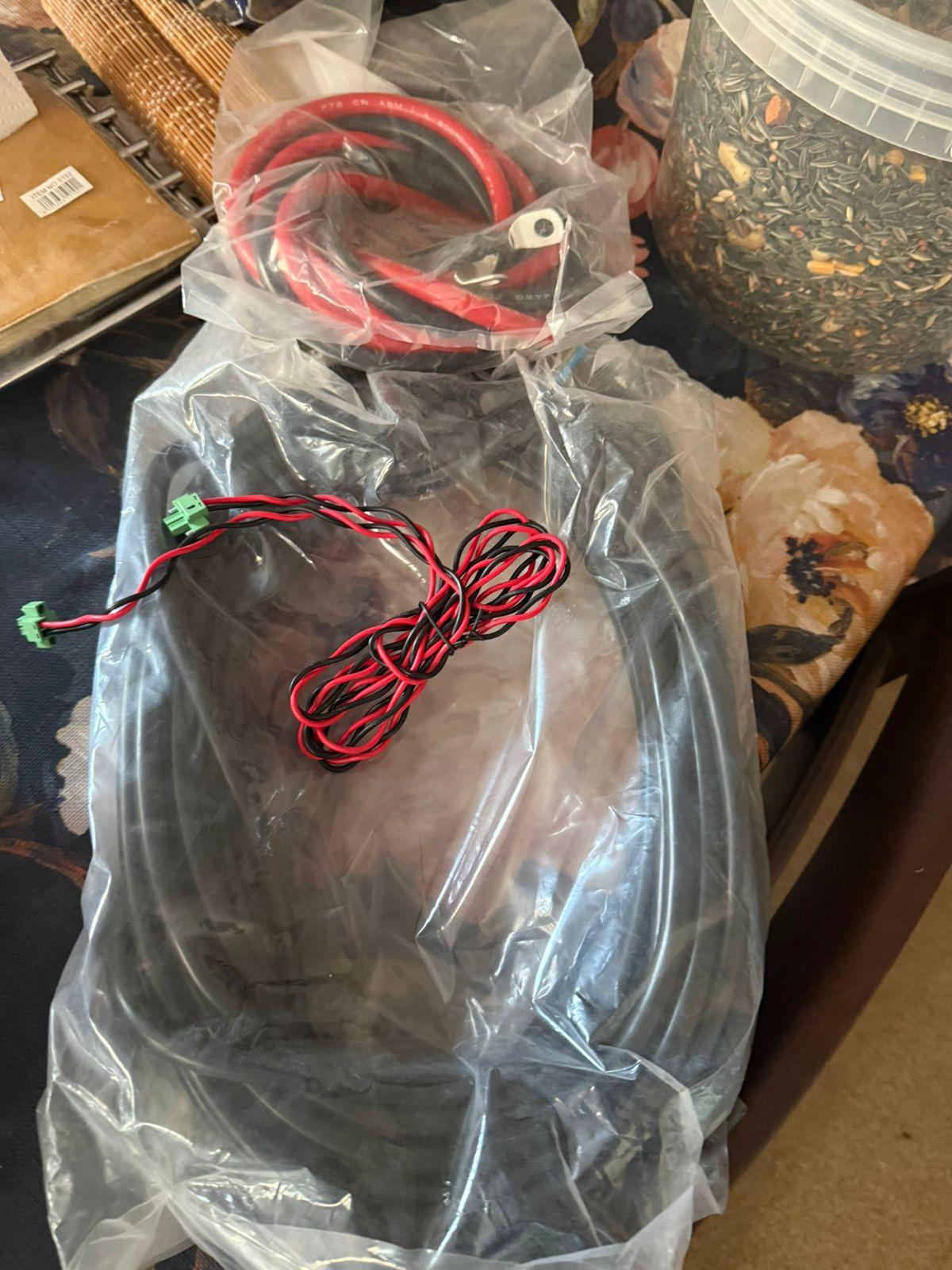
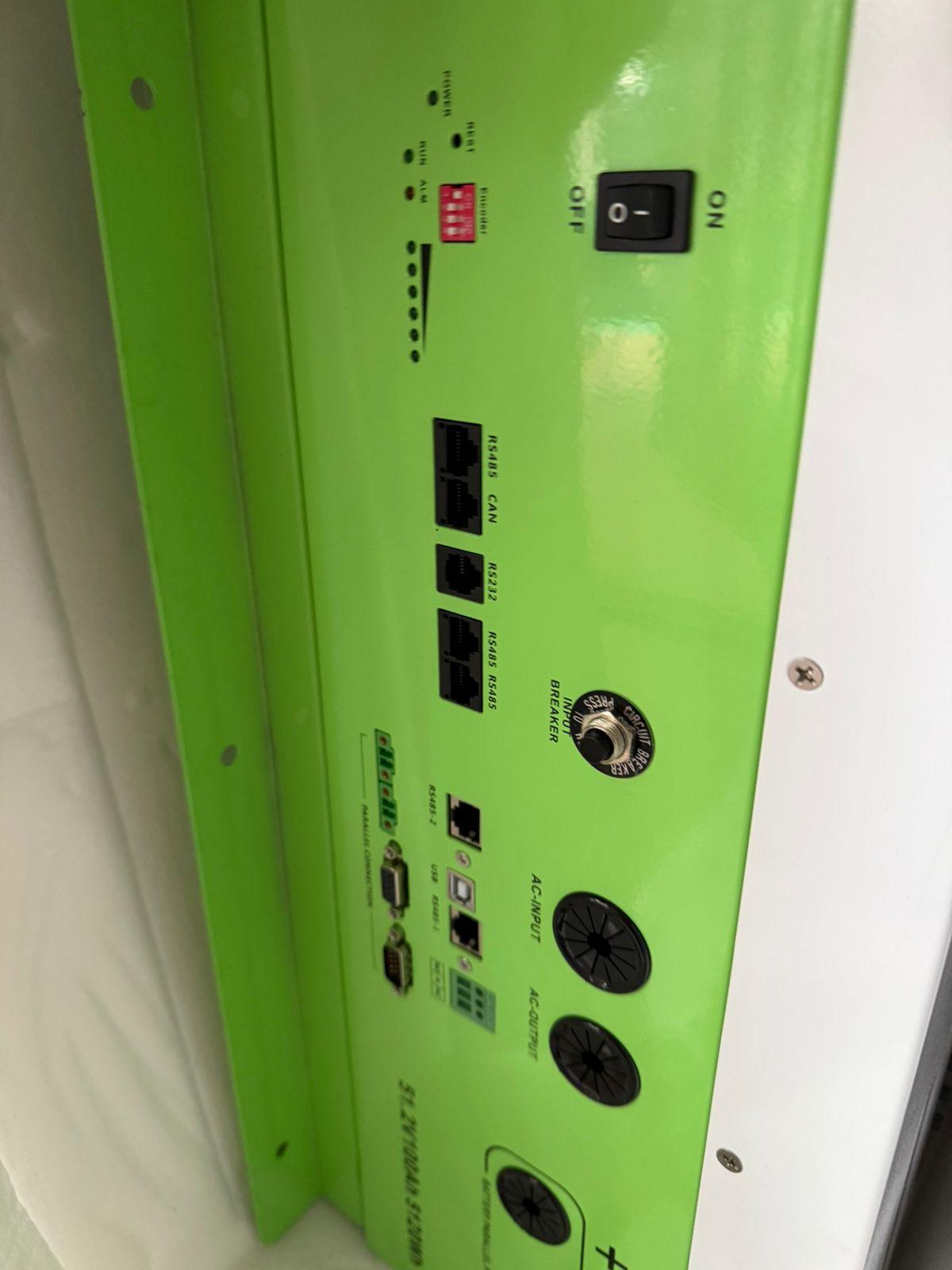
Initial SoC is 61%. I wanted to connect AC to charge up but it seems config is needed first as the battery type is set as GEL and AC charging at 80A default. There is no specs anywhere in the manual or sticker on the unit. (unless I'm blind and cant see the sticker) In the box I received: Wi-Fi data logger dongle that connects to SmartESS app. USB to RS485 cable Some normal electrical wire (maybe 10M) Some other electrical cable (looks like it has got battery terminal connectors?) Semi Assembled Combiner Breaker box. Generic "Manual" for all models. Then some other 2 pair twisted cable possible for Comms I assume. Photos Attached. Let me know if I can provide anything more. This manual references the exact same parameters and defaults: https://cdn.shopify.com/s/files/1/0253/9752/6580/files/5000w_All-in-one_Inverter_Manual-min.pdf?v=1727332420
.thumb.jpeg.a27a29c782719d974ee99f1969a5b0cc.jpeg)


-
Cool stuff, Yeah for the price paid I wont hold my breath. Seems like a got weekend project then. Its weird that yours takes so long as mine surely was shipped from JNB->PE. I must maybe switch it on with no load and check the SoC to confirm the 1 star review.
-
I took delivery of my 5 kW Unit Today. Bernard you know anything about the install service (the tick box that was optional) ? I have not heard anything.
-
The system is running fairly well at the moment but I would like the BMS to communicate and show accurate SoC. Is it possible to connect my Schubart batteries to a Sunsynk 8kW Hybrid inverter and if so how? I have 4 x 4kWhp batteries connected in parallel. The batteries each have one RS232 (RJ11/12) port and only one RS485 (RJ45) port. According to the Engrish manual (https://www.lithiumpowerbattery.co.za/wp-content/uploads/2021/04/48V-4KWP-User-Manual.pdf), only the RS232 can be used for communicating BMS info to the inverter and the RS485 can communicate slave to master info between batteries. Has anyone dealt with this before or know how I would be able to do this?
-
When I was using the same inverters, I looked at the the Solar Assistant Orange Pi. According to the website they can work with Voltronic/Axpert, of which I believe Schubart is a clone. Their website has a lot of info that could assist and I've read they are quick to respond to queries. https://solar-assistant.io/help/voltronic/configuration
-
The system is running fairly well at the moment but I would like the BMS to communicate and show accurate SoC. Is it possible to connect my Schubart batteries to a Sunsynk 8kW Hybrid inverter and if so how? I have 4 x 4kWhp batteries connected in parallel. The batteries each have one RS232 (RJ11/12) port and only one RS485 (RJ45) port. According to the Engrish manual (https://www.lithiumpowerbattery.co.za/wp-content/uploads/2021/04/48V-4KWP-User-Manual.pdf), only the RS232 can be used for communicating BMS info to the inverter and the RS485 can communicate slave to master info between batteries. Has anyone dealt with this before or know how I would be able to do this?
-
Thank you all and sorry for the late response! I decided to save myself the frustration and had a Sunsynk 8kW installed rather.
-
Hi all, new here and have seen a few mentions of this "German" inverter but not the specific query. Recently moved into house with 2x Schubart inverters (Model Name: PS 6800VA), 4x 4kwp LiFe batteries and 24x 340W panels. Previous owner misplaced the manual and I believe the monitoring software that came with the inverter. Does anyone know where I can find these online or otherwise? Additionally, the previous owner appears to not have connected the inverters to the grid and instead used a switch to manually switch between solar/batteries and Eskom. I know, I know... I've seen a lot mentioned about off-grid inverters, would this model be able to use Eskom in addition to the solar/battery inputs? Any help or advice much appreciated.







.jpeg.fcfd05babc84bf43334273eb06496e70.jpeg)