Skip to content
View in the app

A better way to browse. Learn more.

Power Forum - Renewable Energy Discussion

A full-screen app on your home screen with push notifications, badges and more.

To install this app on iOS and iPadOS
  1. Tap the Share icon in Safari
  2. Scroll the menu and tap Add to Home Screen.
  3. Tap Add in the top-right corner.
To install this app on Android
  1. Tap the 3-dot menu (⋮) in the top-right corner of the browser.
  2. Tap Add to Home screen or Install app.
  3. Confirm by tapping Install.

ads

Members
  • Joined

  • Last visited

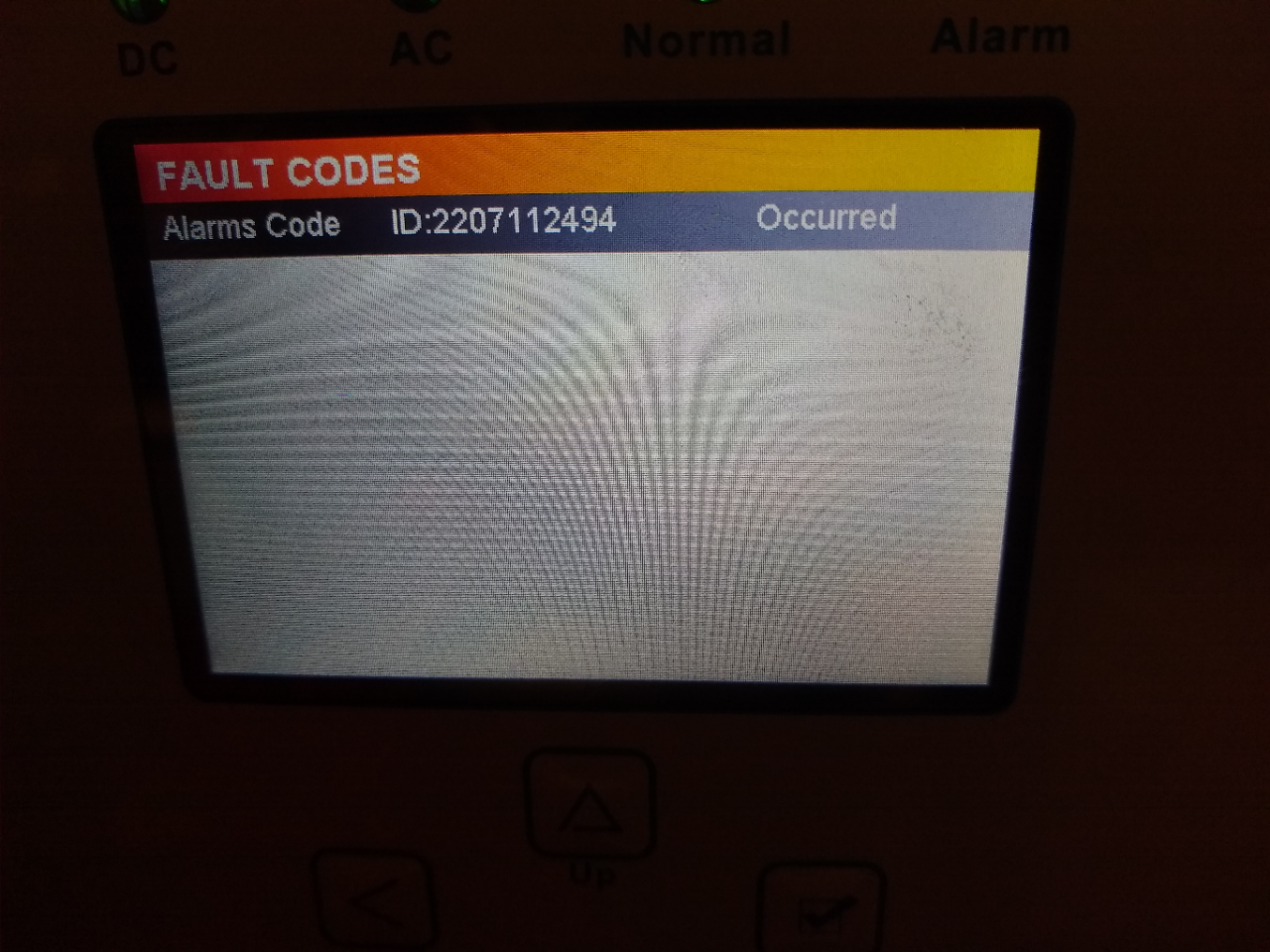
  1. Hope I'm looking in the right place, the image below shows what I see under fault codes. The alarm is still sounding if I turn the beeper back on.
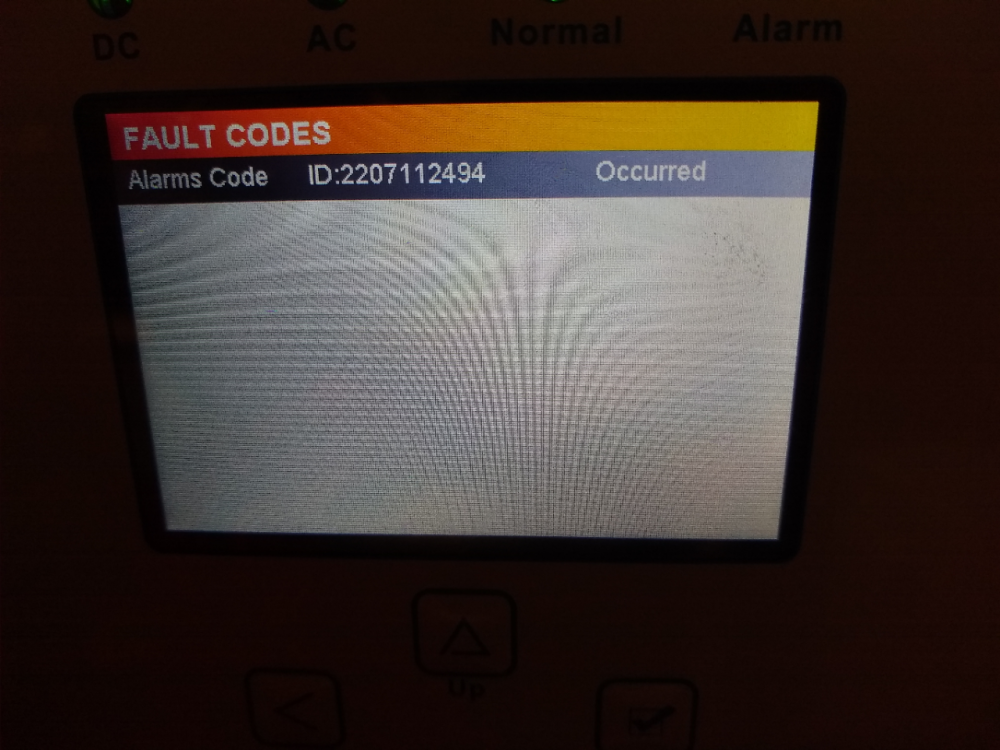
  2. Thanks for your help. It shows: Alarms code ID:2207112494 occurred
  3. ads joined the community
  4. Hi, I had solar panels fitted today, all was well until this evening when the Sunsynk inverter started beeping. There are no red lights on the inverter or the battery. I've managed to silence the alarm by going into the settings. I can't get hold of the company who installed the system as it's the weekend. Any thoughts on why the inverter started beeping? I'm completely new to this but keen to learn.
Account

Navigation

Search

Search

Configure browser push notifications

Chrome (Android)
  1. Tap the lock icon next to the address bar.
  2. Tap Permissions → Notifications.
  3. Adjust your preference.
Chrome (Desktop)
  1. Click the padlock icon in the address bar.
  2. Select Site settings.
  3. Find Notifications and adjust your preference.