


Yuri
Members
-
Joined
-
Last visited
Everything posted by Yuri
-
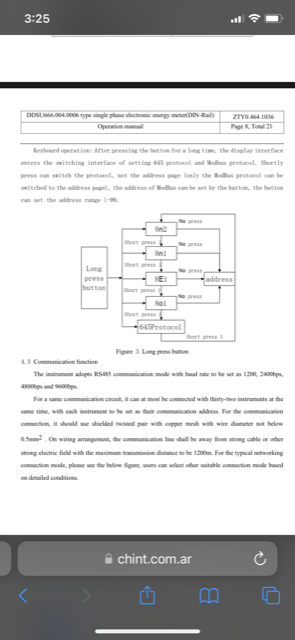
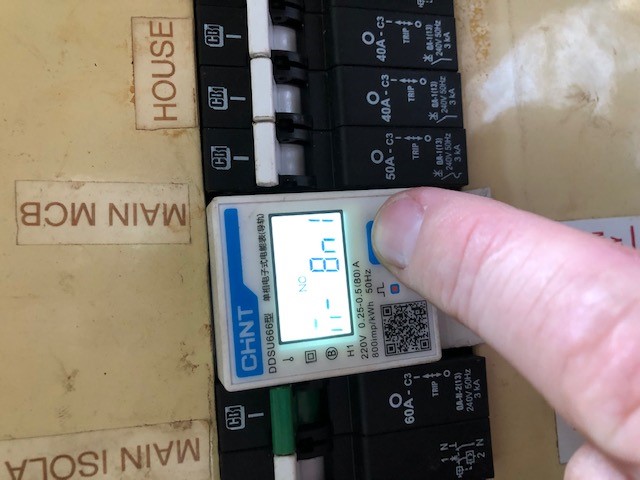
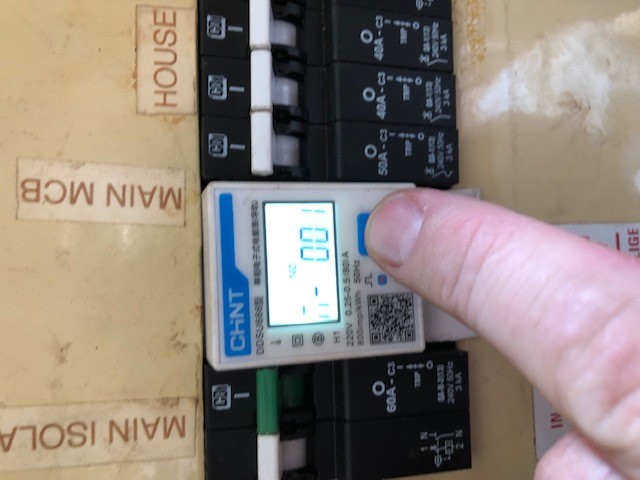
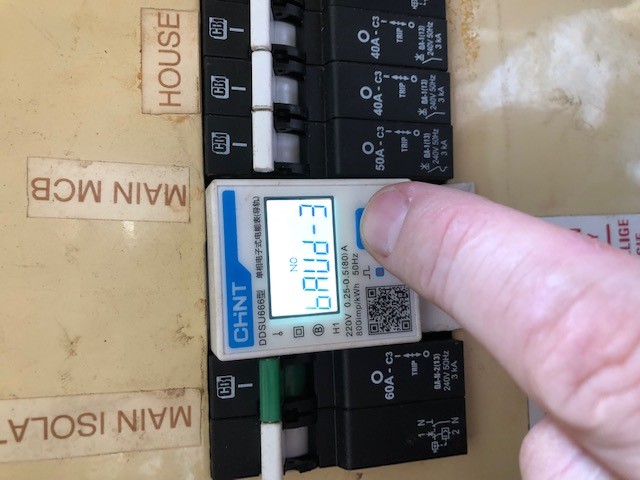
In the manual you can set it with holding the button to go into set mode. This is all the modbus RTU settings
-
The reading of the meter must be dun with modbus RTU client on the inverter side. The Chint meter (modbus RTU server) was set to slave ID 1, baud rate 9600.
-
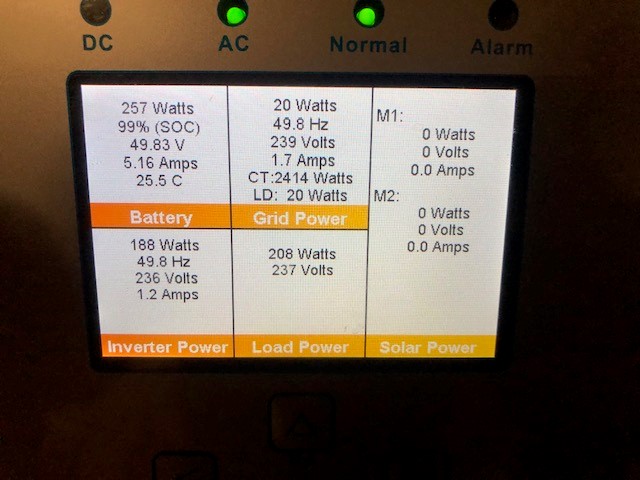
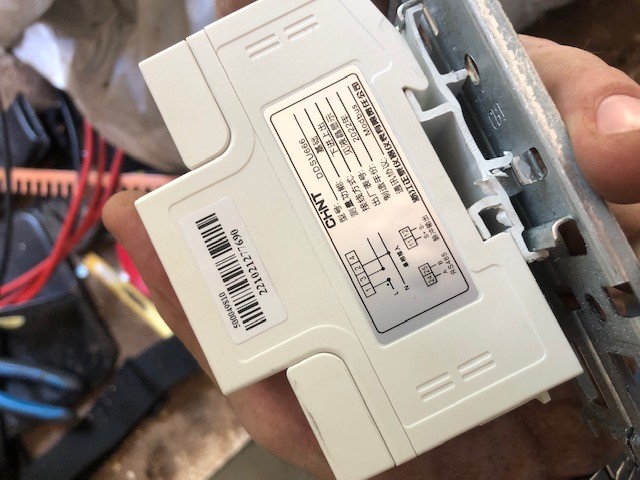
I installed the Chint DDSU666 modbus meter today and it is working grate. setup that was required I connected the ethernet cable solid Orange cable to 24 on meter Then connected the white & orange ethernet cable to 25 on meter The last thing to do is to plug the ethernet RJ45 into the meter port

-
I have gotten and installed 1x 8Kw Sunsynk 4x US3000C Pylontech batters From December I have been trying to get 20x 660W/665W Canadian solar panels with no luck at all. Today I have also finally received my DDSU666(Modbus) energy meter for AliExpress (the meter that will work direct with the Sunsynk from the manual)