Yuri
Members
-
Joined
-
Last visited
Everything posted by Yuri
-
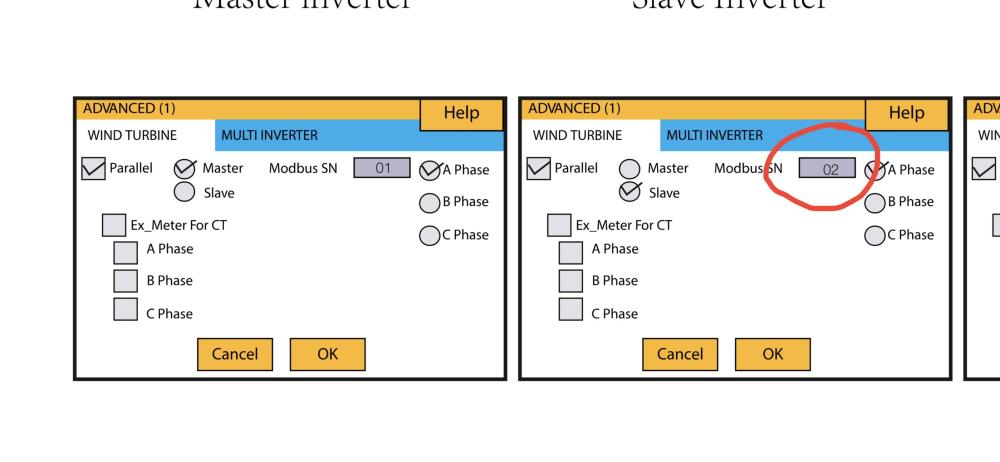
I have just completed it8KW Sunsynk Master-Slave .txt
-
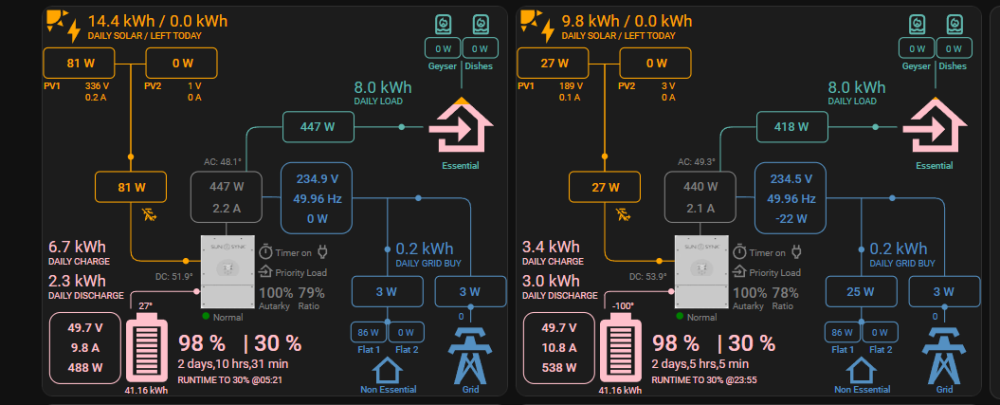
It is working Here is the slave inverter


-
I have been busy with the installation of my second 8KW… I will only have a chance next year for testing
-
I just got a second 8KW inverter and will install it next week and test everything. Yes, I think it will work with 1x ESP32
-
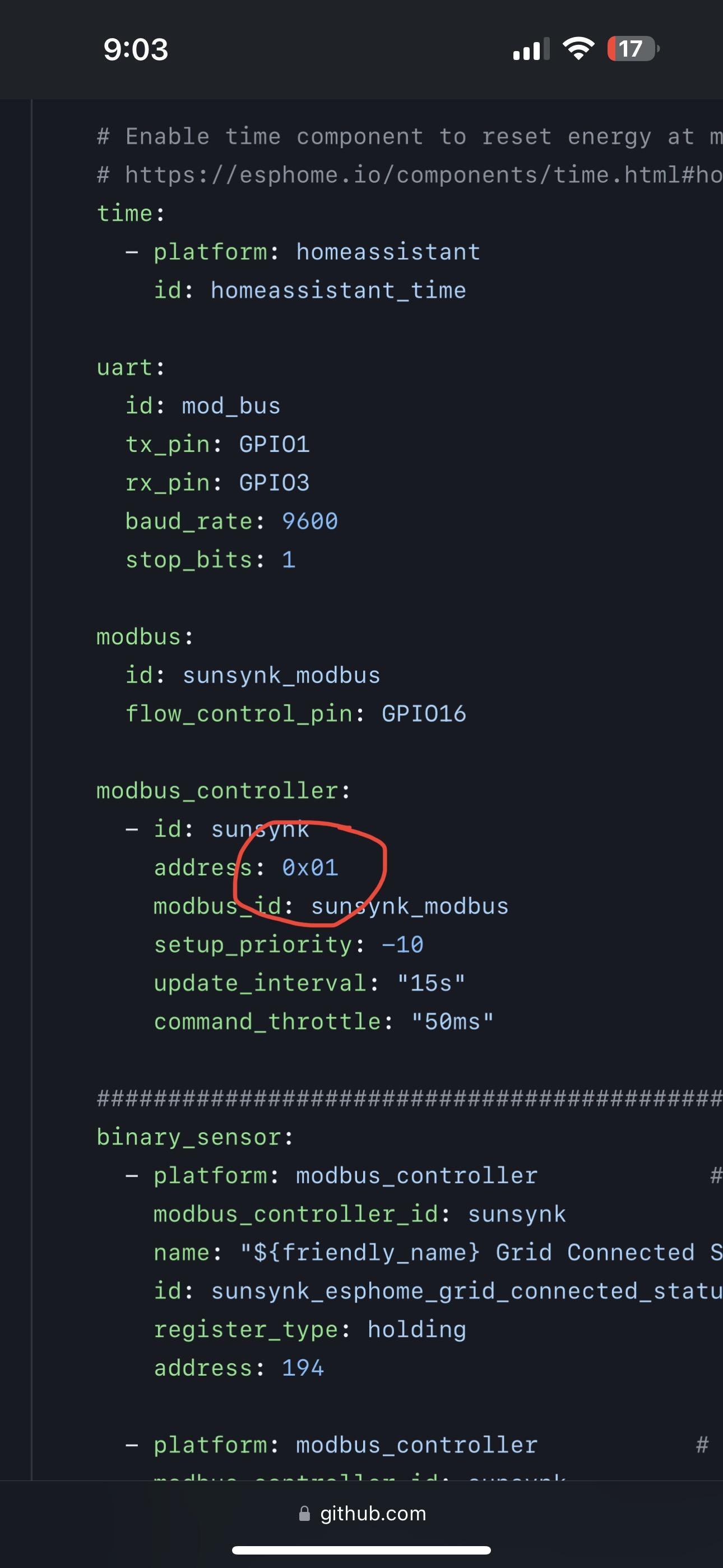
You can have a look if this will work Add a slave id modbus controller then double every register

-
What is the size of your fuse isolator on the battery ?
-
I have looked at a lot of panels The max possible configuration I was able to do is 22x 600w Canadian Solar panels (20x660W is also possible) It is 13200W but my inverter is set to 10400 I can only get there if my geyser is on and batteries are Charging at 160A(the fuses that I have is 160A still looking for 180A fuses NH2..)

-
Thanks it looks nice!I have 22x 600W(13200W) Canadian Solar but the 8KW Sunsynk can only do 10400W so it is restricted in the settings... I am in Centurion
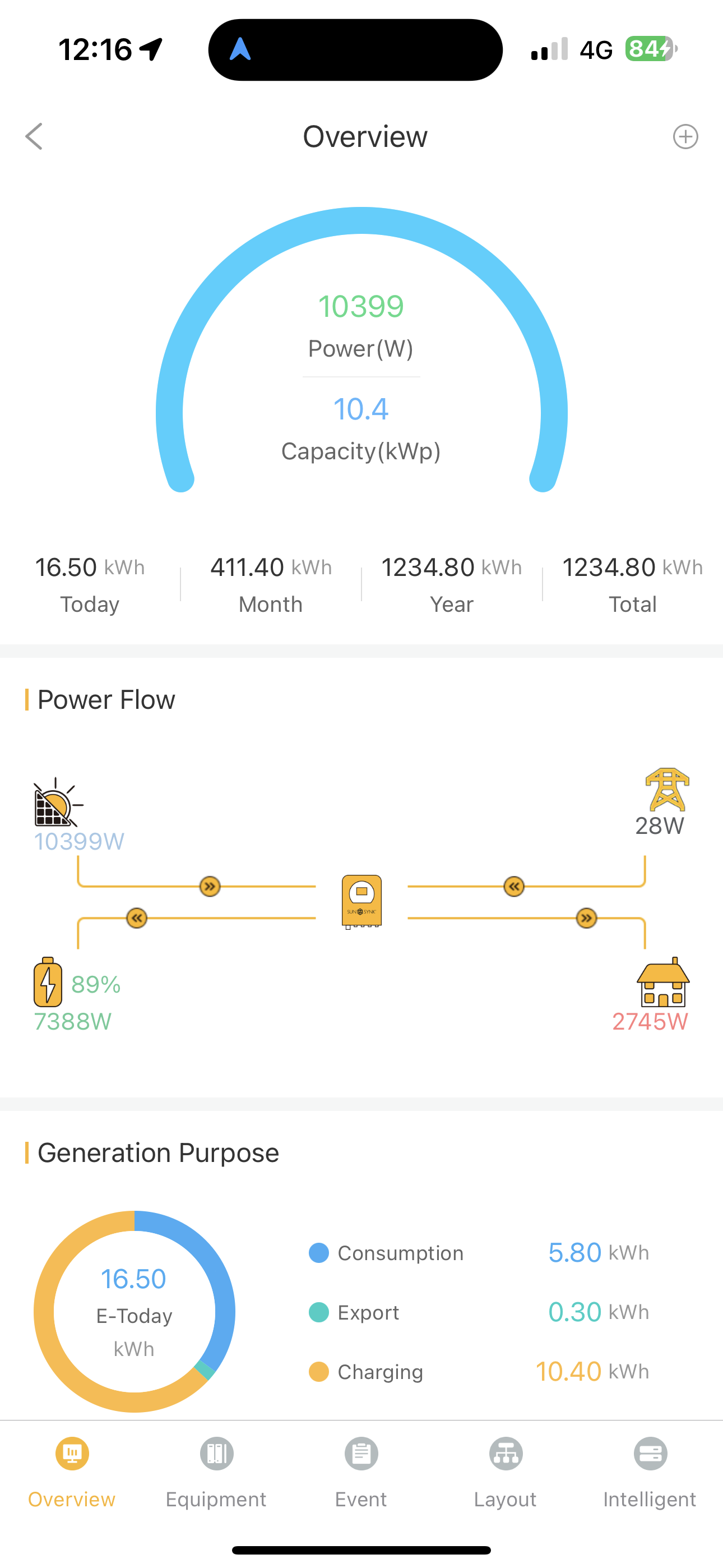
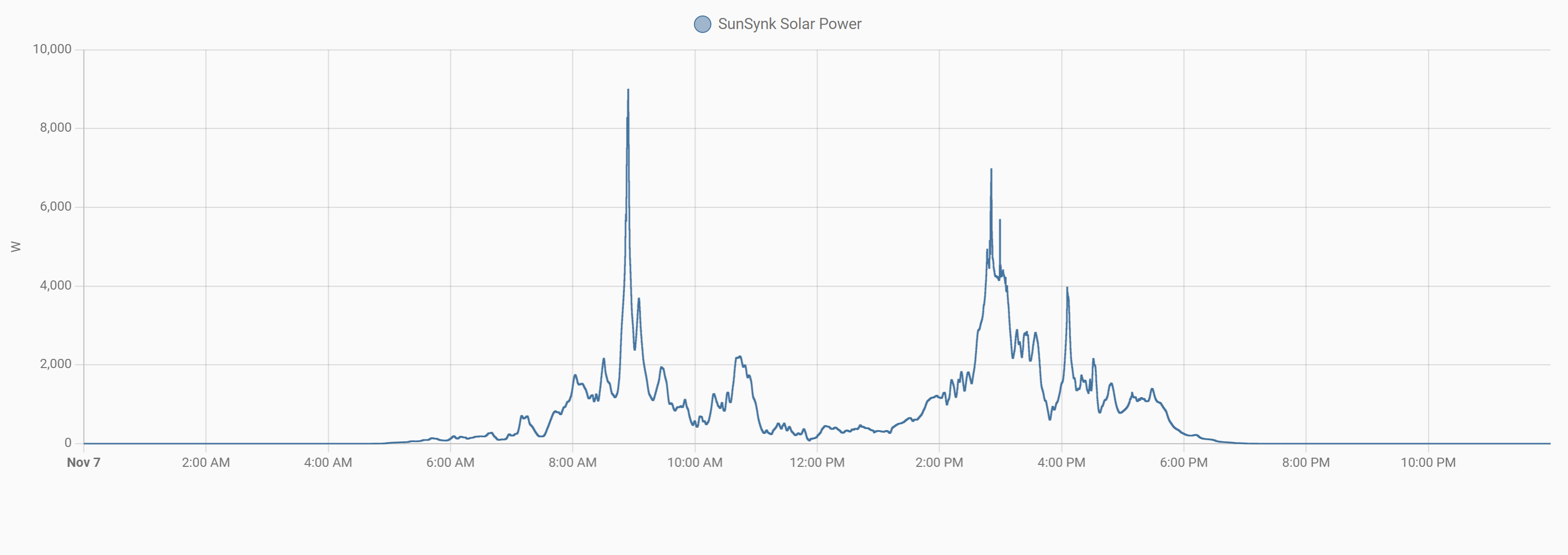
 Today I only got 14.2KW in Centurion 8KW Sunsynk with 22x600w panels I will look for a black Friday special to get a extra 8KW then i can get more panels…I have a LG 14 years old l always wash on intensive wash using 1.29 to 1.47KWh per wash It is doing 3 heat cycles in operation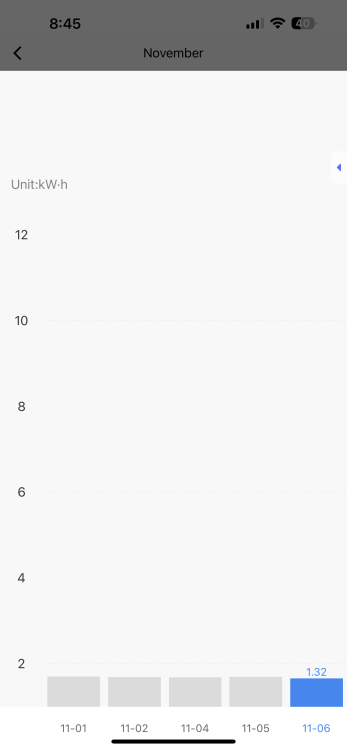
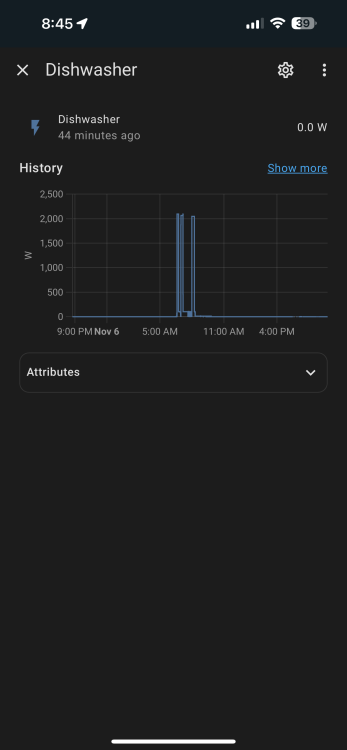 Hold the square button for 5 sec then release it the lights will blink fast Hold down the square button for 5 sec once more now the lights will blink slow Use the app's slow blinking set up this always works for me I also select Socket (Wi-Fi) for adding deviceYou can use the utility meter function and make a daily, monthly or yearly counter
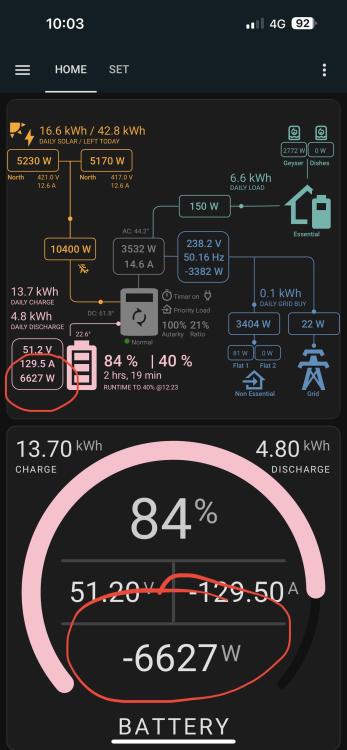
 Thanks!Slipx thank you for the nice card is it possoble for you to make the power and current on the battery show minus when the battery is charging ?
 De and Re do not look soldered together on the RS485 board ?Have you tried to set this on 2 on the slave esp?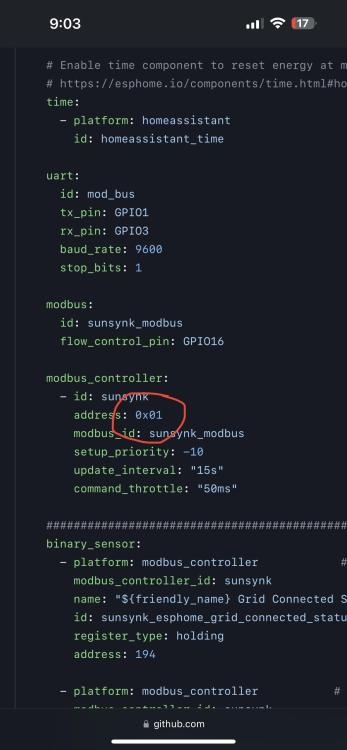
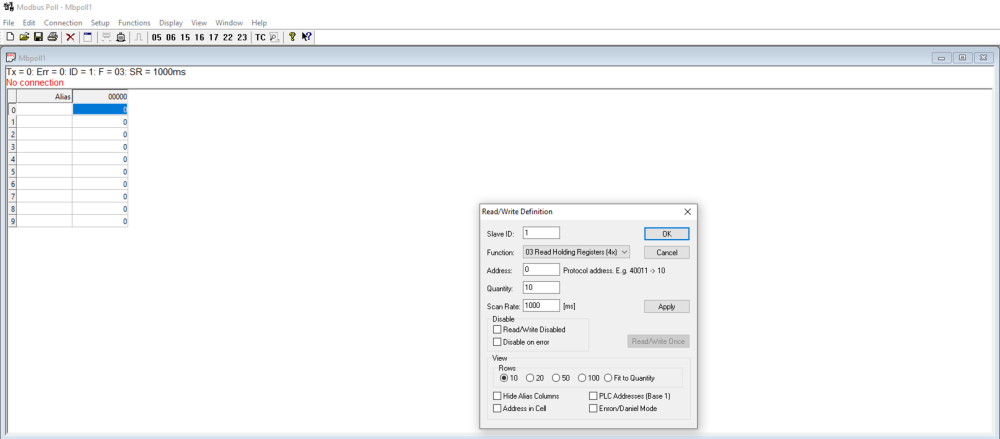
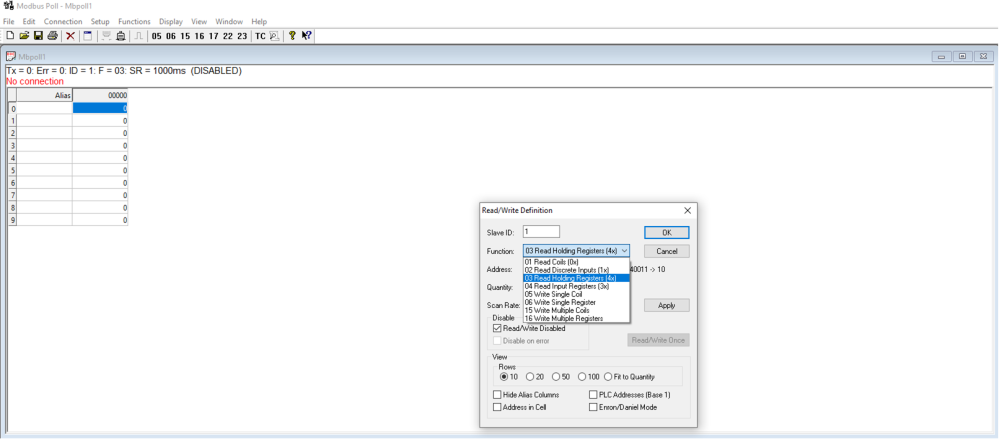
 Modbus poll is a software read and write modbus registers You can use it to lookup modbus RTU(RS485) or modbus TCP(Ethernet) All the register types are available... For Modubus RTU/RS485 you will need a USB converter for the PC. Modbus TCP uses the PC Ethernet port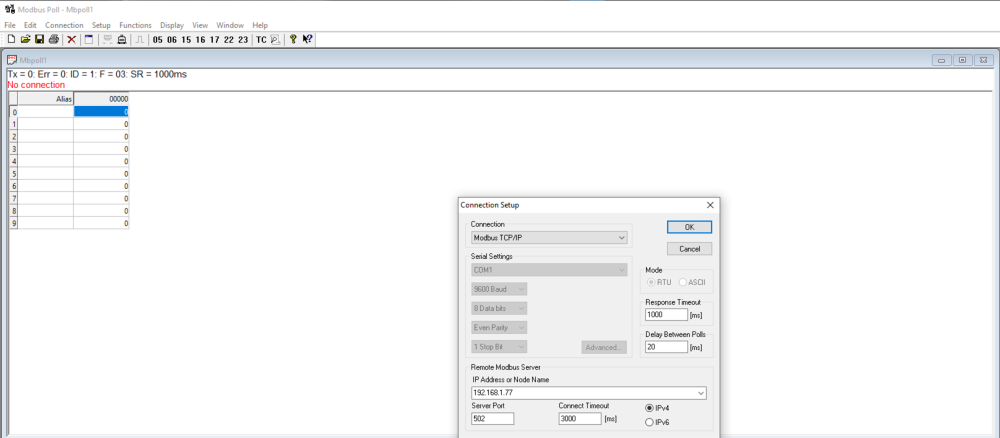
 How to get watts into KWh go to settings, Devices & Services, next at the top of the page Helpers + CREATE HELPERS select integrations - Riemann sum integral sensor next setup Give the KWh sensor a name select the power (watt sensor) that need to be converted into KWh select 2 decimal points k (kilo) to convert to (K)Wh and hours for KW(h)
 I have a sunsynk inverter and this will stop the geyser when the power is off There is a other way see this mod on a gate motor controller https://tuya-smarthome.co.za/shop/smart-loadshedding-detector-eskom-utility-power-present-sensor-wifi-tuya-smartlife/ You can also built one https://isphome.co.za/shop/wifi-switches/tuya-gate_garage-door-controller/ For stopping the geyser at 70c
 I have a cbi smart isolator feeding an geserwise tse (it is also a tuya smart product) The geserwise is reading temperatures and I have set it up if the setpoint temperature is reached it switches off the geyser...
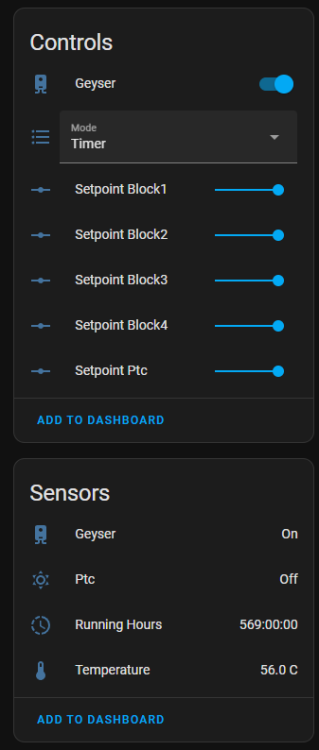 You can use a binary to decimal converter 8th bit is 128
 Thanks It is working well I got the new USB-C esp-32dev and it is working.(https://www.robotics.org.za/ESP32-DEV-CH340-C) I tested the Ethernet cable before installing it and it worked well on the pin 1 & 2 after installation it was not working any more so I used pin 7 & 8 Modbus Poll works well to do fault finding on RS485/Modbus RTU or even Modbus TCPThe iammeter works with home assistant with its wifi connection (modbus tcp/ip) You can get it from takealot. I have gotten it cheaper from aliexpress…