Gyno
Members
-
Joined
-
Last visited
-
Maybe one of you can help me? I have a 5Kw Sunsynk inverter which has been working as a backup system since the start of the year. Today I finished installing 5 x 550W solar panels. Problem is I'm getting 0W at the inverter. I read 244V on both sides of the fuse box before connecting to the inverter and the MPPT switch is on but nothing. What am I missing?
-
Hi guys. I'm back this time with a solar panel problem. Just finished connecting 5 x 550Kw panels in series to mppt 1. I get 244V on both sides of the fuse box before connecting to the inverter. l also made sure that the mppt switch is on. Powered down everything before connecting as advised in the manual. I'm getting nothing from solar. 0W! It's as if there's no solar panels at all. What am I missing?
-
I just completed installing a set of 5 x 550W solar panels and connected to a 5Kw Sunsynk Inverter that's been working as a loadshedding system since the beginning of the year. My problem is that the mppt is not switching on. At least I get no solar power coming in. The mppt switch is on and I get 244V on both sides of the fuse box (before I connect to the inverter). What am I missing?
-
A newly installed set of solar panels.
-
It helps me completely. I had the two connections reversed in my mind that's why I connected to the "grid" connection. Now I also clearly understand how the grid connection works. Thanks again Greenfields. You were a very big help. Hope I can do the same for someone else one day.
-
It works! Thanks a stack to all of you. Now I have to just get my head around the UPS and CT coil story.
-
Sloar panels are still on order so charging takes place through grid which is connected via 4mm cable so I limited to 30A until I have solar connected. Checking out Greenfield's advice I find that, right now with loadshedding, there's 220V on the "LOAD" terminals so if I connect there then the loadshedding part will work but then I don't understand the "UPS" connection and the CT coil. I thought that the inverter puts 220V on those terminals under "NO power" hence the CT coil for blocking feeback.
-
Sorry about that. Here's JPEG's

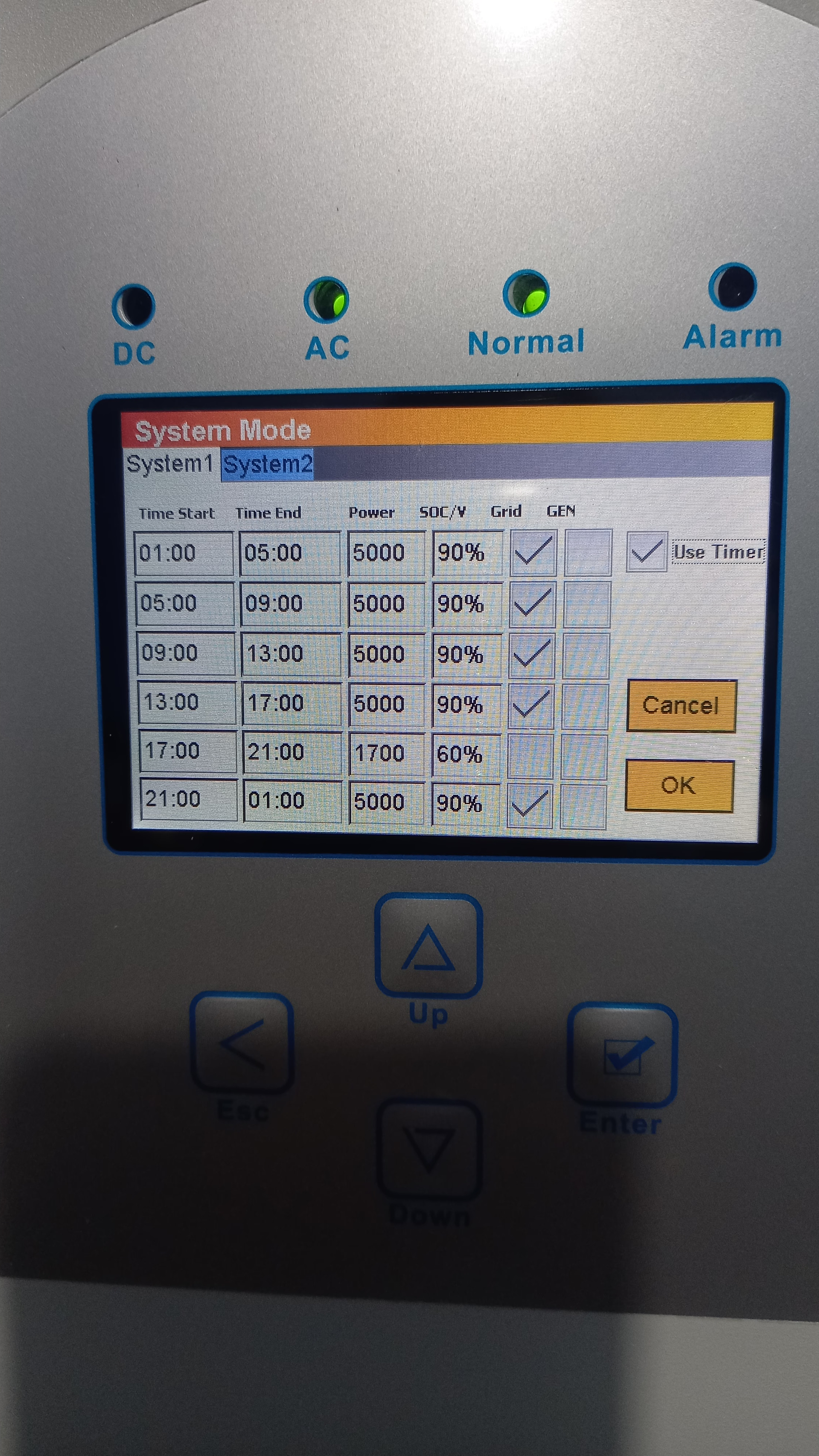
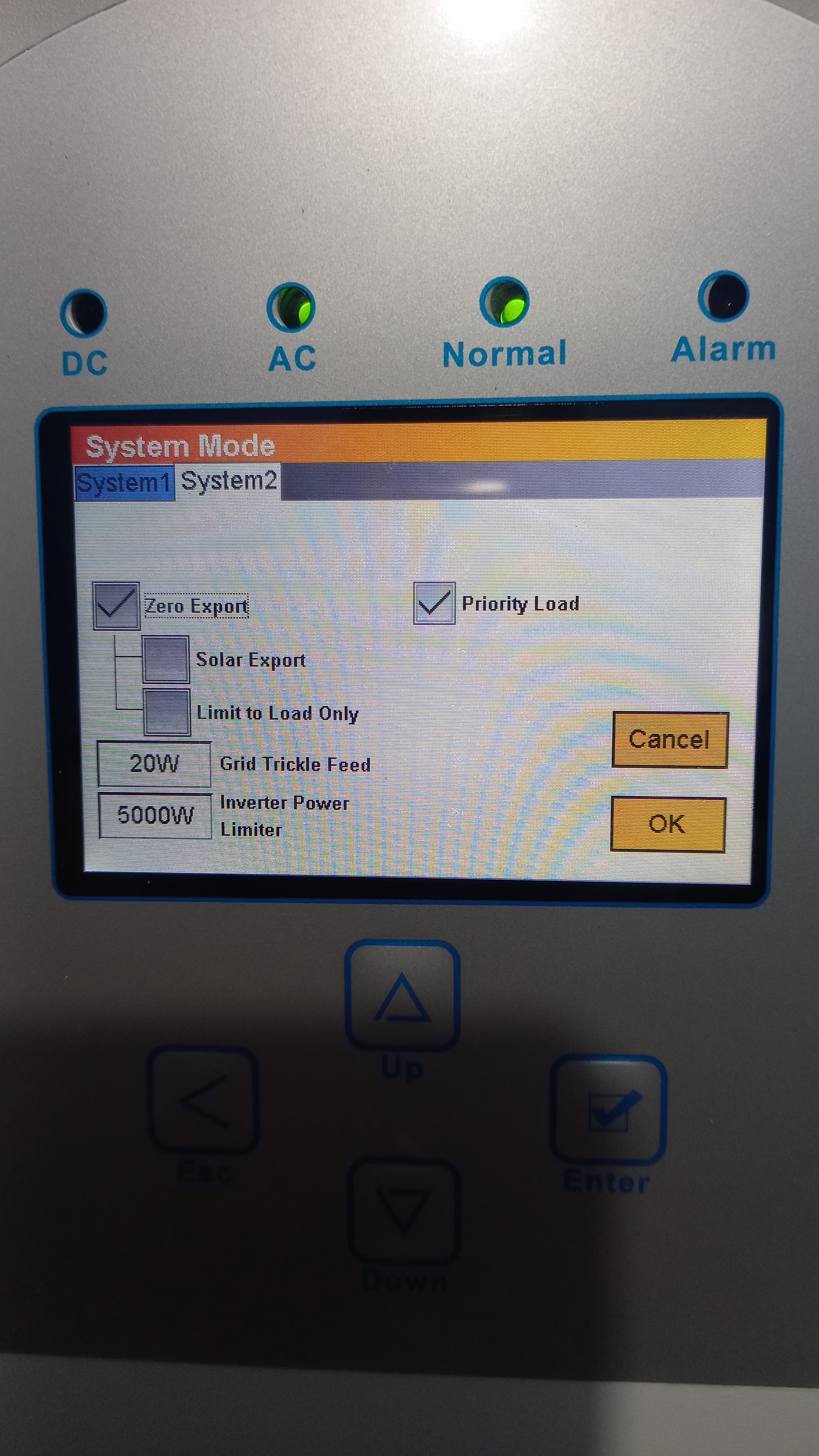
 Hope that you can see these pics!20230220_212859.heic 20230220_212841.heic20230220_212851.heic 20230220_212826.heicPressing the button put the inverter off and the blue light also went off. Put it back on and the normal LED came on again. BMS is working and shows battery's charge/discharge current limits which is both 104A. Under the battery menu option I've set the charge amps to 30A and the discharge to 95A. The battery is charging OK but it's not discharging during loadshedding. I only have an essential load of about 1,2kW connected to the same 220V supply which has the CT coil (with the arrow pointing to the inverter).The interface is on and the blue light is glowing. Could it still be off? The battery is also charging.