Nico69
Members
-
Joined
-
Last visited
-
Hi Chris, How did you manage to see the firmware of the battery. I have installed three of these batteries with Luxpower SNA inverters in three different installations with now problem and now the last one is completely different. Where I used to select battery brand 21 I need to select brand 4, and where all the other batteries is fully charged at about 52.7V, this one only reach about 77% SOC at 55V and then does not want to charge any further. I am trying to connect to it with PBMS Tools through the RS232 port but it simply does not want to connect. Did you manage to connect to it?
-
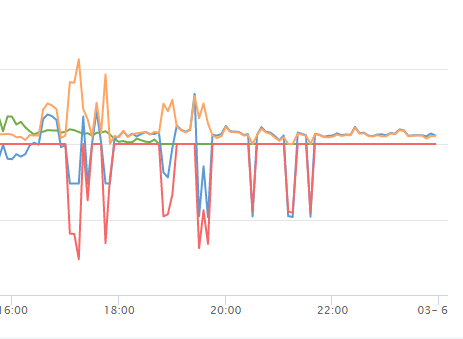
I have 2x luxpower SNA5000's in parallel with 2x NEnergy batteries (also in parallel). The inverters are setup to share the batteries as well. Since the NEnergy batteries cannot communicate with the luxpower inverters, they are setup as lead acid batteries in the inverters. The batteries must charge from the grid from 48V to 50.2V, but when there is no solar at night and there is a jump in demand (small pressure pump coming on, etc), then the inverters take power from the grid instead of from the batteries even though the battery voltage is still above 49V. It seems like the batteries only provide power for the baseload (300-500W). Any advice as where the problem lies?