toeffi
Members
-
Joined
-
Last visited
Everything posted by toeffi
-
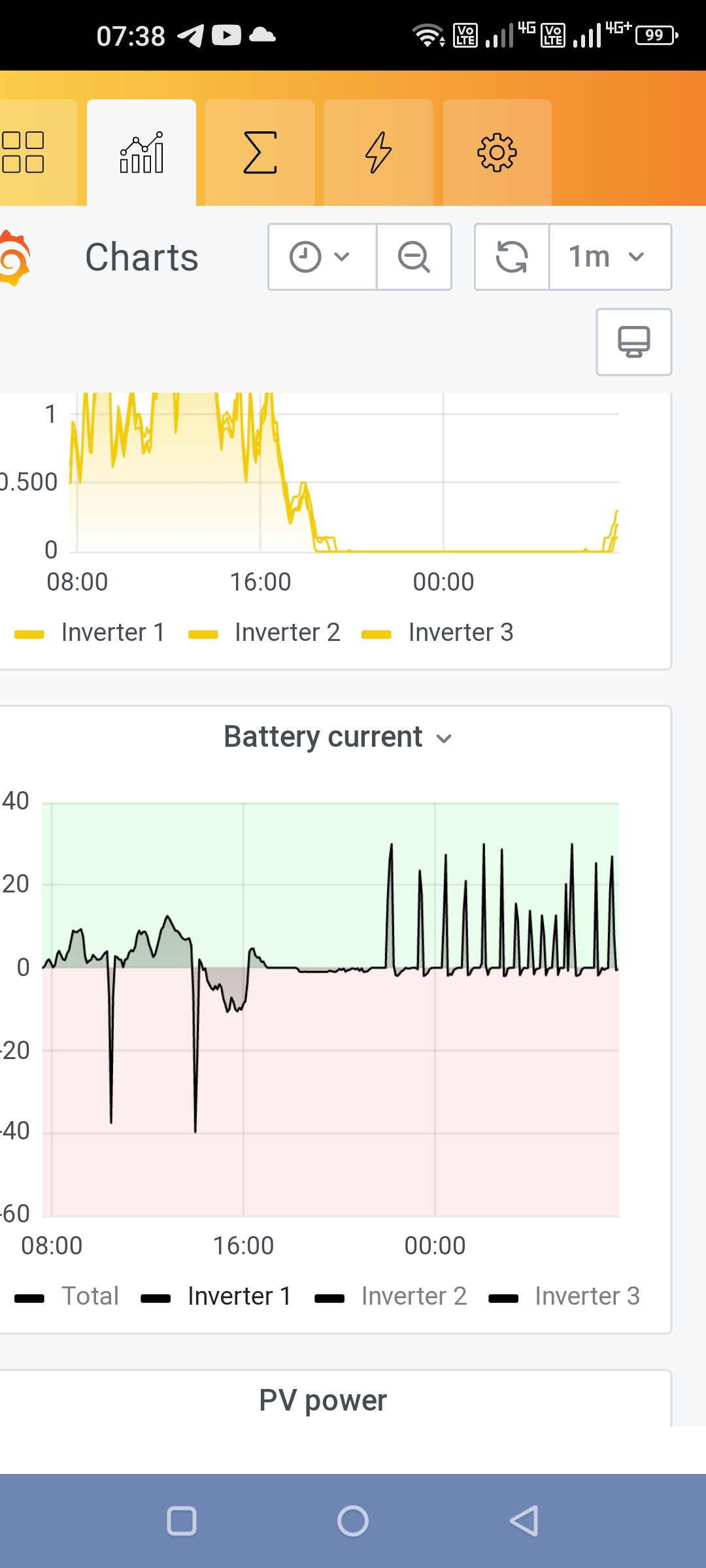
Hallo Leo danke für deine Antwort. Ich dachte, dass es ein Problem mit dem Gitter gibt. Ich habe nachts im Grid-Modus ein weiteres interessantes Phänomen. Ein Wechselrichter versucht, die Batterien zu laden, aber ich habe alle Wechselrichter, um die Batterien nur im Solarmodus zu laden 🤒. Von wo aus bist du in Österreich? Ich bin in der Nähe von Klagenfurt Gruß Dieter


-
Hi, the troubles with the serial connection is solved with opto isolated rs232 converter. I have used this one. Diyeeni RS232 auf RS232 Seriell Ports Optischer Isolator DB9 RS232 Isolierter Schnittstellenadapter: Amazon.de: Computer & Zubehör But I have this converters in 3 phase connection, but sometimes I have a complete blackout in my house for 2-3 seconds (Maybe 1 fault in 3 days) My inverters are in sbu-mode. No troubles in switching to grid-mode after batteries are empty and also no troubles by switching back to sbu-mode if batteries are full. I have now activated (enabled) parameter 25 (record fault code). Did anyone read this data ? I must organice one micro usb adapter to put in an usb-stick. Did anyone have the the same troubles or maybe a solution ? Regards from Austria Dieter
-
Hi LeoP1970 Helpful information, but can you describe exactly what you made ?