Sauer
Members
-
Joined
-
Last visited
-
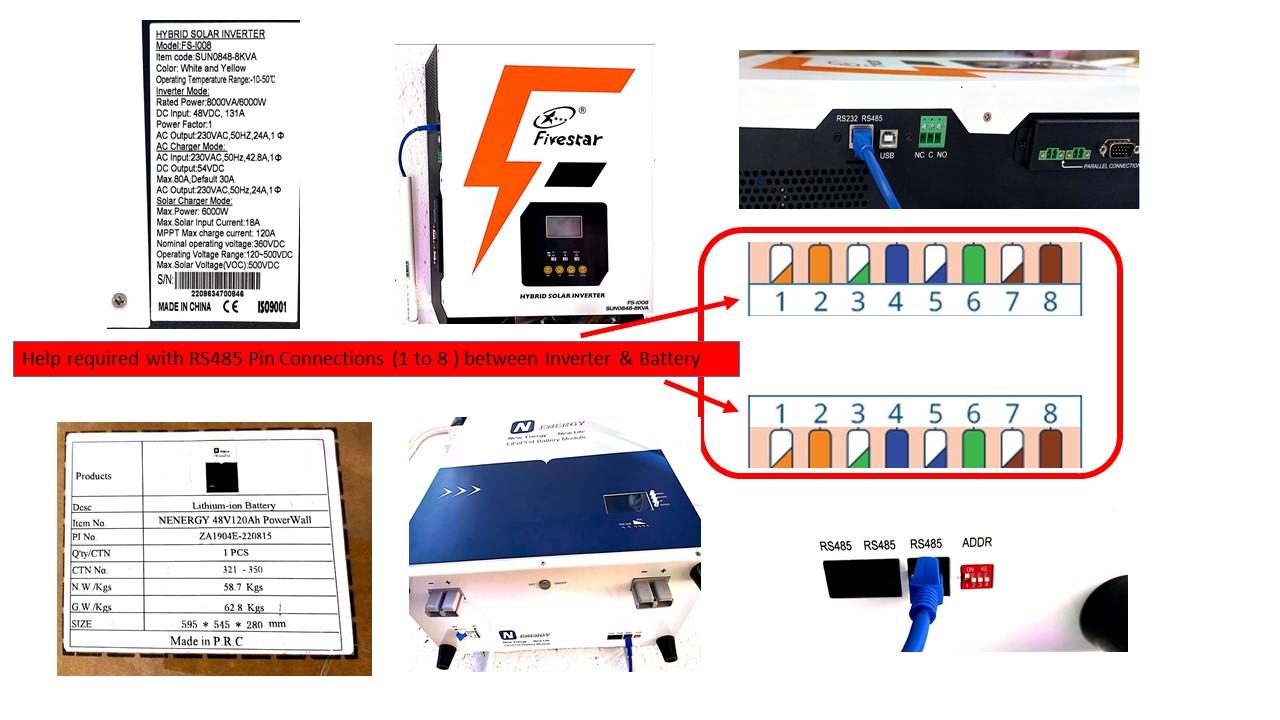
The drawing providing the model details of the FIVESTAR Inverter & NENERGY Battery. Request assistance with the RS485 Pin Connections (1 to 8 ) between Inverter & Battery

-
Attach the drawing on the Unit & Battery for BMS connection. Request help on the drawing for the RS485 pin details that I can make up my own RS485 cable.
-
Sauer joined the community
-
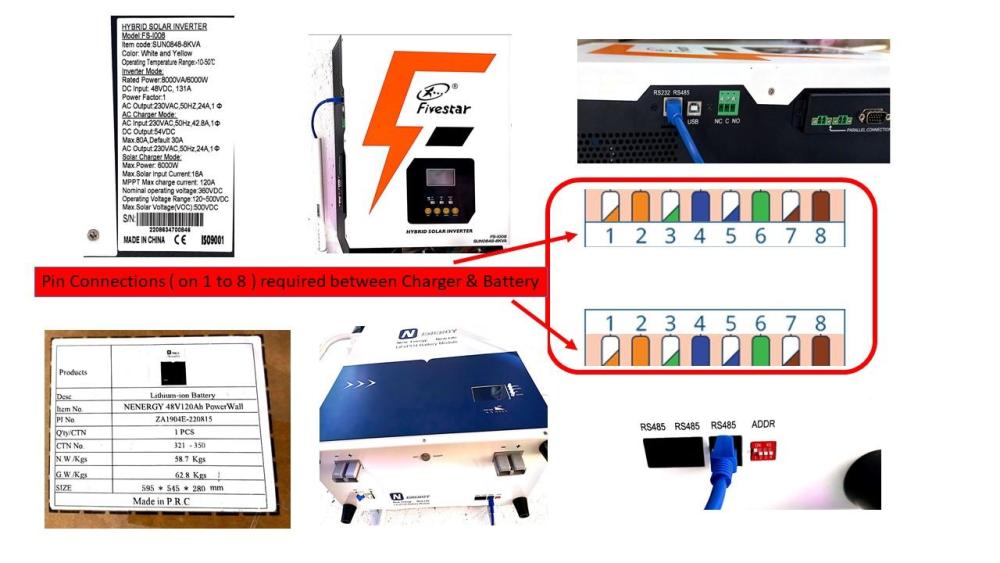
Shaun182 Item purchased: Fivestar 8kva 120a MPPT Wifi Compatible Hybrid Parallel Solar Inverter Order delivered included the following: The Unit x 1 The User Manual x 1 Communication cable (USB cable between Unit & PC) x 1 Outstanding in Order delivered: BMS Communication cable (RS485 between Unit & Battery) – Not delivered... and... No information in the User Manual on Unit for BMS communication (Unit’s three RS485 pin connections Outstanding) – Not in the User Manual received with the order. Can you please assist with additional information to the User Manual Herewith the Battery BMS details for RS485: Pin 8 - RS485_B Pin 7 - RS485_A Pin 3 - GND Request the UNIT BMS details for RS485: RS485_B – Pin……. ? RS485_A – Pin…..? GND – Pin……. ?