capoccio1
Members
-
Joined
-
Last visited
Everything posted by capoccio1
-
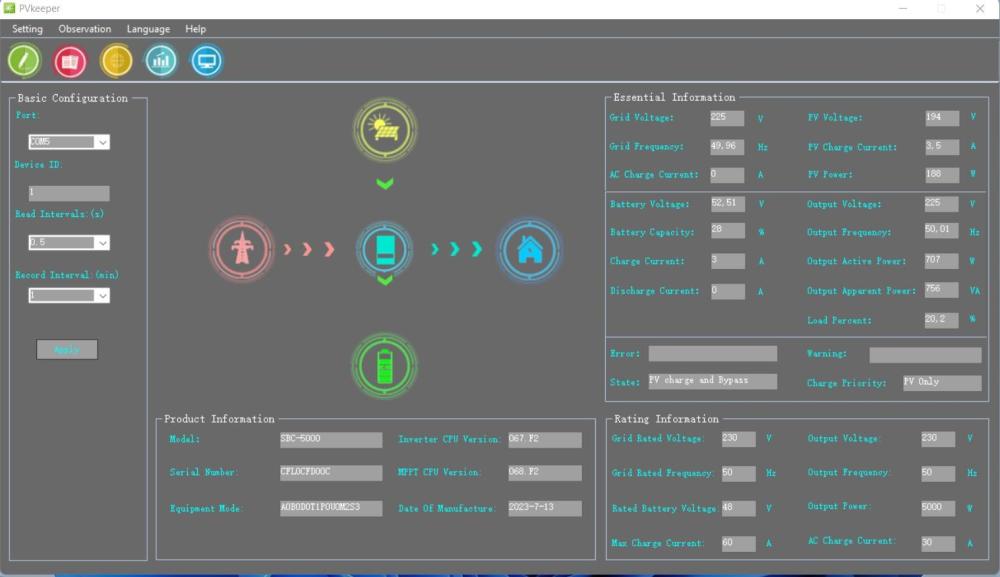
Hello, I contacted the inverter supplier who sent me the program, in the photo you can verify that the inverter communicates with the PC showing all the data, the USB cable works well.
-
tried with different usb cables, they all give the same result
-
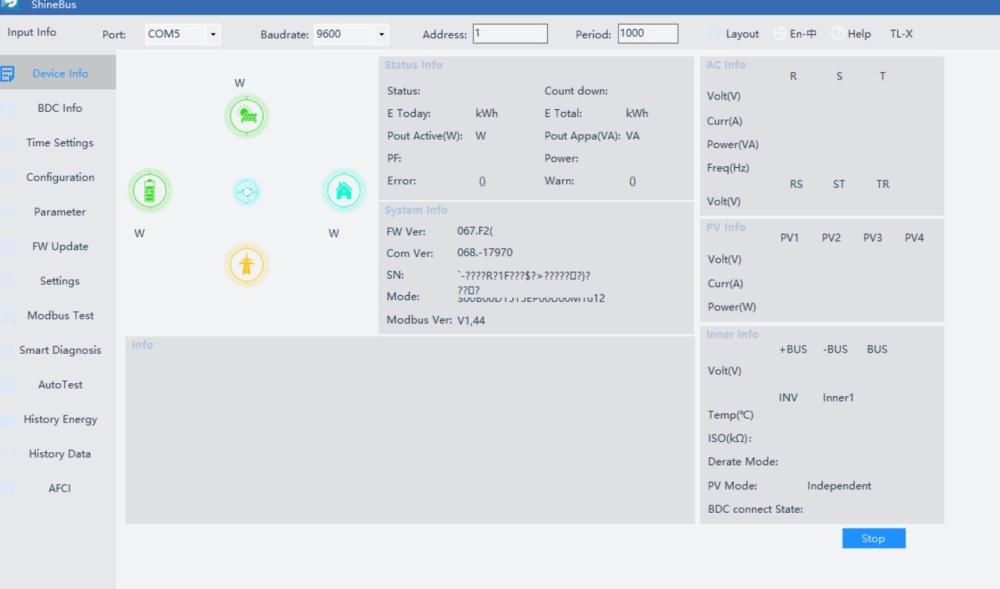
if done, the inverter communicates as follows:
-
Anyone who can help me?
-
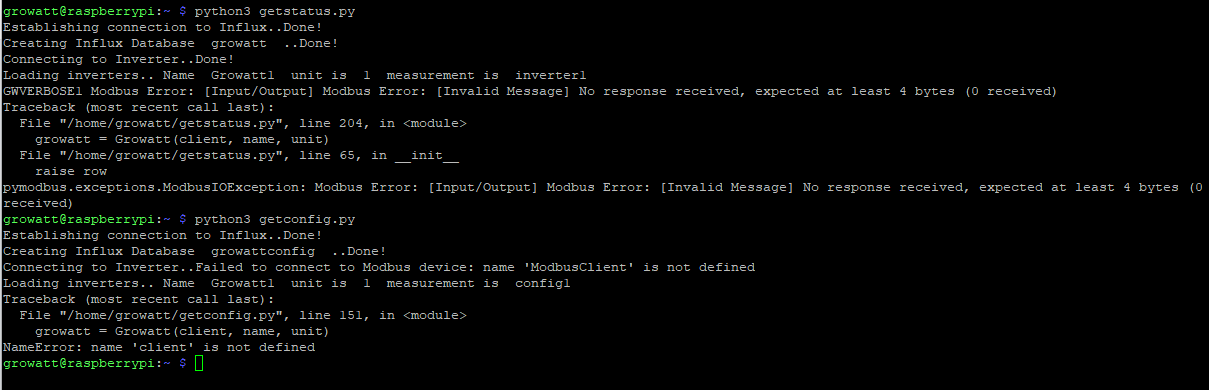
getconfig.py getstatus.py
-
hi, can someone help me? I followed the instructions step by step but I can't read the data
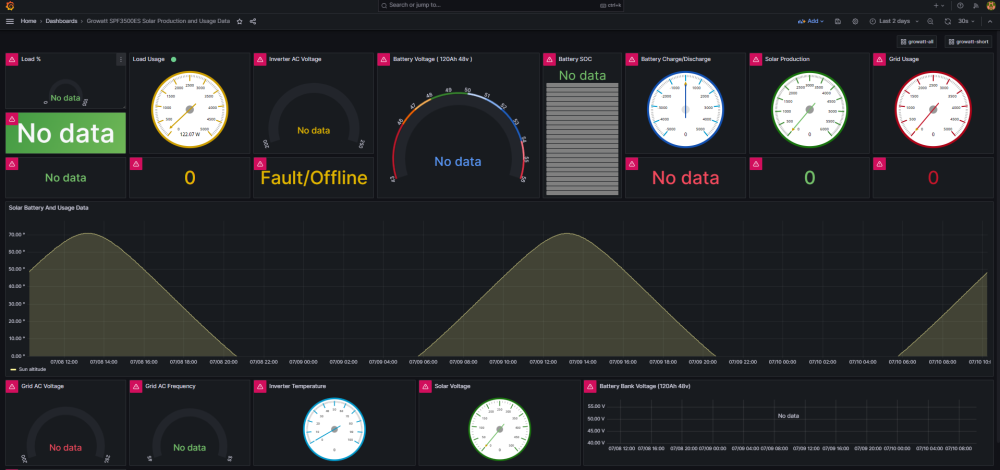 hi all, i installed grafana on my raspberry following this guide: (https://github.com/sdsolomo/growatt-x000ES) I can access the webpage by typing raspberry IP:3000 but I don't see any data. From ssh if you do this command: growatt@raspberrypi:~ $ python3 getconfig.py python3: can't open file '/home/growatt/getconfig.py': [Errno 2] No such file or directory I get the error, how can I fix it?