square_eyesNZ
Members
-
Joined
-
Last visited
Everything posted by square_eyesNZ
-
@Reinhart I'm not trying to find out if I'm in Eco Mode. I know I'm in Eco Mode. I can't set any other mode. I'm stuck in Eco Mode.
-
Solar Go wants an installer login too. Funny enough. When I'm on Solar Go or PV Master it tells me I'm on General Mode. This is not true as evidenced by the fact my battery charges from the grid each night at 10pm for 30 minutes which was a test I set up in Eco Mode. I rebooted the inverter again out of desperation but it seems stuck this way.
-
I'm using SEMS which worked (changing working mode) up until a week or two ago. I tried PV Master but it's asking for an installer login to do anything but view stats. I'll try Solar Go. Honestly, my gut feel is this is a bug or some back end service going down/changing.
-
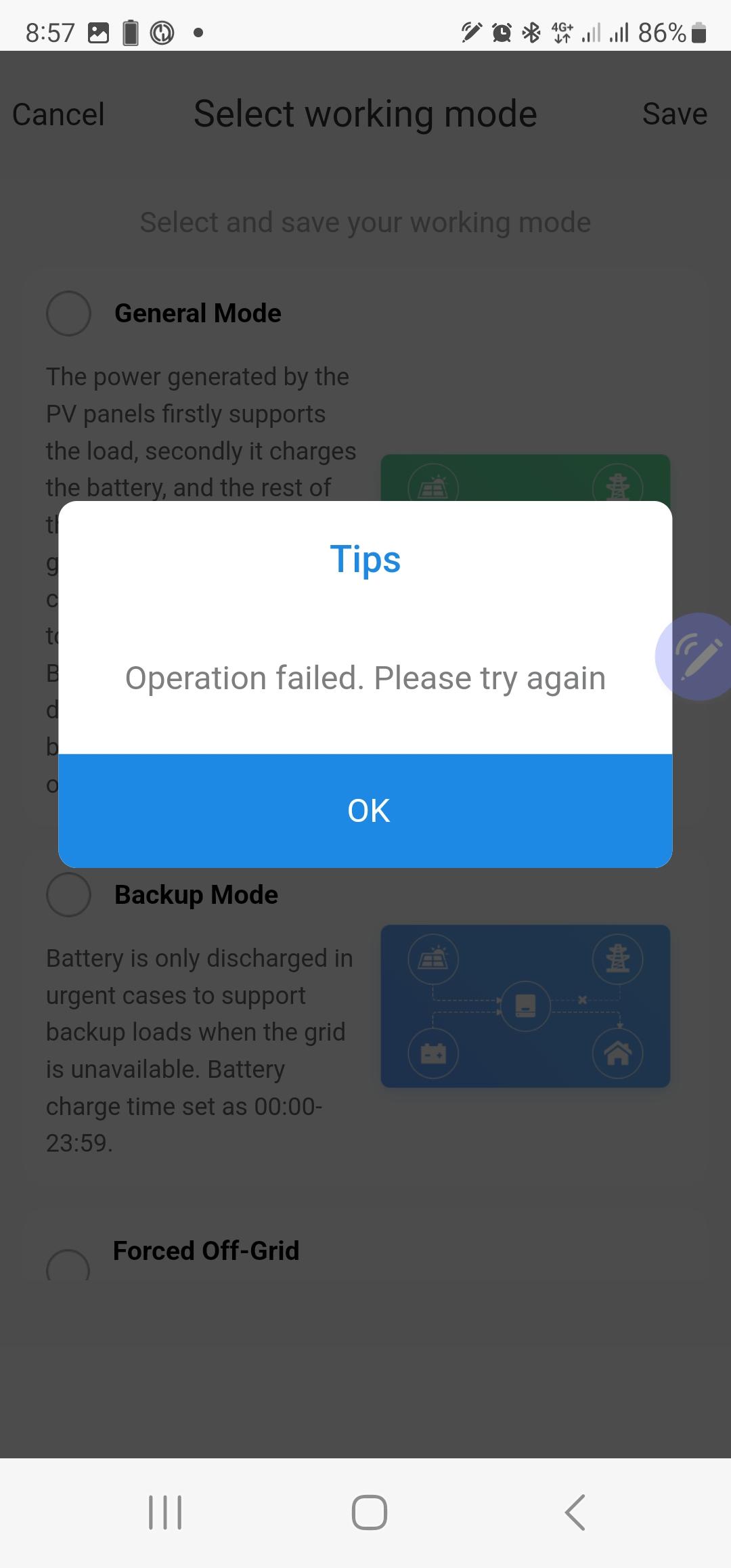
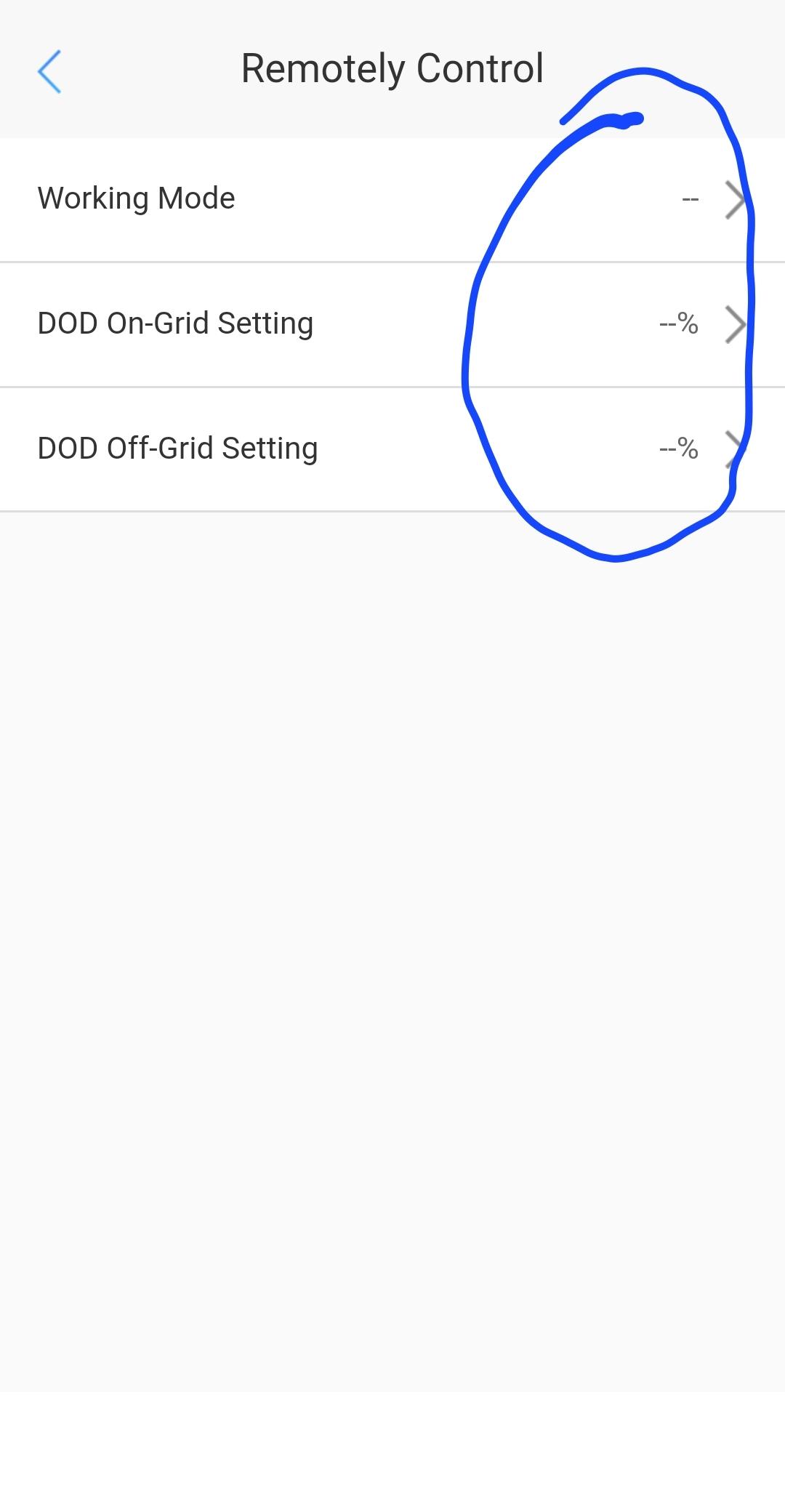
Came to this site via Google. I have a Goodwe inverter that's recently stopped allowing me to change working modes. Since install last year was able to do this. I'm not an installer. It was super useful for putting into Backup mode during cyclones and I was experimenting with Eco Mode which would allow me to charge from the grid at certain times (e.g. if I switched to a power plan with a free hour of power). I am now stuck in purgatory with my inverter charging my battery every night for the test interval I set up - costing me money. I now simply get "Operation failed. Please try again", also the working mode and DOD display fields show --.