


aggressiveGrey
Members
-
Joined
-
Last visited
Everything posted by aggressiveGrey
-
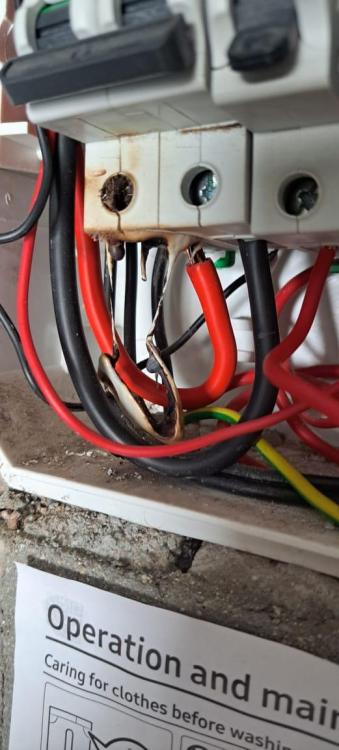
So last night our electricity cut. All started with me turning on a light (we also noticed light flickering a few months ago in our lounge)....lights first were flickering big time... then appliances were going on and off rapidly. Today an electrician that came said, cable probably was arching a little and over years it probably degraded and caused this and insists its from the mains and not the lights. He replaced the double pole mains switch, cut back the wire that was black.. and now i have electricity.. just found it odd... never ever seen that happen to any place ever ive lived in. So my question is, it all stemed from the light - its the only thing I have noticed. So double checking - if this would be accurate conclusion to make and not have to worry about it reoccurance in the future.

-
well in my OP i stated: Now my question is - were my PC's at any point in danger of electrical damage? I cannot find any information online as to "why its bad or what the potential damage could be" and Probably here is the keyword, because i dont know, seems nobody else knows the "practicality" of what generally happens in this situation nor can i find conclusive thoughts about it online
-
Any logical way to think otherwise even if they power up? Just kinda want to understand if theres a scenario where it had some effect
-
Bump
-
But ye, im going nuerotic... because i don't have the knowledge of what potentially could of happened by doing what i said in OP
-
Ye was more ignorance than anything, basically "in case" loadshedding cause surge..
-
I did realize it after it happened, the whole supplied by Eskom bit - but ye not finding much info online as to what any "effects" would be in doing the "mistake" that i made... and a few times too.
-
Ironically - im less worried about the inverter - super worried about the computers
-
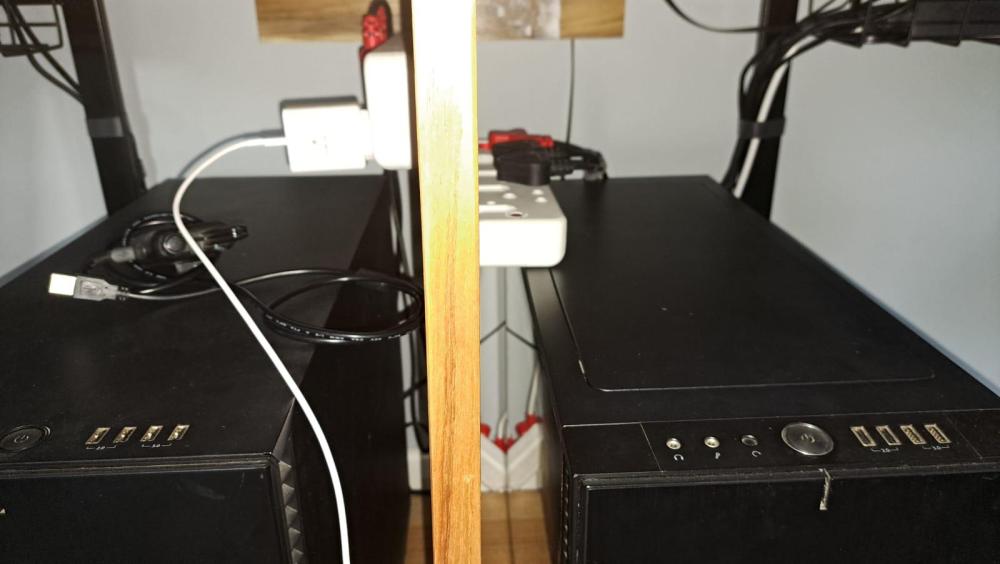
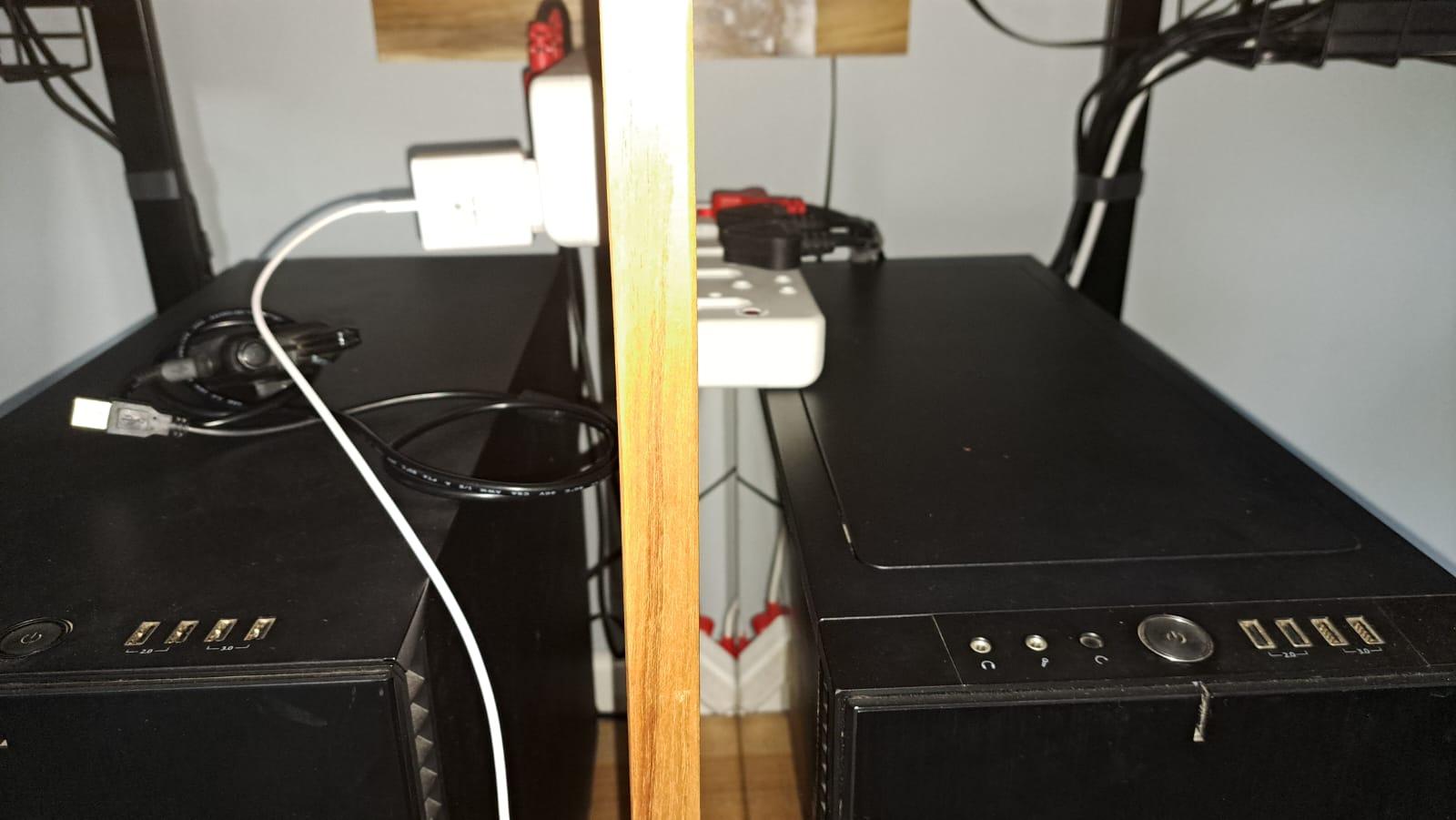
Hello All Hoping you can put my mind at ease as I've looked over the internet and other forums with various answers but nothing ultimately conclusive. I did realize at some point that i did something silly. First the equipment: My Inverter - Mecer 1200 VA - Modified sine wave My surge protector - ELECTRICMATE 1 X 16AMP + 1 X SCHUKO HIGH LEVEL SURGE PROTECTED ADAPTOR - GENTECH (gentechindustries.co.za) Second - How it was connected at the time: a) Inverter was plugged OUT of the wall socket (battery mode) b) Extension cable went across where another extension cable plugs into it and goes to 2 multiplugs that 2 pc's and router and ONT are plugged into (See attached) So, i plugged the surge protector into the extension cord as seen in the screenshot attached - while the inverter made a weird "bzzz" then realized my computers weren't recieving power. So, i thought well "that is odd" and took out the surge protector once, turned on my PC , no problem, then did it again - without issue again. The inverter stayed on the entire time. Then i looked at the manual and had a mini stroke - "Dont plug into inverter" Baring in mind every "seems" fine now Now my question is - were my PC's at any point in danger of electrical damage? I cannot find any information online as to "why its bad or what the potential damage could be"
.thumb.png.56cc85f78ed8ed2e0ef18f9cc33521eb.png)


.png.87ad2464131affc883565177a8db2a56.png)