mmicuro
Members
-
Joined
-
Last visited
Everything posted by mmicuro
-
hi allreayd tried 2.8 2.9 3.4 now working here is a screeenshot from batteryview i see it`s phantom board. maybe i need older FW. i contacted Pylontech and waiting on their reply, but if you guys have older FW for US3000 i will try it!

-
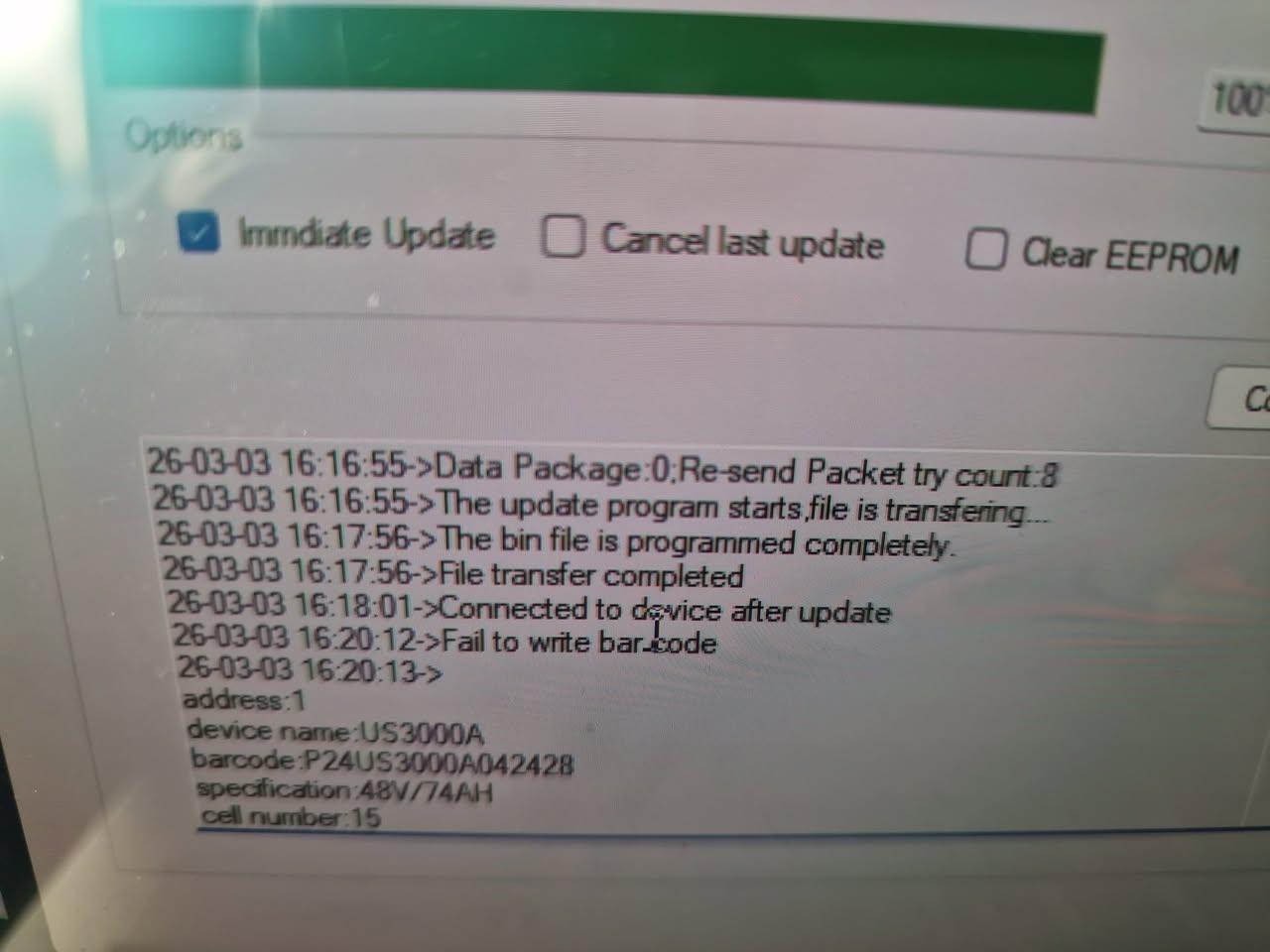
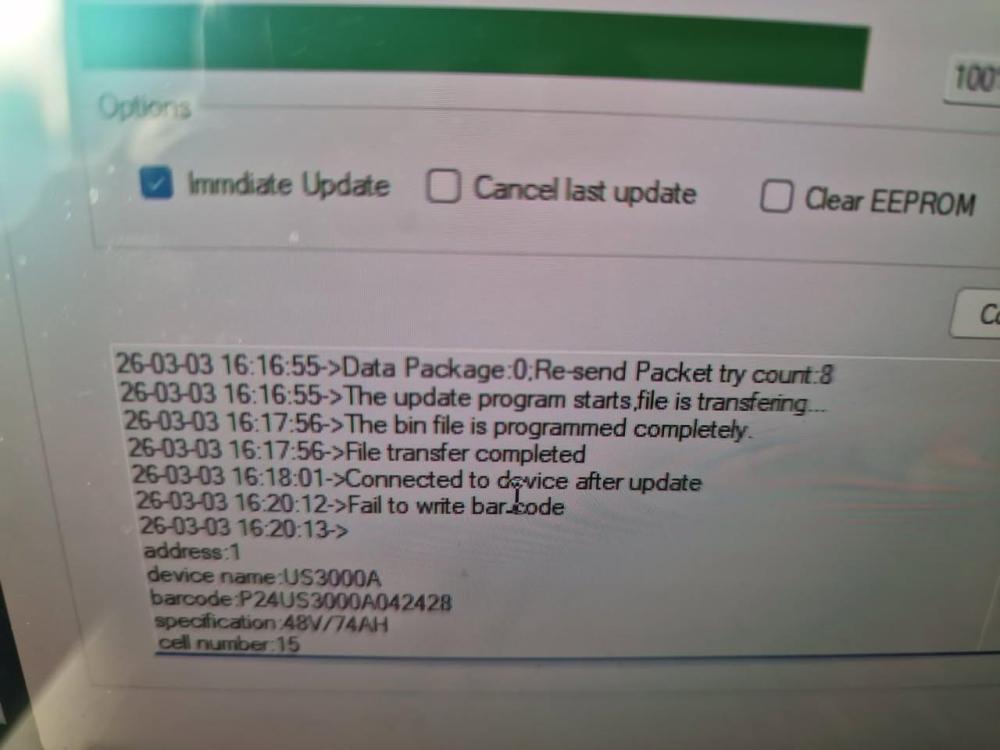
hello guys, i bought an pylontech us 3000 battery from a guy and decided to update the FW...... result bricked battery. been trying to unbrick it and tried FW 3000a 2.8 / 2.9 / 3.4 none work... see attached photos. i do not remember what was the FW version before... i only can tell you that when i enter the Serial number after i try to update the battery it`s not accepting the SN and giving me another SN which is not on the box. TX for helping, i think i need older FW versions .

-
Hi all, I want to update the FW of my PYLONTECH US2000C battery curent version 1.2, ive been trying to go to higher version but sadly without success. batt details bellow. Can you help me out n? TX