Benseb
Members
-
Joined
-
Last visited
-
Ive been getting the message “Unable to verify the first certificate” recently. any ideas what could be causing it? I notice the Sunsynk SSL cert renewed 2 weeks ago but can’t see any reason why that wouldn’t be recognised? for now I’ve changed Node Red to skip verifying the SSL cert (not ideal)
-
@Gary Waterworth how do we update this integration to take advantage of your changes? I’ve not seen anything in HA to say there’s an update available
-
Our app has been down most of yesterday and most of today its looking like the only robust way to control this is via a direct integration like Solar assistant or directly into HA a real shame. We shouldn’t need to do this but seems their tech team have theirs heads up their asses (technical term as I’m a CTO)
-
4000ms is horrendous for an API should be a few hundred ms Sunsynk really need to get their 💩 together
-
@Gary Waterworth our main use is to turn the “Use timer” on/off as this allows us to force charge the battery during off peak electric its working well now, but occasionally the update doesn’t get through which means we end up charging the car from the battery Is there any sort of retry mechanism in Node are to retry the update if it fails? Or an entity I can check that will say the update failed so I can trigger a notification to do it manually? thanks. Great integration!
-
Is there any way to switch the work mode to “Selling first”? I notice there’s a work mode entity 1/2/3 but it doesn’t seem to do anything. when I change in HA the mode doesn’t change in the app and vice versa
-
Could that change just be to look for non zero values? our minimum SOC is 12%
-
So there was some downtime reported with Sunsynk today. when this happens we seem to get a bit of a situation Our SOC(1-6) values get set to zero Im not sure if the API is reporting zero or not (but lots of zeros show in the app when it’s down). I then waited to see if HA recovered to the corrext values once API up again, but it seems they get stuck on zero without any manual intervention from me. thankfully the shutdown % prevents the battery from draining to zero, however if I’m not careful and spot this, it won’t charge up off peak overnight as the target SOC for those slots are 0 feels like there may need to be some error handling/catching around this?

-
Ignore me, seems I had an old version of the card code.
-
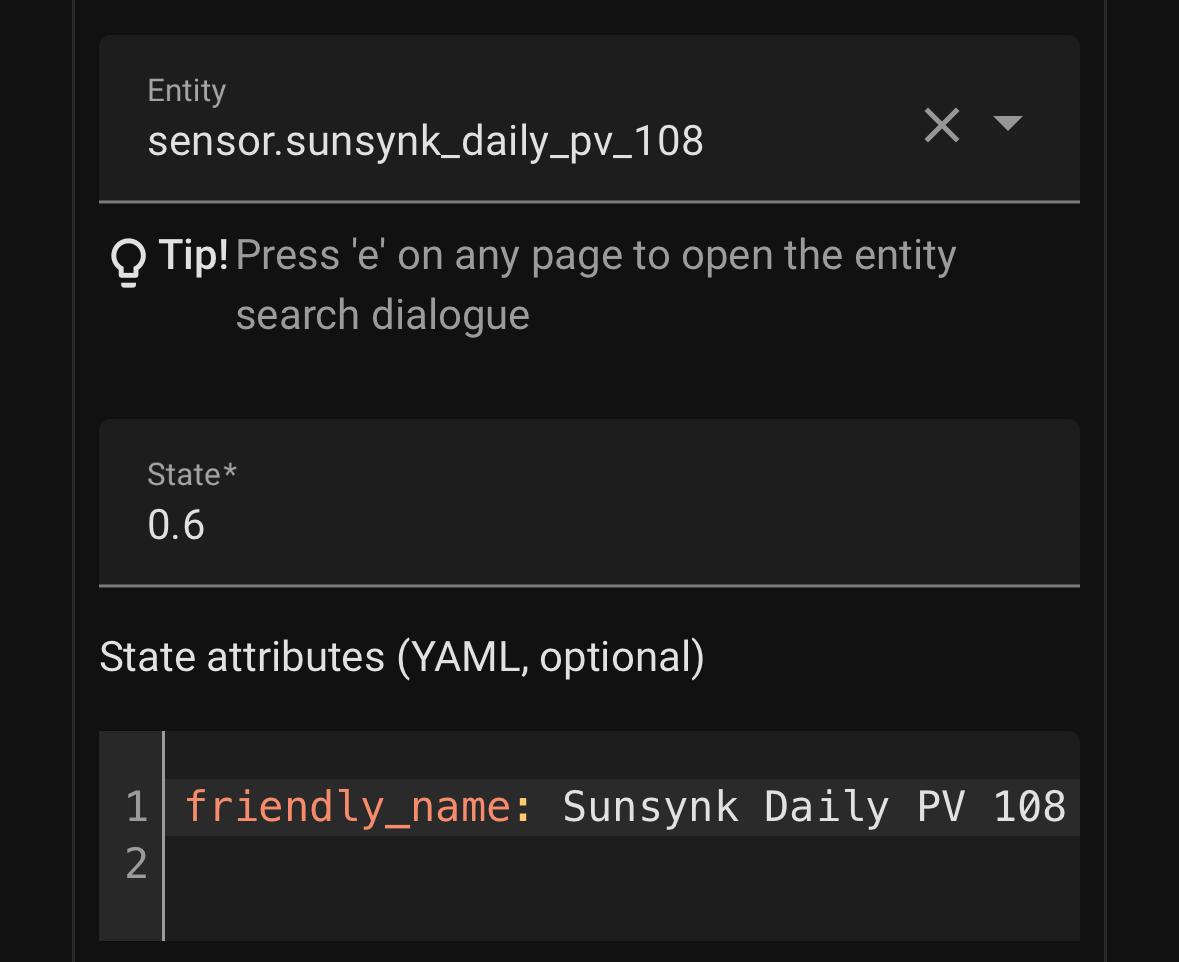
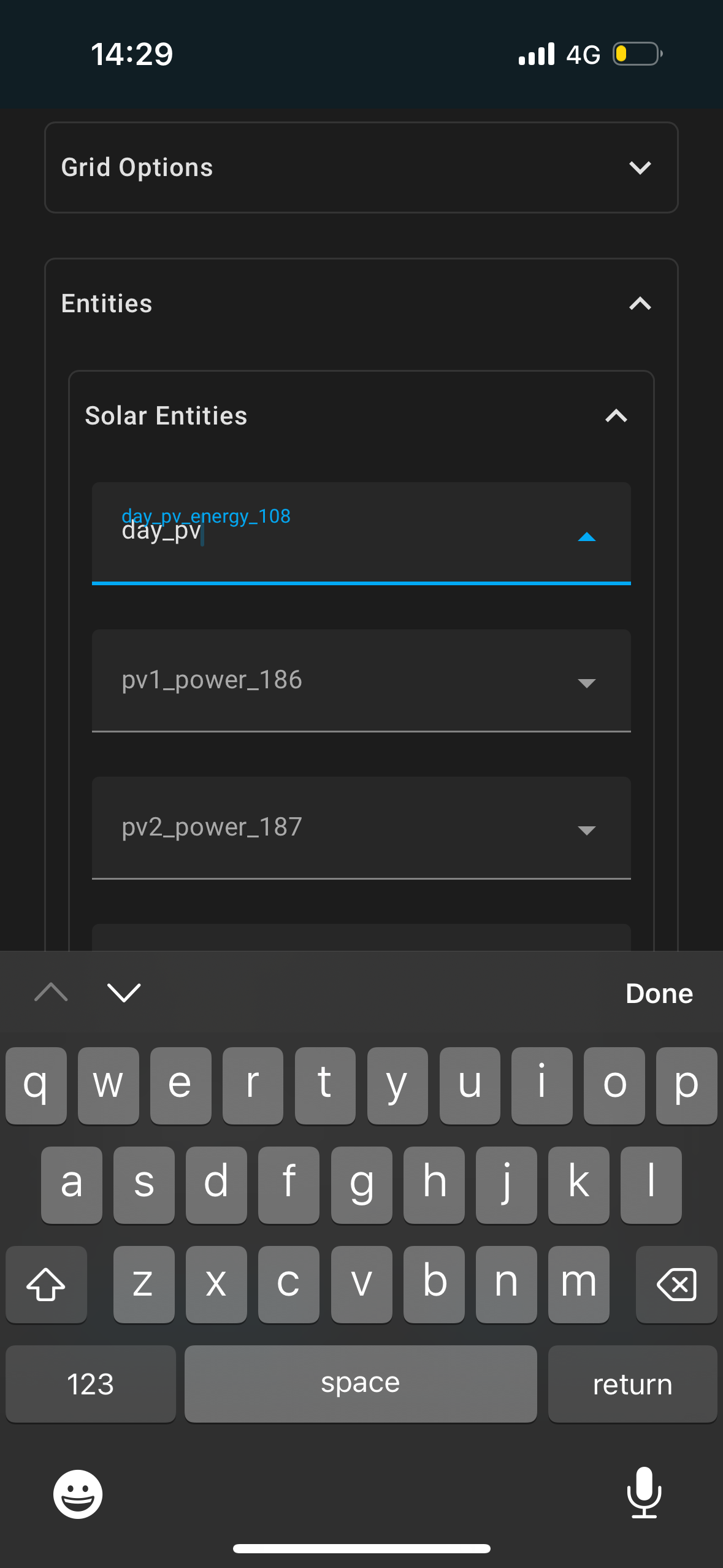
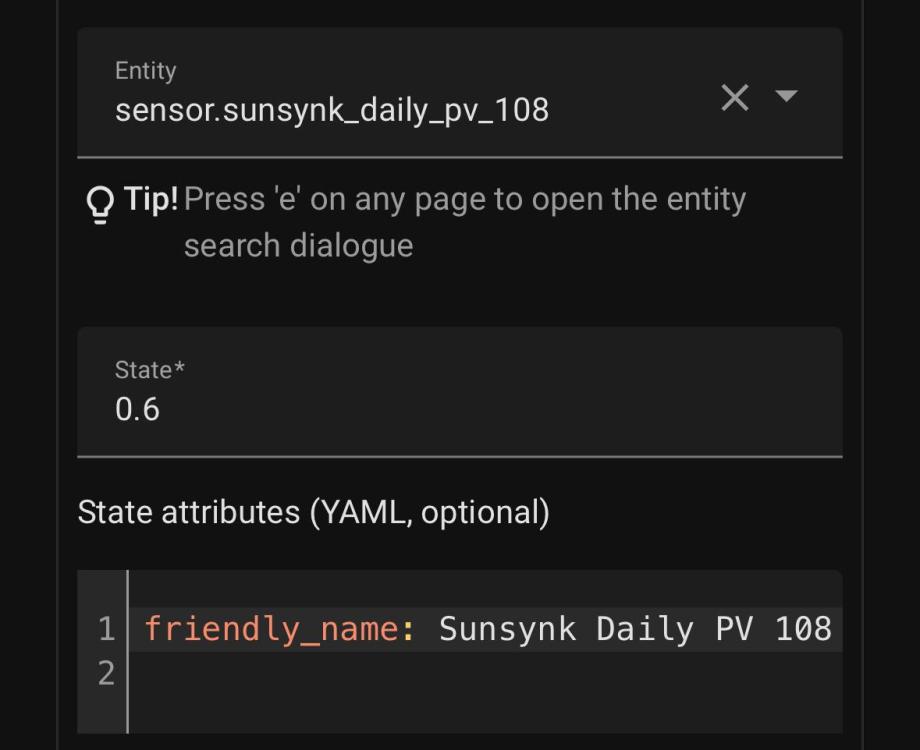
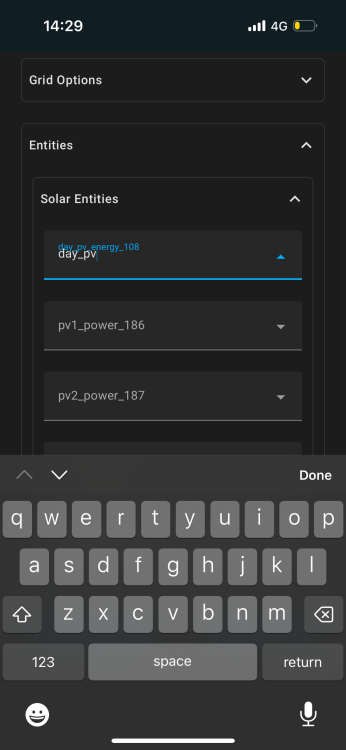
Hey all I’m trying to get the slipx card working I’ve imported all the custom sensors and can see them reporting values, but they do seem to have different names than the card suggests? eg card: day_pv_energy_108 sensor: sensor.sunsynk_daily_pv_108 however when I go to the card, and edit entities, none of them show up within the search box? Eg if I type 108 I’ve tried just typing them in without the lookup but no data is returned what am I doing wrong?
-
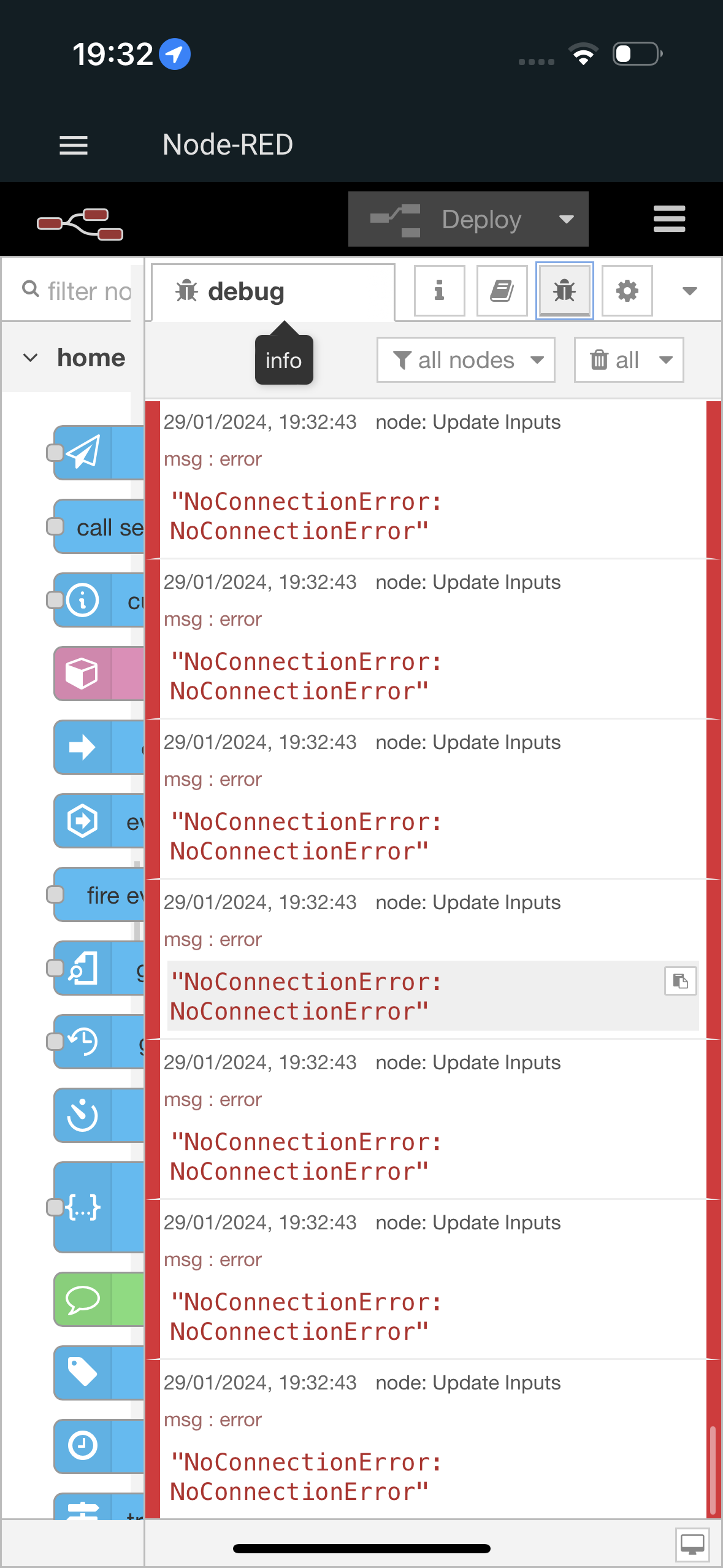
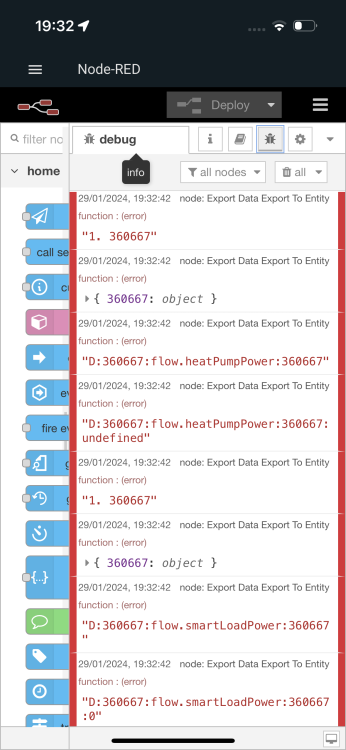
This is what was showing. However I’ve just redeployed the flows and haven’t seen the connection errors since….
-
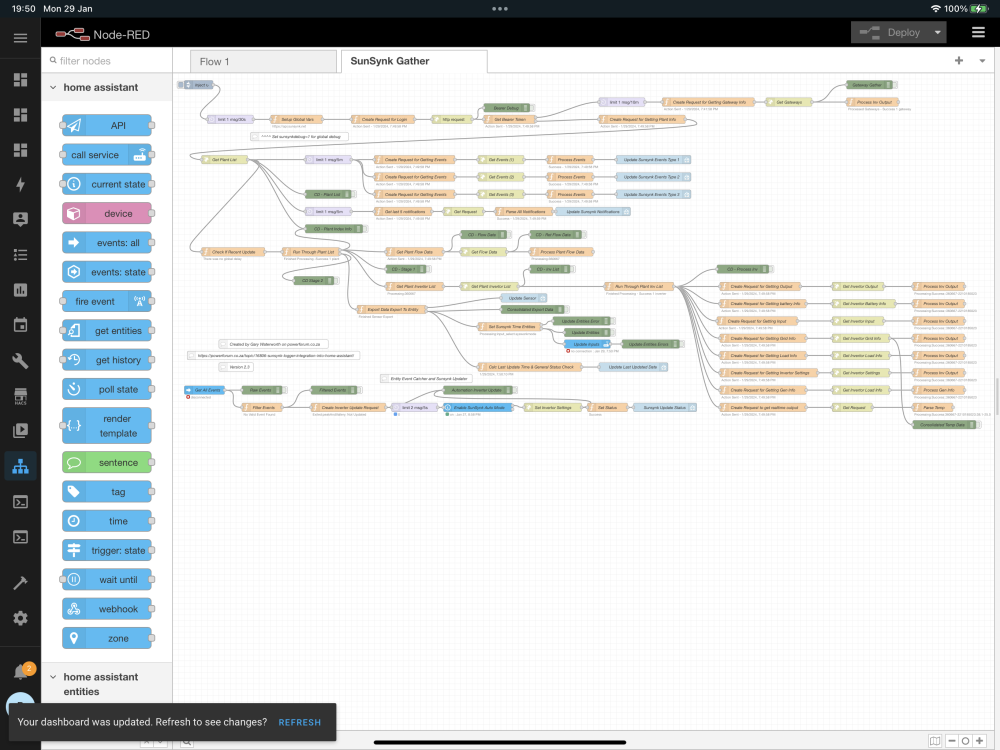
Hmmm. Something I’ve just noticed end in Node Red one minute it’s showing loads of connection errors, a few moments after it runs again OK
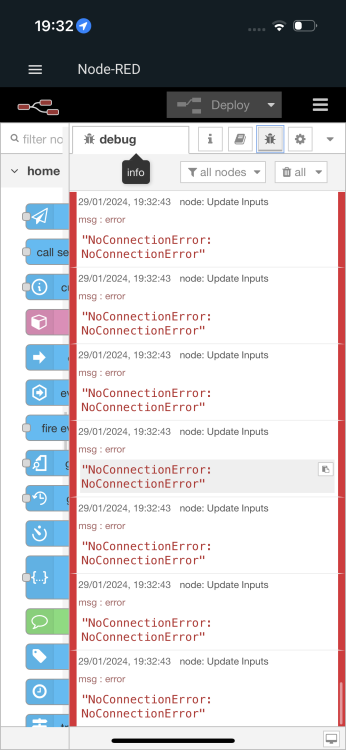
-
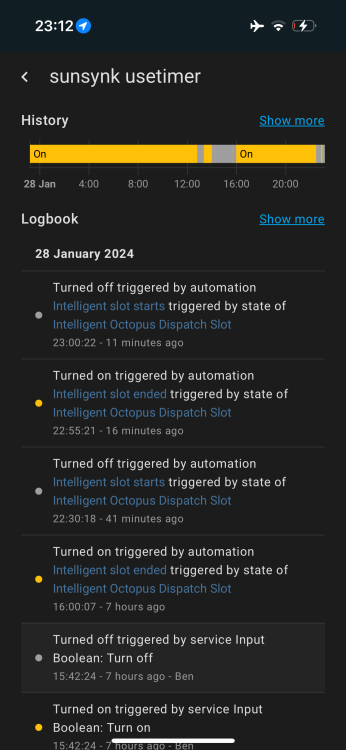
I’ve not changed the flows. Just using the basic ones from the repo plus an HA automation to toggle the binary sensor input_boolean.sunsynk_usetimer will pop a screenshot up from my laptop shortly
-
What’s the quickest way debug this in node red, as I still can’t make any changes from HA
-
I can see the automation run but the “use timer” didn’t update on the inverter. it’s run a few times today and not updated. It was fine before the outage?