


Harmdor
Members
-
Joined
-
Last visited
-
-
-
That is not a good idea. The generator can not "consume" or "accept" power from the solar. So if load power is smaller than PV power, the generator will have problems. Perhaps black smoke.
-
A few years ago I registered my Deye 8kW on Solarman, which was new to me at the time and was quite disappointing. I was used to the monitor for Victron. Later I installed a micro inverter and wanted to connect it to Solarman: impossible. So registered on Deye cloud: works perfectly. With a micro on the gen port of the Deye hybrid, Solarman no longer knew how it should be displayed. The micro is not seen as PV generation. I also coupled the hybride to deye cloud. Even more misery came along and then I switched to Solar Assistant: more than great. You can even connect a local screen and mouse so that you can live completely without internet: no one can interfere with your settings and you can program your inverter at all times.
-
Has anyone ever had to deal with a modem swap? Can you still use Solarman and Deye Cloud and monitor my inverters? Or do you have to first remove the inverters from your plant via your old modem? Do you even have to remove the plant? What will happen with monitoring history? Or can the plant stay and can you add the inverter to your existing plant after you regain access to the AP and log in to your new modem? Is there a video or manual for this? I believe I saw solarmann say that my inverter was already registered elsewhere and that is why it could not be added. (I had already registered it with deye cloud) I'm scared that after the modem change I can not monitor my inverters anymore because they are connected to an address I'm not able to reach.
-
Why would you update? Do you have problems? Ask Deye Service.
-
-
You are free to think that. I tested a 1 phase Deye 8kW and a 9,6kWh Pylon. Disconnected the grid, set the "battery grid charge" at 5A, connected a 4kVA petrol generator (RPM controlled power, so no AVR) to the grid input, set the grid settings to 45Hz-55Hz and 180V-260V, started the gen and watched the inverter come to life. Then increased the grid charge to 10A. No problem at all, the gen will charge the battery's. (make the setting at 100% in time of use.) There is no cleaner sine wave than a prehistoric stator/rotor generator.
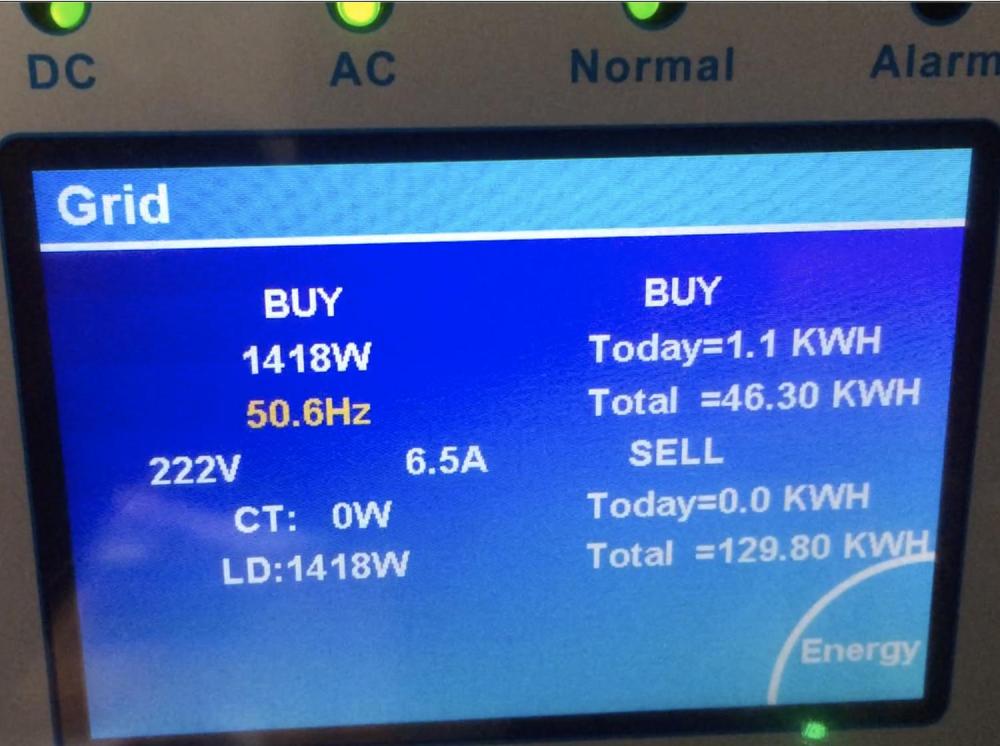
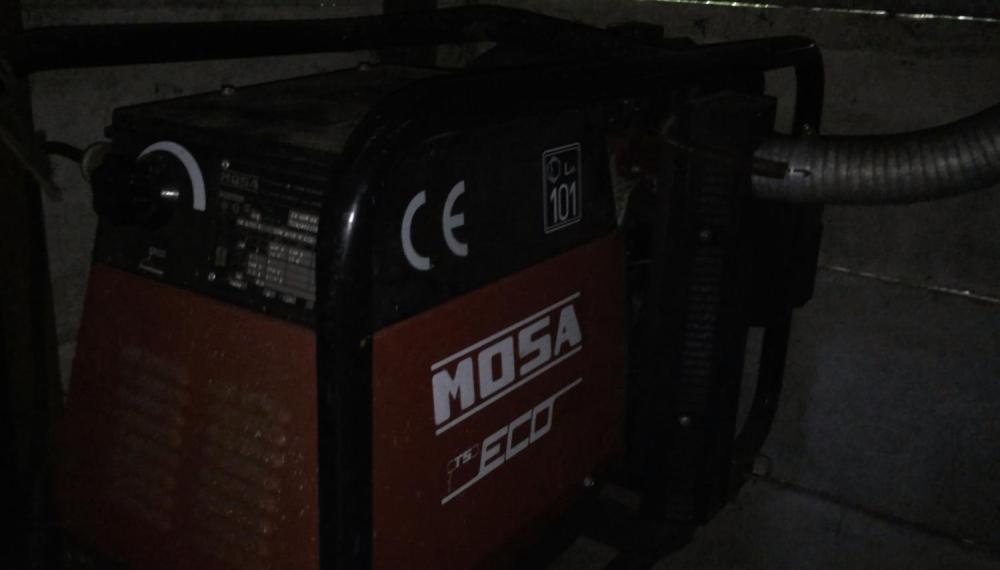
-
That I do not understand. When the gen port is de activated by the inverter, (for no reason) I'm off grid. edit 5 april 2024 at 0731 again gen port deactivated for some seconds ......... (I'm off grid)
-
No voltage from the micro is not the cause. The gen port is de-energized by the inverter as if the gen port were briefly named for the generator.
-
It is not a bad connection. I do not know where the power can go. There is no place to go, it has to be cut off and that is not happening. I did not construct the firmware. 😪 And Deye does not acknowledge that there is a mistake.

-
In battery settings "max charge voltage" is set at 52V. When the battery is at about 80% the voltage is 50,5, when charged with 1kW the voltage is 50,8 (or so), the frequency is than still 50.0Hz. When charge power is 4kW the voltage will rise to about 51,1 than the frequency starts shifting to 50,1Hz When charge voltage reaches 51,2 V the frequency is 50,5Hz (when set at the minimum 50.5) When set at 55, the shift is to 55Hz and the micro gets killed. So the shifting starts when the measured voltage is "max charge voltage" minus 1 V
-
I think that you refer to grid feeding and overcharging the battery. That would be a good explanation, when the inverter wasn't disabling the micro inverter input randomly, several times a day. I would write firmware as something like this: Connected to the grid yes or no? Battery charged yes or no? solar sell enabled yes or no? If yes ........ then kill micro inverter input. (then there is no power, so the micro's die) There is a possibility to set micro inverter on and off. Only problem is then that they get killed long before the battery is fully charged and already at the voltage set to max charge voltage. Voltage difference is 1.0 Volt So it needs a lot of thinking. The now existing firmware is not developed to the max.
-
Please forgive me not giving that information. 7 units pylontech US2000C 25A/ unit so allowed:175A
-
Dear Deye friends I am experiencing various errors in the firmware, I have contacted DeyeService, but they seem to act as if they do not want to talk about it and provide videos that show that they are not experiencing any inconvenience. If you look closely, you'll see that they work with a smart load instead of the gen port used for micro inverters. So their test proves nothing at all. Anyone else with these bugs? History: 1phase 8kW SUN 8SG01-LP1 from august 2022 Micro inverters connected to gen port PV connected to PV1 Because of the grid consumption I designed that when the battery is not empty and the battery is not reachibg "fully charged" , I will be OFF grid. All load connected to "backup load". FW 6014-1724; Problems: Ignore NON solar sell Ignore grid set point: always consumption from grid. Update to FW 6022 march 2023 NON solar sell : correct Ignore grid set point: always consumption from grid. Update to FW 6023 april 2023 NON solar sell : correct Ignore grid set point: always consumption from grid. When offgrid and cloud passing by: blackout Update to FW 6024 april 2023 NON solar sell : correct Ignore grid set point: always consumption from grid. When offgrid and cloud passing by: Voltage drop from 240V to 188V Update to FW 6026 March 2024 This update I did make because the micro inverters were cut off by frequency shift when off grid. After adding 4 x 370Wp power. Ignore NON solar sell Ignore grid set point: always consumption from grid. When offgrid and cloud passing by: for the moment no problems Grid consumption on the display is more or less 0 all the time. The energy meter say: 0,1kWh in 2 hours. so still 1,2kWh in 24 hours. So the display give false readings. With firmware 6024 the energy meter = 0,08kWh in 2 hours, with readings on the display from 20 to 190W............ Remaining Firmware problems: When offgrid: Battery charge voltage setting = 52V Battery is charging with solar and micro inverters and battery voltage is about 50,8V The frequency start shifting to cutoff the micro inverters. Micro inverter setting: 55,5V -----56V-------F=55Hz -Why frequency shift starting with a voltage difference of 1 V? (That is about 20% of the battery capacity..... So when off grid you can not charge the battery with the micro inverters.) When ongrid: (Solar sell is enabled, load first, all house connected to critical load) Grid consumption when “zero export power”= 000 : the consumption is about 80Watt. So every 24 hours = about 1kWh. -Why is consumption varying between 10 and 190W? Why not 0? Battery setting charge amps= 90A Battery GRID charge max = 24A When solar is about 80A, only 24A is for battery, rest is fed into the grid. When Battery GRID charge max = 90A, the all solar power is battery charge. When offgrid, no power restriction, all solar to battery. - Why does a GRID charge setting influence solar charge power? When solar power is fed into grid is about 3kW and solar sell is disabled, feed to grid is only restricted to 800W, NOT to zero. -Why still sell power when solar sell is not ticked? The gen port when chosen as micro inverter input, is switched off (power cut) several times per day. -Why is the micro inverter input made powerless several times every day? Anyone else with these bugs?




