ImranKhanKhi
Members
-
Joined
-
Last visited
-
Thanks @Tarek Yag I will take inverter to the repair center as I dont have option to change the entire model. Is there any firmware & Reflash utility available for clone versions?
-
 ImranKhanKhi reacted to a post in a topic:
Collection of DSP Axpert Firmware for VM III TWIN and VM IV TWIN
ImranKhanKhi reacted to a post in a topic:
Collection of DSP Axpert Firmware for VM III TWIN and VM IV TWIN
-
ImranKhanKhi reacted to a post in a topic:
Collection of DSP Axpert Firmware for VM III TWIN and VM IV TWIN
-
ImranKhanKhi reacted to a post in a topic:
Collection of DSP Axpert Firmware for VM III TWIN and VM IV TWIN
-
ImranKhanKhi reacted to a post in a topic:
Collection of DSP Axpert Firmware for VM III TWIN and VM IV TWIN
-
ImranKhanKhi reacted to a post in a topic:
Collection of DSP Axpert Firmware for VM III TWIN and VM IV TWIN
-
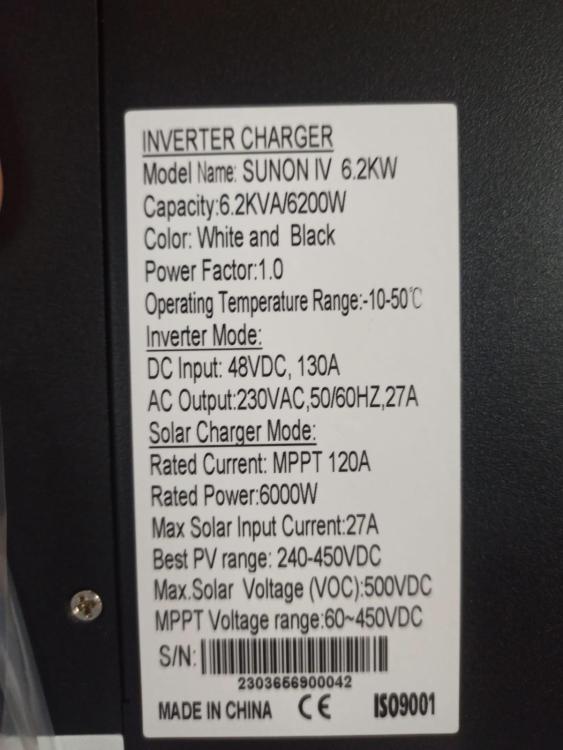
Thanks a lot @Coulomb & @Tarek Yag for the reply and guidance, yes it could be by chance or timing when Inverter soft bus was starting and it was damaged. Any way I will take inverter to the repair center. Current version of Inverter are U1 = 56.02 U2 = 25.05 Secondly, I am not sure either this is original Voltronic VM III TWIN or not but the board and display are the same as Voltronic. Please guide how to see if this is original Voltronic or not. @Nabeel Raza Yes I am from Pakistan, please guide how to check its make or model.
-
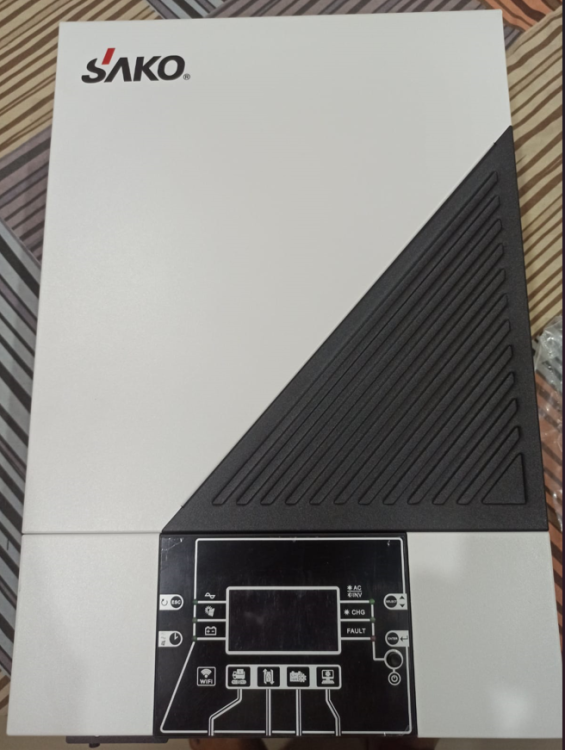
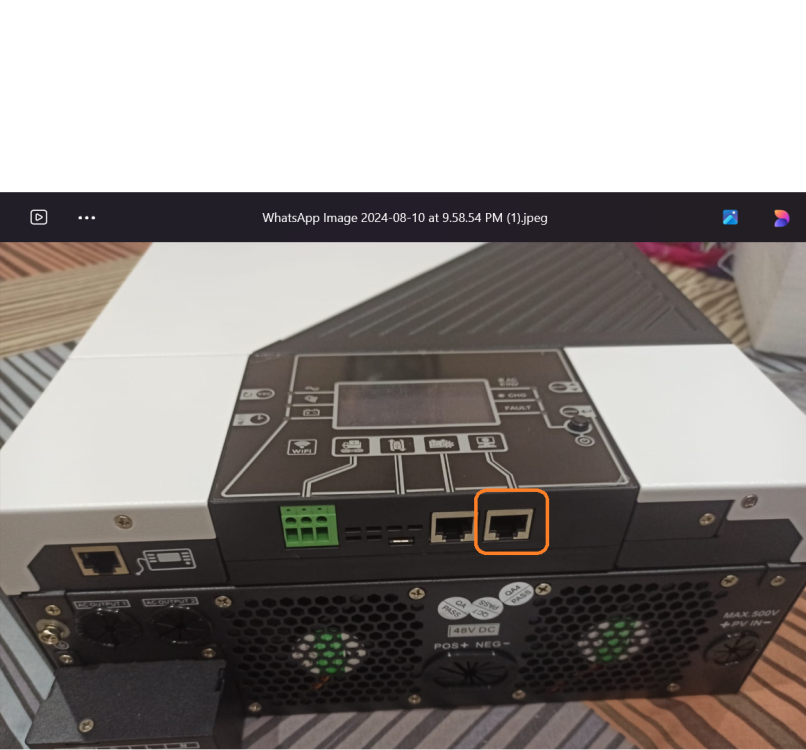
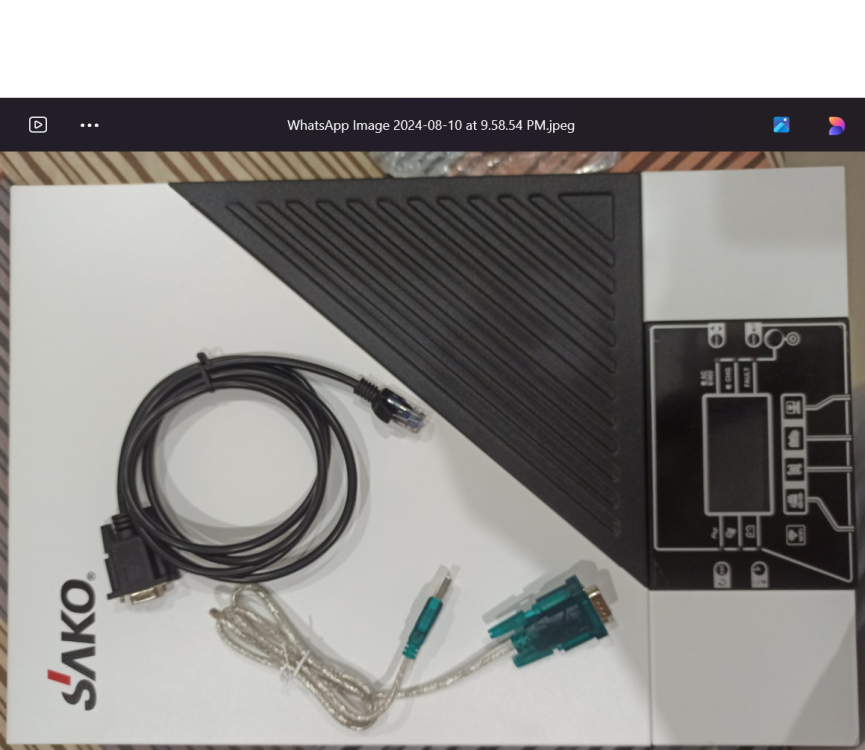
Hello guys, I just tried to update firmware of my Axpert VM III Twin 6KV inverter, but even before executing the "Update Firmware" button, inverter fluctuated and breaker of my main power was down.. when restarted Inverter it is now showing F09 error which is normally indication of internal components faults (FETs & IGBTs damage fault). Any idea what went wrong ? This is my brand new Inverter and not yet installed. I am explaining here steps which I followed. 1. Connected wires into 'AC Input' (L & N) of the Inverter and supplied utility power 220V. (Did not push the power button of the Inverter). 2. No Load or battery was connected with Inverter. 3. Connected Inverter with Laptop via RS232 cable. ( I purchased RS232 to USB converter as shown in attached pictures, I also highlighted port in snapshot which I used to connect inverter with laptop) 4. Inverter was connected with COM4 (I seen through Device Manager of Laptop) 5. Executed "UPSReflashTool.exe" which I downloaded from this thread. 6. Selected "COM4" from top left drop menu of the UPSReflashTool utility. 7. Browse "File" button and selected "VM III TWIN dsp 68.04.hex" file (downloaded from this thread). 8. On selecting the file, inverter made some relays noise and suddenly my main utility Breaker was down. 9. When switching main utility Breaker ON then Inverter started but showing F09 error.