inverterpp
Members
-
Joined
-
Last visited
-
المصنع قام بارسال ملف بصيغه bin In order to repair the screen The manufacturer will then access the inverter device via the internet and update the software. But wait for the arrival Gd32 In order to install the new file because the original one has been locked
-
Yes, I know that, but the screen was disabled by mistake.
-
-
-
The factory sent me a file in the format bin
-
 inverterpp reacted to a post in a topic:
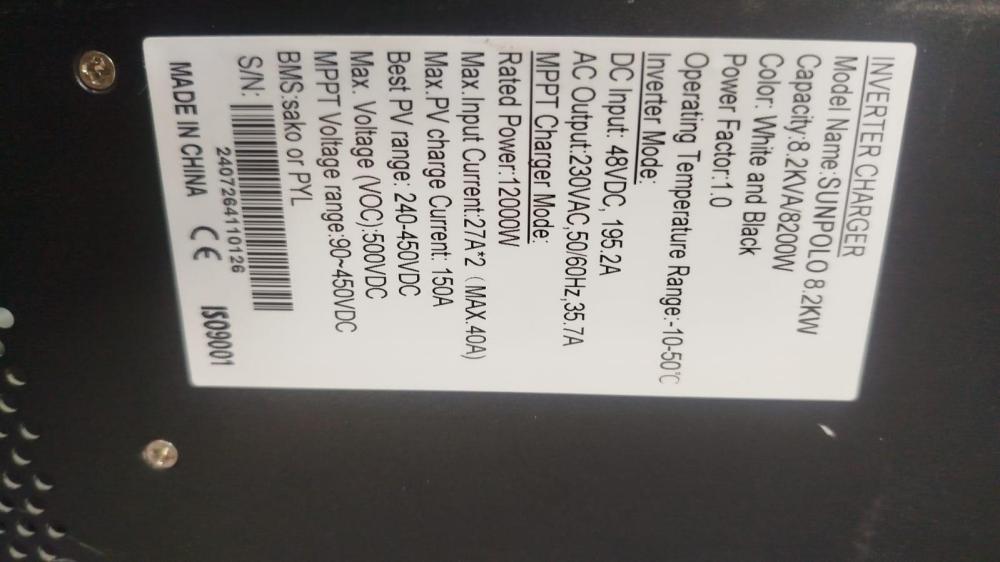
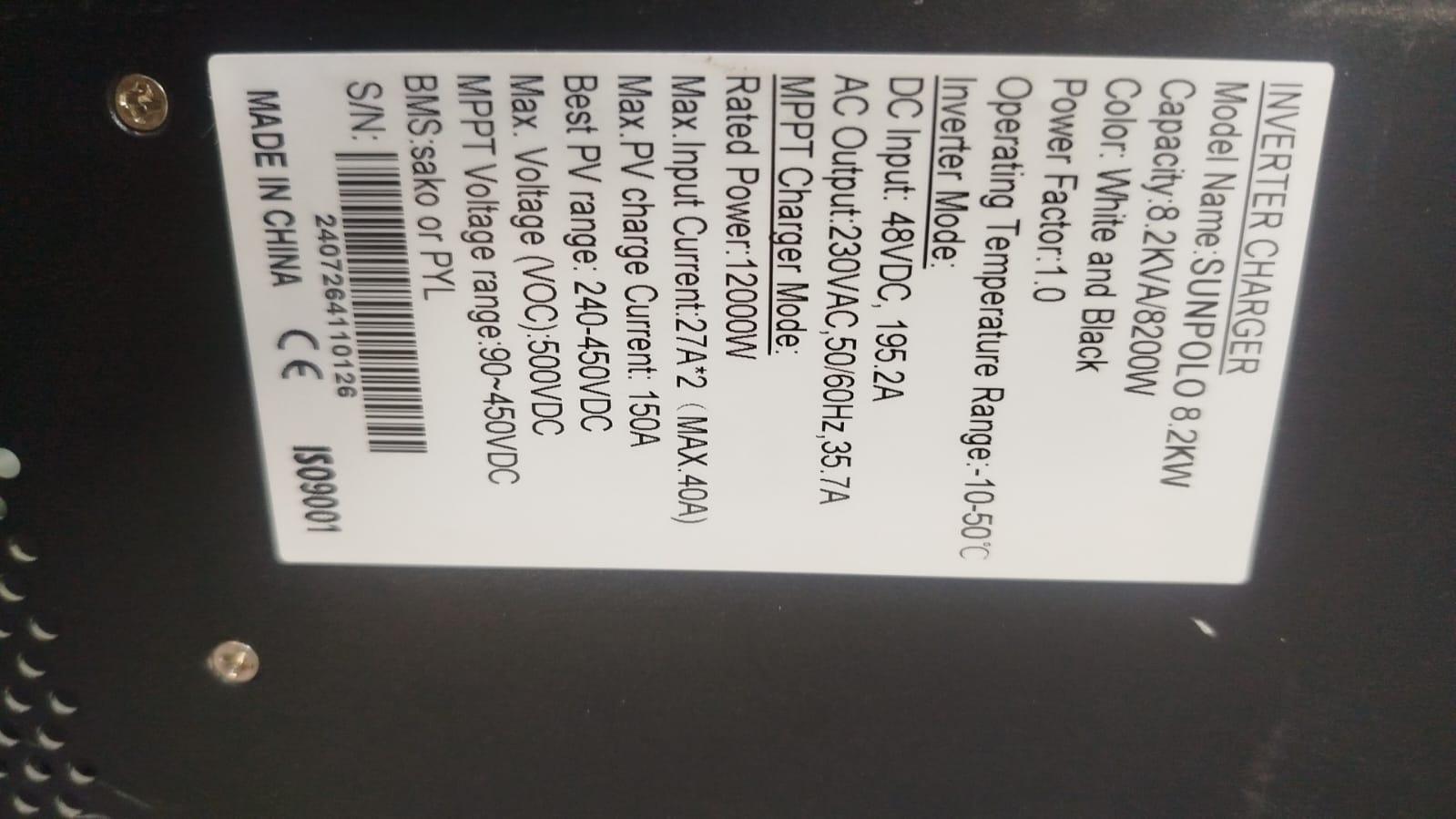
Need correct firmware for Sunpolo 8.2 kW / Axpert MAX 8 kW (only showing HID, no COM port, F90 fault)
inverterpp reacted to a post in a topic:
Need correct firmware for Sunpolo 8.2 kW / Axpert MAX 8 kW (only showing HID, no COM port, F90 fault)
-
inverterpp reacted to a post in a topic:
Need correct firmware for Sunpolo 8.2 kW / Axpert MAX 8 kW (only showing HID, no COM port, F90 fault)
-
inverterpp reacted to a post in a topic:
Need correct firmware for Sunpolo 8.2 kW / Axpert MAX 8 kW (only showing HID, no COM port, F90 fault)
-
I'm not sure about I'm not sure about the program version, but I think u30220 Because the screen malfunctioned due to the installation of the wrong program.

-
sako sunpolo 8.2kw fault 90 Find suitable software for the control unit and pcb screen-specific