Skip to content
View in the app

A better way to browse. Learn more.

Power Forum - Renewable Energy Discussion

A full-screen app on your home screen with push notifications, badges and more.

To install this app on iOS and iPadOS
  1. Tap the Share icon in Safari
  2. Scroll the menu and tap Add to Home Screen.
  3. Tap Add in the top-right corner.
To install this app on Android
  1. Tap the 3-dot menu (⋮) in the top-right corner of the browser.
  2. Tap Add to Home screen or Install app.
  3. Confirm by tapping Install.

shahzad rasool

Members
  • Joined

  • Last visited

  1. i have this same verion installed but issue is that inverter did not start charging with grid and if ON the grid feed then its stop charging from solar also and the setting we keep the battery fist then load and then grid feed
  2. With solar power software i set all settings but result is same
  3. All possible settings i done already but same response on all changes
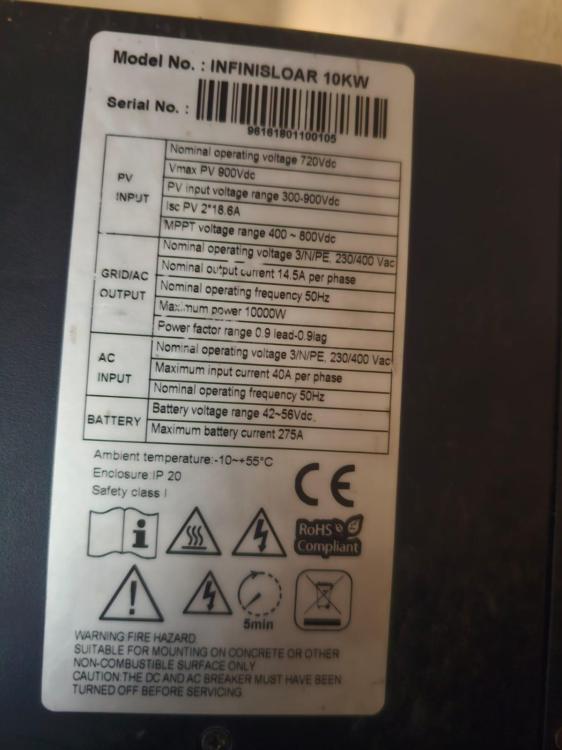
  4. i have infini 10kw 3phase inverter i have the problem that its not charge the battery when grid feeding is on and if off the grid feeding then its working fine i change the settings all type of the setting have same behavior is any one can help me to fix it
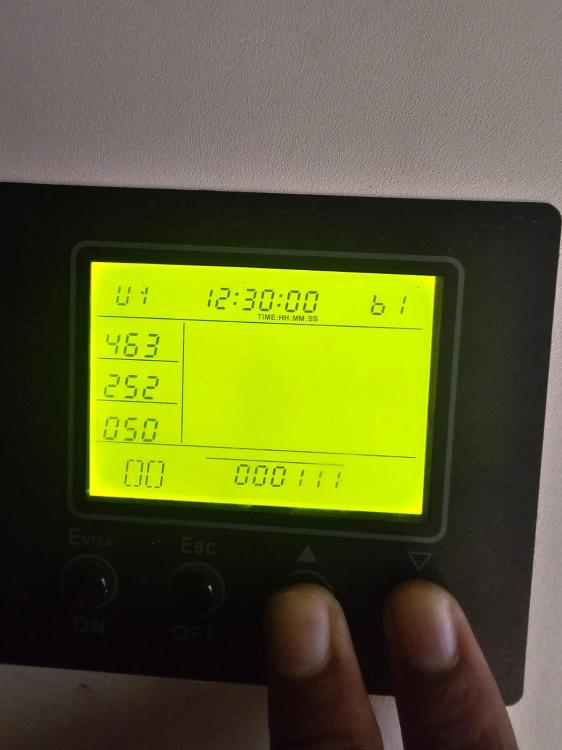
  5. Dear i Have problem in my inverter when grid feed is on the its not charge the battery with solar and grid both and if i stop grid feeding then its working fine please guide me on it

Account

Navigation

Search

Search

Configure browser push notifications

Chrome (Android)
  1. Tap the lock icon next to the address bar.
  2. Tap Permissions → Notifications.
  3. Adjust your preference.
Chrome (Desktop)
  1. Click the padlock icon in the address bar.
  2. Select Site settings.
  3. Find Notifications and adjust your preference.