Watt_The_F
Members
-
Joined
-
Last visited
Everything posted by Watt_The_F
-
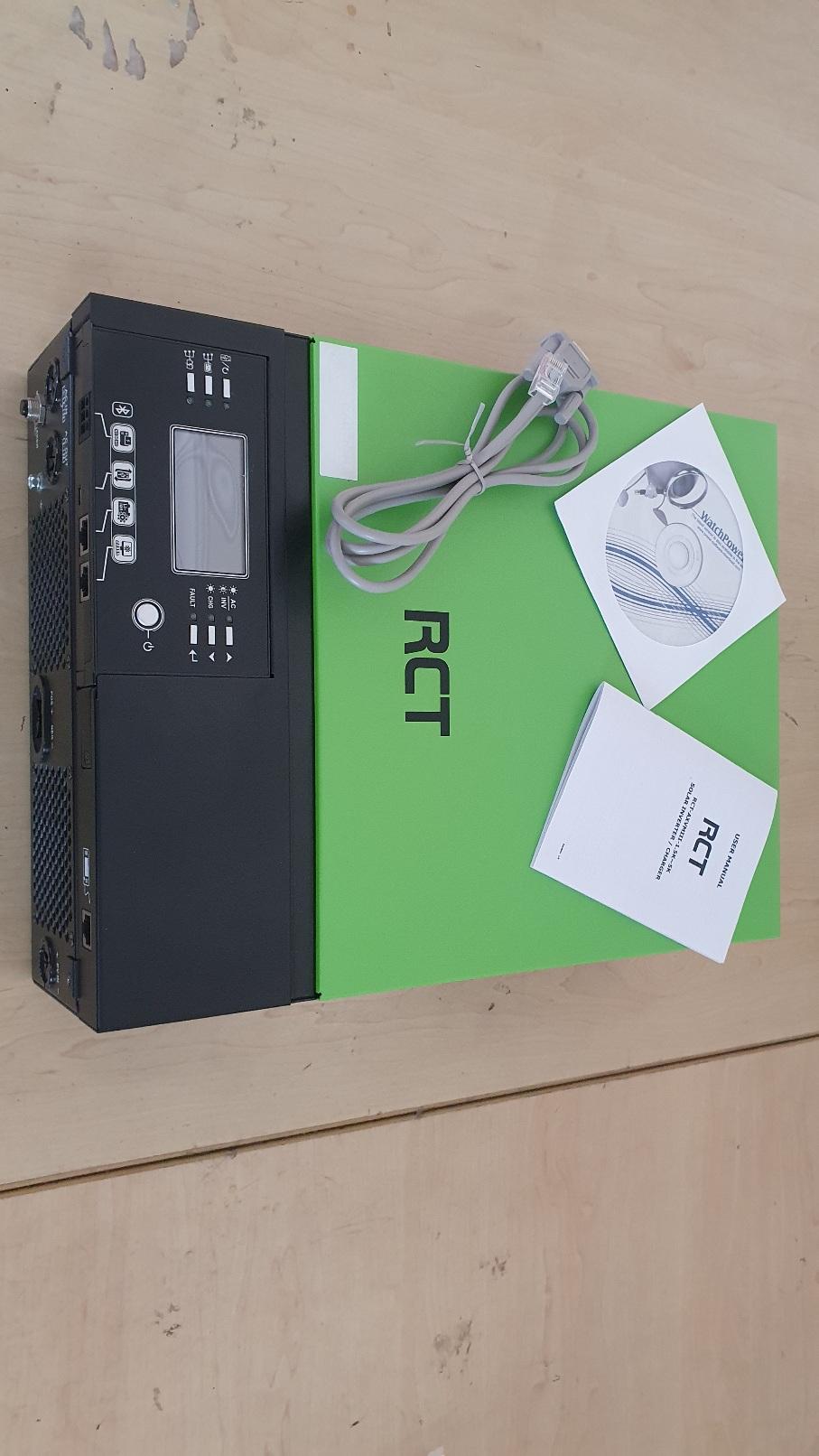
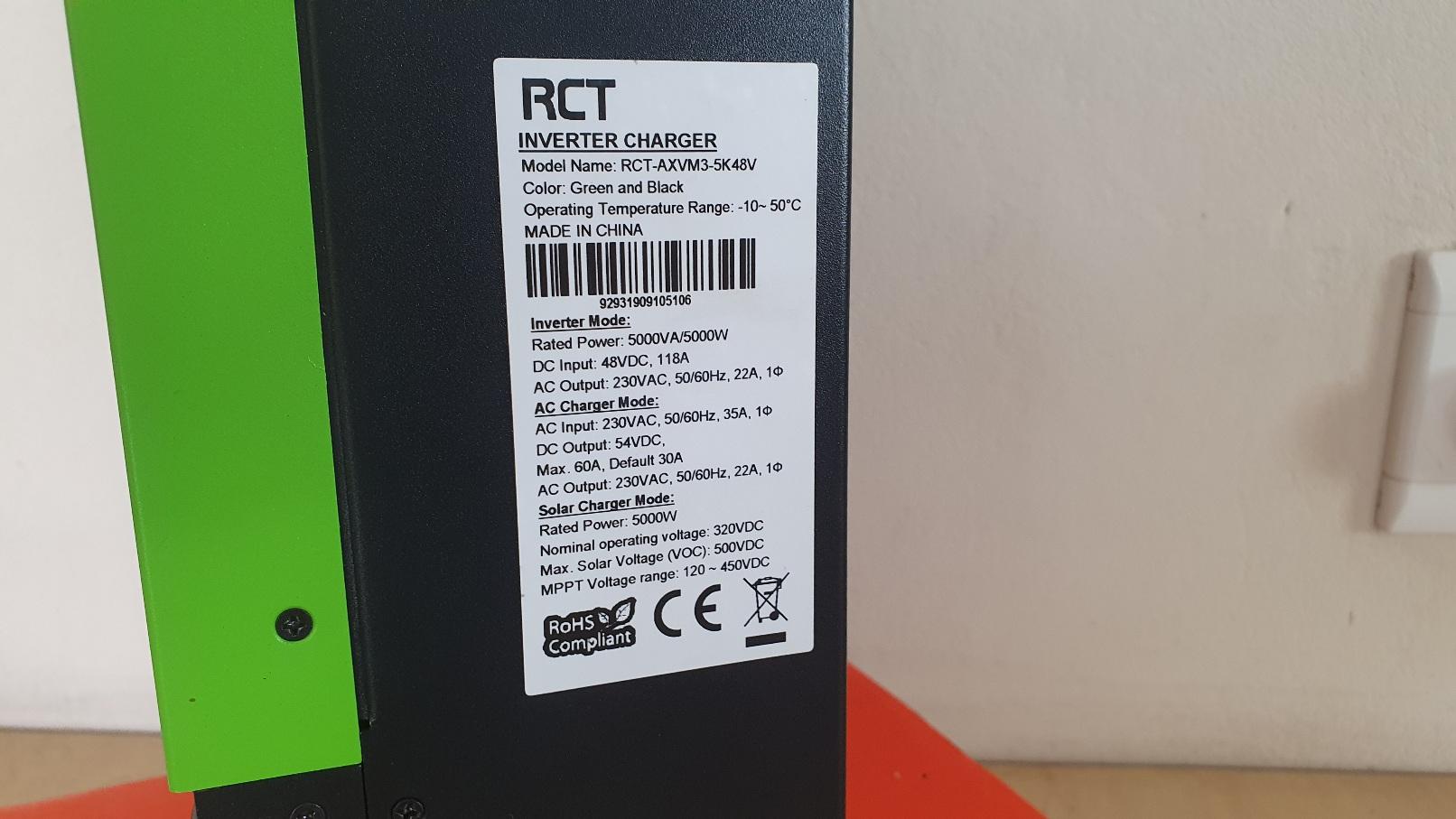
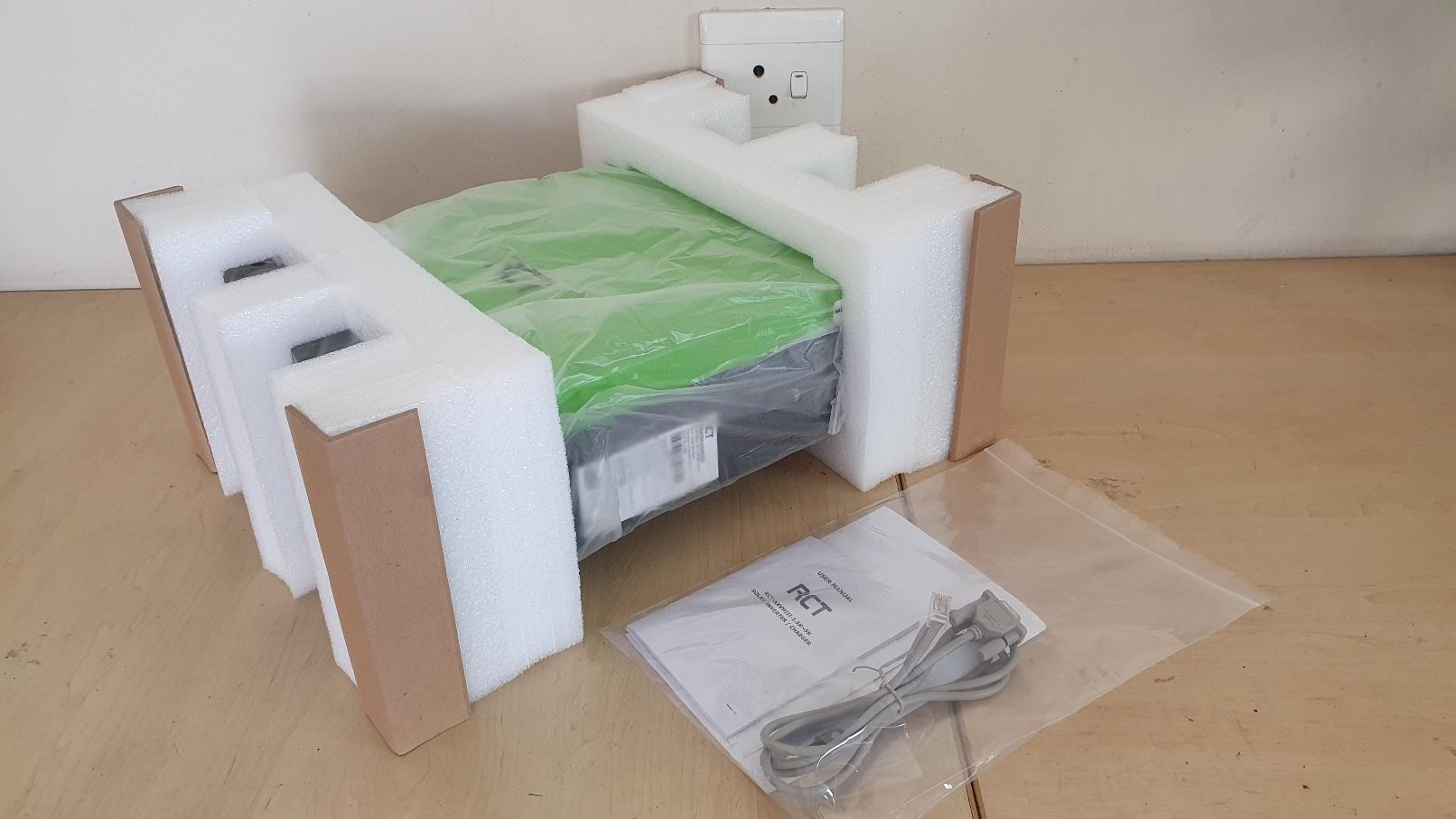
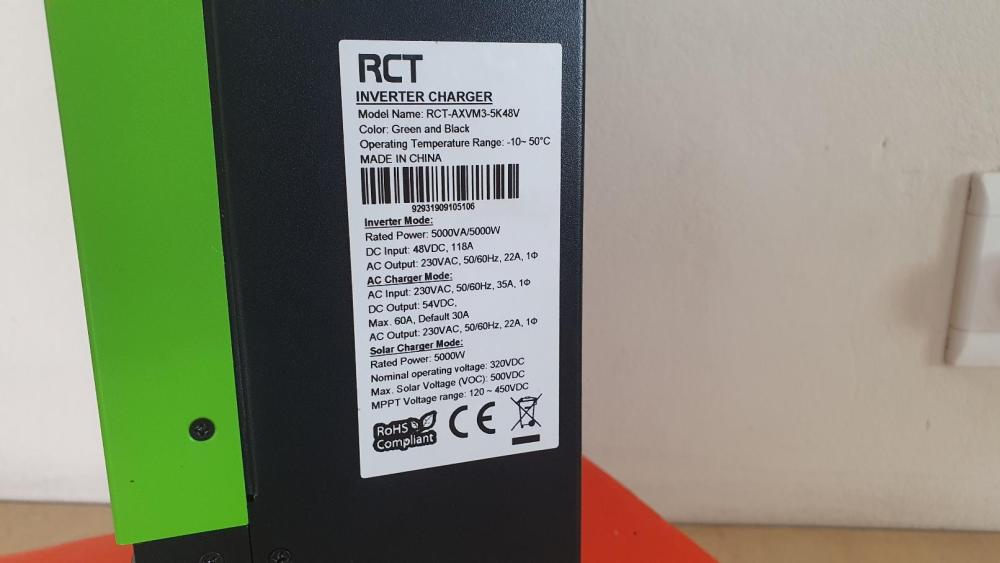
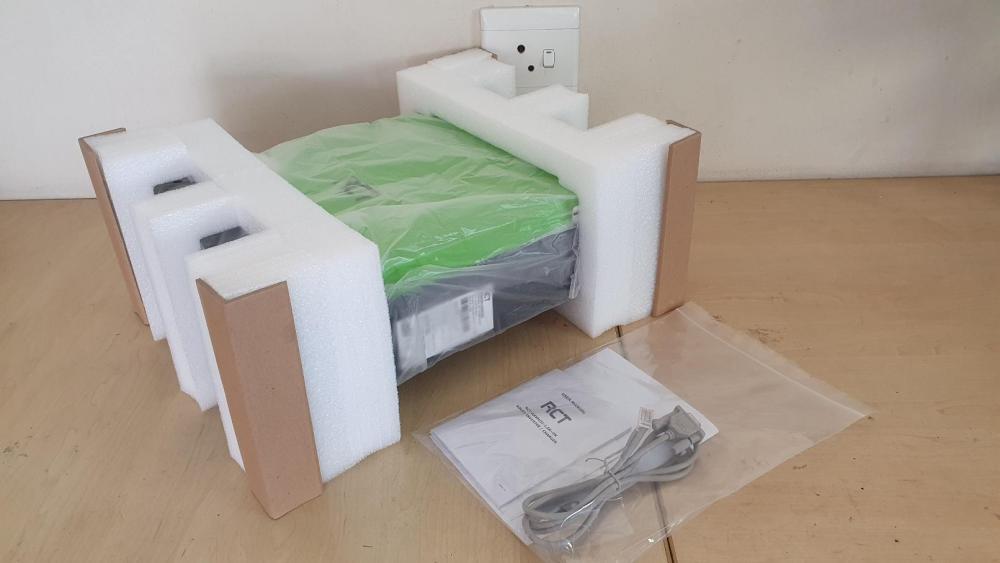
Item: RCT Axpert 5kVA 48Vdc Inverter Age: approx. 3-4 years Price: R 6,000-00 Payment Method Accepted: cash / geopayment / instant EFT Warranty: recently repaired (3 month warranty excl. surge) Packaging: original box and packaging Condition: good Location: Sunninghill, Sandton Reason: the RCT axpert inverter was used as a loadshedding backup with a us3000 Pylontech battery since around 2020. It had displayed an "f09" error about 2 months ago, and was replaced with a hybrid inverter. This RCT axpert inverter was repaired on 1 September 2023, which includes a 3 month warranty (excl. surge damage). Shipping: not applicable Collection: from Sunninghill
-
My U1 displays 41.03 as well. The SoC indicator behaves the same way as your, flashing intermittently, say every 10 seconds while the inverter indicate charging from grid. I always thought that it was a sign that the inverter was communicating with the BMS, but I dont really know. My inverter fans also switch on randomly, even when supplying from the grid. Hopefully one of the more knowledgable guys will respond whether this is normal.
-
I have made up the cable according to option A as indicated above. Have the battery dip switches set to (1,0,0,0), and "Pyl" selected on program 5 of the inverter. So far, it seems to be working well with no errors. The battery icon on the inverter has started flashing as indicated in the manual, so the inverter is communicating with the BMS. The battery charge level indicated on the inverter definitely seems more in line with the charge level indicated by the LEDs on the battery. I now assume that the battery is adequately protected without any additional controllers required (I hope). The low DC cut-off voltage (program 29) is set at 47V. The bulk and floating charge levels (program 26 and 27) are set at 53.2V. Thanks again for all the assistance.
-
Thanks for the replies. If I assume that each RJ45 plug pin is named pin 1 to pin 8 - from left to right - as viewed in the in the pics above, then:- Option A (TomasCrespo) Inverter <--> Pylontech Pin 1 <--> Pin 3 Pin 2 <--> Pin 5 Pin 3 <--> Pin 1 Pin 5 <--> Pin 2 (no other pins connected) Option B (Calvin) Inverter <--> Pylontech Pin 3 <--> Pin 8 Pin 5 <--> Pin 7 (no other pins connected) Going to give these options a try. Thanks again, much appreciated.
-
Hi guys, I am a complete Noob currently trying to install a backup system using a RCT axpert 5k VM3 inverter with a Pylontech US3000 battery. The RCT inverter has a sticker with date indicated as 2019/09, so I guess the firmware should be rather recent (U2 - 02.00 ; U3 - 00.21). The RCT inverter indicates a code 61 error when I try to set it up (which, according to installation manual appendix, means that the inverter is unable to communicate with the BMS). I set the battery dip switches (1,0,0,0), and selected "Pyl" on program 5 on the inverter. I have tried a few combinations with the pinout connections between battery's RS485 port and the inverter's battery com port (by modifying the cable that came with the pylontech battery cable pack, but I am probably not doing this correctly). The code 61 error comes up after about 3 minutes when I start up the inverter (powered from the battery). Please let me know if there is any advice regarding a way forward. Is there a custom cable that can be purchased for connecting the battery RS485 port to the RCT inverter battery comm port? Thanks, any responses would be much appreciated.