ojeysky
Members
-
Joined
-
Last visited
Everything posted by ojeysky
-
Thanks a lot. Just to log my experience here. I use a Deye and tried changing mine to 1 but the inverter tripped off and when it was power cycled, it defaulted back to 0 so I just updated on node-red instead and all is now fine. Thanks
-
Thanks can you kindly confirm where to find the unit ID? what I used on node red in the past was 1
-
Here is the settings that has been working fine for me. However, after a firmware update today, I have not been able to fetch data with the connection above. Does anyone know if something has changed with the Deye modbus register?
-
Hi, could you share the syntax you have in the switch node and function node (msg.topic...)?
-
Are you getting you data to mqtt using node-red? Could share the node-red flow?
-
I will also appreciate if @Bloubul7 could share the node red flow
-
Yes its working now, integrating with mqtt is my next challenge, i have mqtt already running could you share syntax of the mqtt import function?
-
Thanks for the help @Vassenreally appreciate. I was checking the modbus document but could not find the address for total PV, instead it has individual PV do you know?
-
Yes thats where the rj45 is plugged into
-
I have set it as serial yet i get same error, how about the serial type and other fields? Edit: Rebooted my pi now i am getting response
-
Can't find this on the list of nodes, searched for gate, perhaps need to install?
-
Have a look at my settings on flex getter, is that not correct?
-
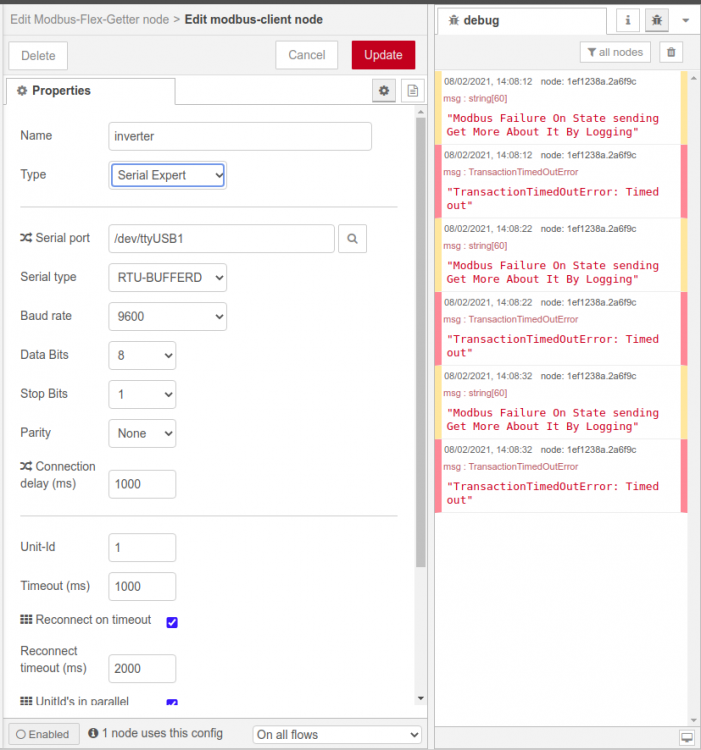
Thanks a lot for helping out, now i have response(attached), but the next time i issued the query i started getting modus failure error again. So what could be the reason for this?

-
okay now i am getting a different error message(see attached), looks like the connection to the inverter is not established afterall. Guess i need to look at the cable again. I am clear on the converter side of the cabling, can you confirm if the inverter side of the cable in the normal rj45 cate5e T-568B cable arrangement? similar to the pics attached?


-
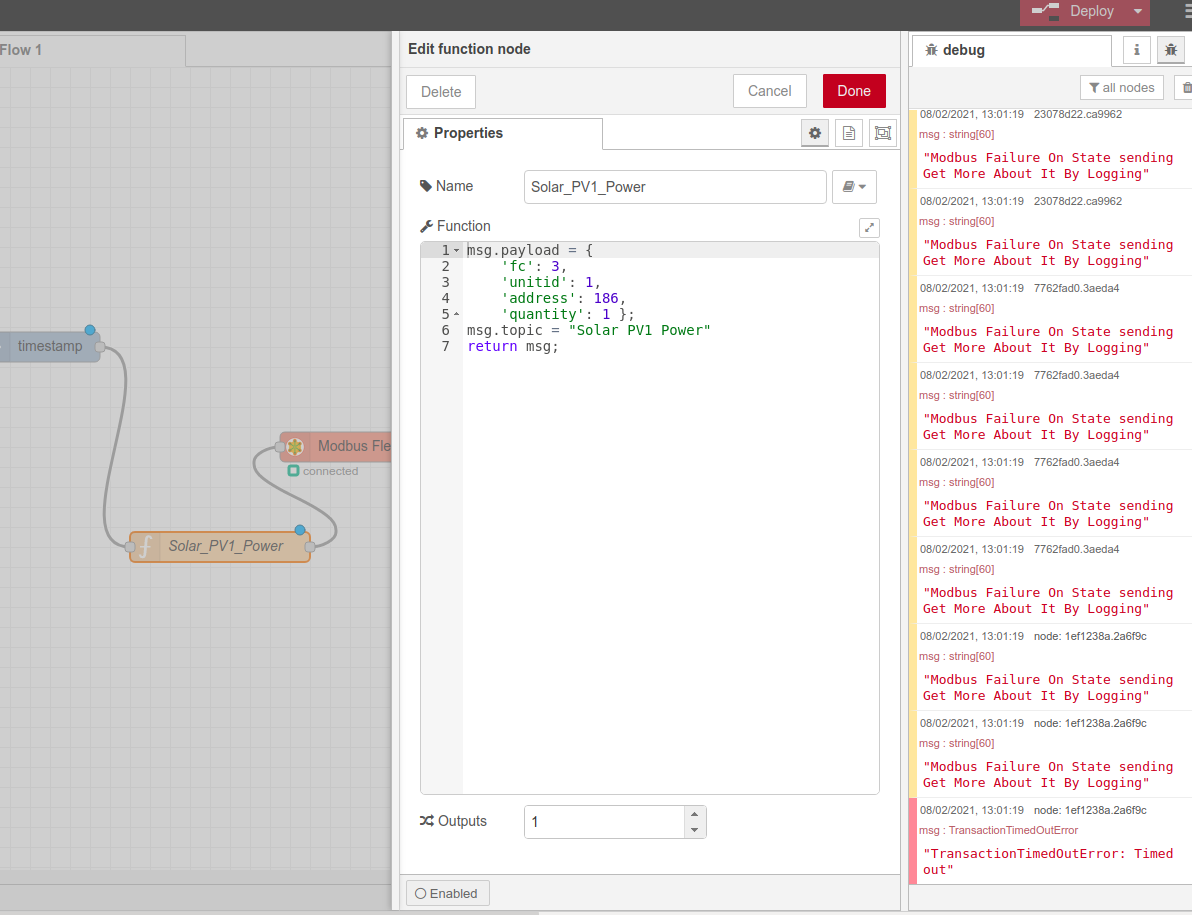
pardon my questions, how do i go about that? I was able to connect via node-red but its throwing up the error message below: "TypeError: Cannot create property 'fc' on number '1612780922024'" I have attached screenshot of a single input that i wanted to read from the inverter which is PV1 input for instance, i saw the address in the modbus register is 186 but not receiving any info when i used that

-
I am trying to get the functions working on my node-red, can i see a sample of what you added to solar_pv_day function node for instance?
-
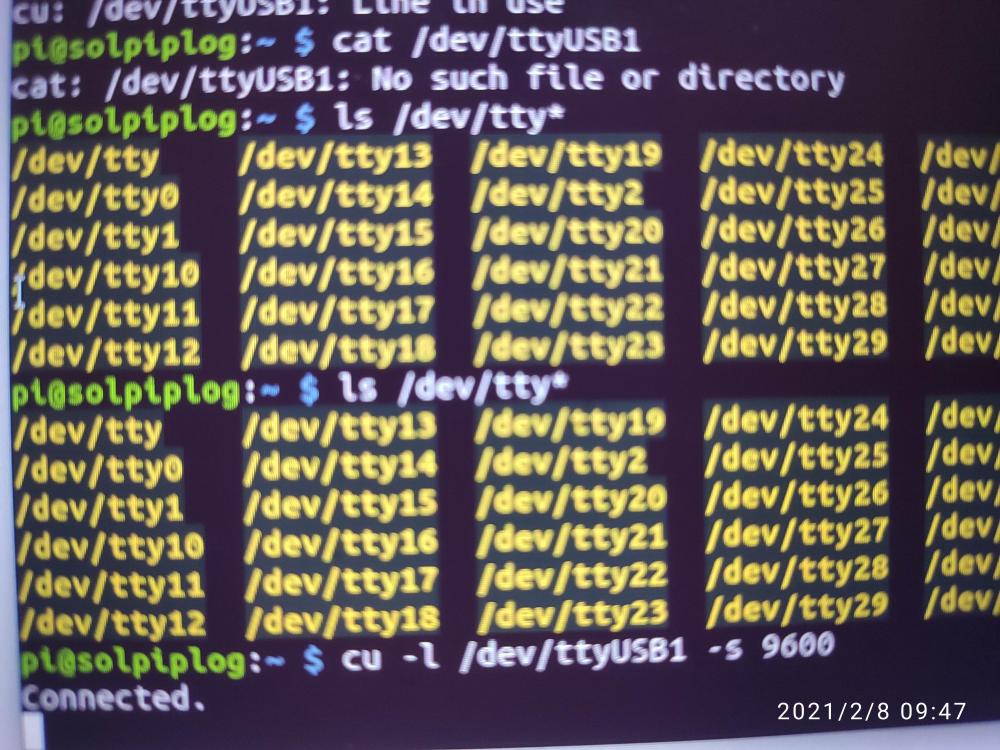
I just get connected status even after modifying the cable arrangement, still not data, is there a way i should know if this is working? cat /dev/ttyUSB1 did you reveal any result
-
Yes I see the port on the pi just not getting data, let me now connect the cables as you have indicated. Thanks
-
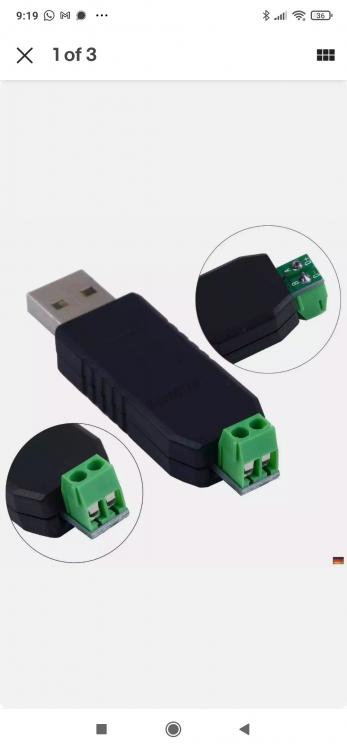
Here is the link to the adapter, you do find it has A and B label and that's what I used, but from what i think you are saying. A is one end of the cable and B is the other end of the cable right? So 2,7 goes into rj45? And 1,8 goes into the usb? No driver requirement was indicated, it's possible it's a driver thing but first I want to be sure I have gotten the cable right.
-
I used the bottom diagram and then connected cable strand 1 and 7 to the usb. After connection,I ran cat /dev/ttyUSB1 on my pi but didn't get any response. Is there something am doing wrong?

-
I made a cable using this diagram but am not getting any feedback
-
Could you share pics of what your connection cable looks like? I am planning to get the attached USB rs485 converter as well, will it work?
.jpg.cca3708e2d9225781d057dedf759e366.jpg)
-
Has anyone been able to get either of the webscraper above to work with deye/sunsynk wifi module adaptor? tried with no luck yet
-
Hello, Has anyone using either of those inverters been able to get the data on emoncms? I already have historical data on my emoncms (when I had MPP GK inverter) and I like to continue to log on the same emoncms which runs on my pi3+. I will appreciate explanation on how to achieve this? Do I use the WiFi logger or do I need to connect a different cable? Thanks
-
@Halcyonor anyone extracting data from sunsynk/Deye should kindly share