


WayneS
Members
-
Joined
-
Last visited
Everything posted by WayneS
-
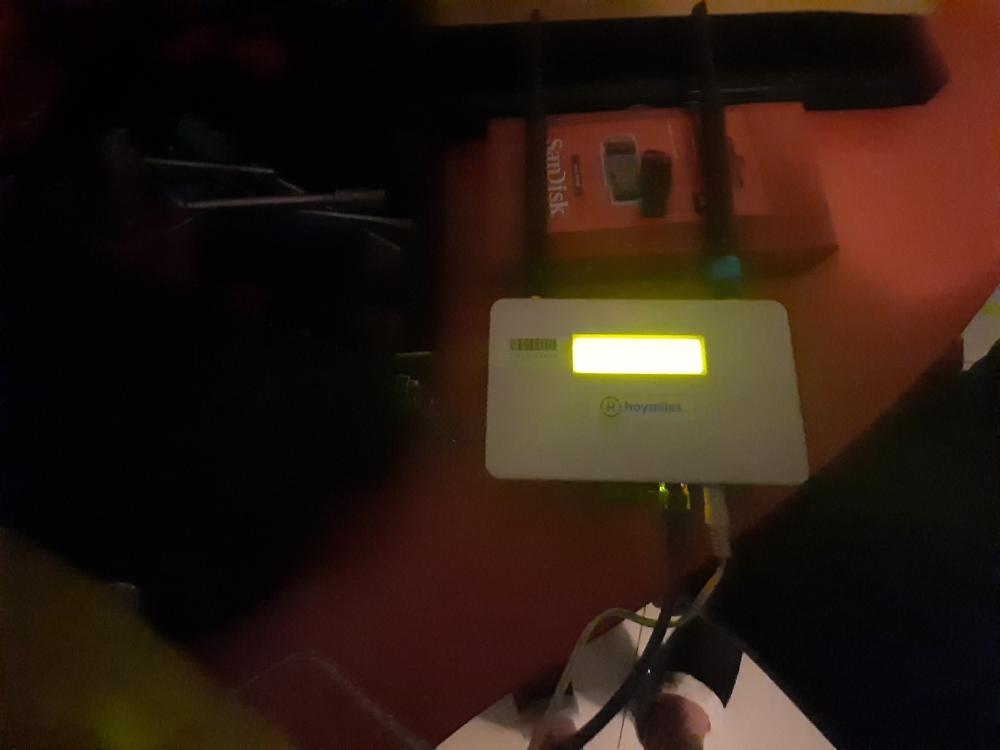
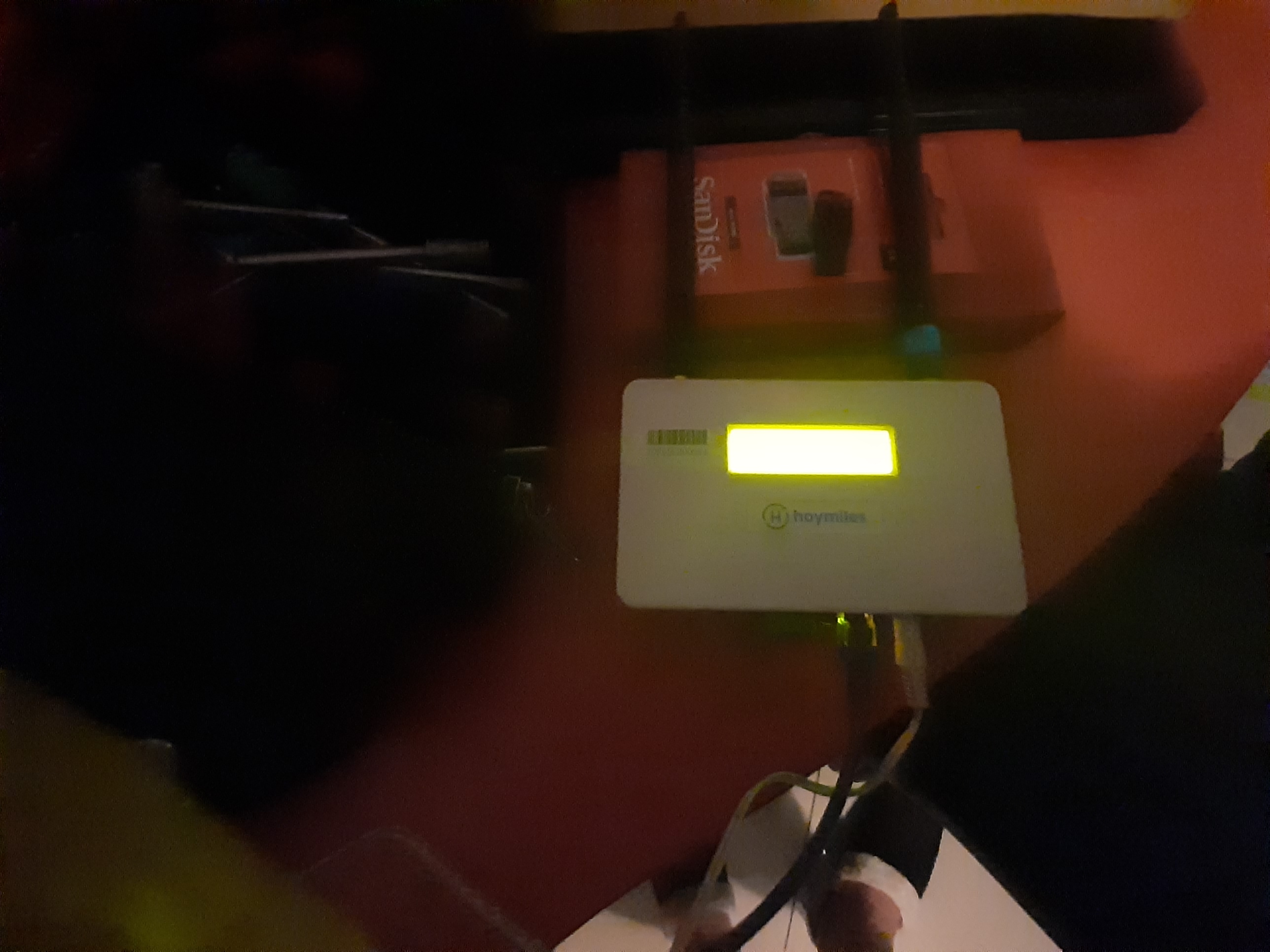
It is using modbus its also the one without the buttons older type
-
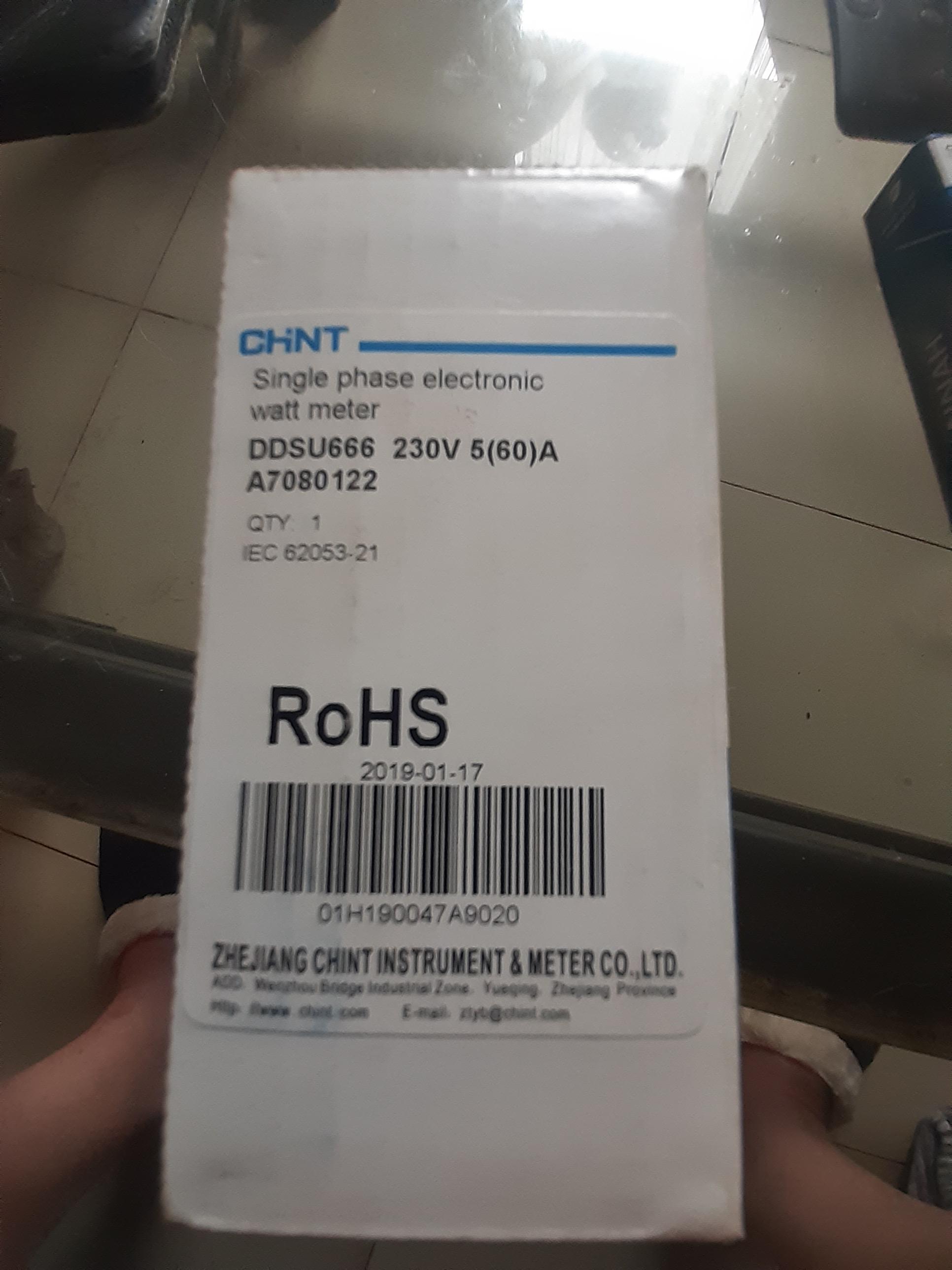
This is the side of the chint meter Single phase electronic watt meter DDSU666 230V 5(60)A A7080122I was wondering if anyone could assist with advise on connection off the chint meter, do you install it just after the street meter ,live and neutral into it, live and neutral out off chint meter(Single phase) to distribution box,connect com ports from chint to DTU unit, then the ac out off the Hoymiles to a circuit breaker in the main DB box?Is it correct in saying that the Chint meter is installed just after the street meter, meaning live and neutral into Chint (Single phase) live and neutral out to incoming earth leakage (63A) Rs communications to DTU unit please could someone advise on that,much appreciatedIs it correct in saying that the Chint meter is installed just after the street meter, meaning live and neutral into Chint (Single phase) live and neutral out to incoming earth leakage (63A) Rs communications to DTU unit please could someone advise on that,much appreciatedHi all ,does anyone have a wiring digram for the rs485 port, from the Chint meter to the rs 485 to the holymiles,batteling to find any wiring diagram, any help would be apriciated
Account
Navigation
Search
Configure browser push notifications
Chrome (Android)
- Tap the lock icon next to the address bar.
- Tap Permissions → Notifications.
- Adjust your preference.
Chrome (Desktop)
- Click the padlock icon in the address bar.
- Select Site settings.
- Find Notifications and adjust your preference.
Safari (iOS 16.4+)
- Ensure the site is installed via Add to Home Screen.
- Open Settings App → Notifications.
- Find your app name and adjust your preference.
Safari (macOS)
- Go to Safari → Preferences.
- Click the Websites tab.
- Select Notifications in the sidebar.
- Find this website and adjust your preference.
Edge (Android)
- Tap the lock icon next to the address bar.
- Tap Permissions.
- Find Notifications and adjust your preference.
Edge (Desktop)
- Click the padlock icon in the address bar.
- Click Permissions for this site.
- Find Notifications and adjust your preference.
Firefox (Android)
- Go to Settings → Site permissions.
- Tap Notifications.
- Find this site in the list and adjust your preference.
Firefox (Desktop)
- Open Firefox Settings.
- Search for Notifications.
- Find this site in the list and adjust your preference.