


Ishu
Members
-
Joined
-
Last visited
-
-
Hi, I will confirm with the installer on how the panels are connected. The critical loads are on different circuits so this should not be a problem, i hope (going through a learning curve here). I will adjust the system type on the app. Thanks for the advice. Regards Ishu
-
I will confirm with the installer, thanks
-
-
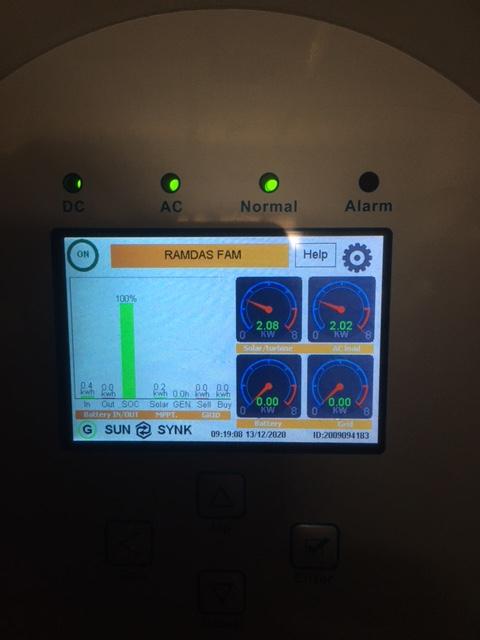
Good afternoon, Took delivery of my Sunsynk 8.8 inverter from Steve this week, got it installed yesterday. The inverter is set up but need advice on the recommended settings. The system details are as follows: 1. Inverter - Sunsynk 8.8Kw, 2. Batteries - 2 X Pylontech US 3000 - 3.5 Kw each, 3. Panels 10 X Canadian Solar 365w All panels are connected to one MPPT. I would like the panels to power the house during the day and charge the batteries, with the critical loads being supplied by the battery at night. Secondly, i downloaded the Solarman Smart App, it picks up the inverter and provides basic information but does not provide details on the batteries. Kindly advise if i am doing something wrong. Regards Ishu
.JPG.c07dfd724c36a9087502ec3701d0ada3.JPG)

