


Deewee
Members
-
Joined
-
Last visited
Everything posted by Deewee
-
Hi Duck, did you find the software? I searched and could find a lot of updates, but not the force tool
-
Did you ever get this sorted?
-
So only a couple more before I can download? 😀
-
Thanks a mill, that worked 👍
-
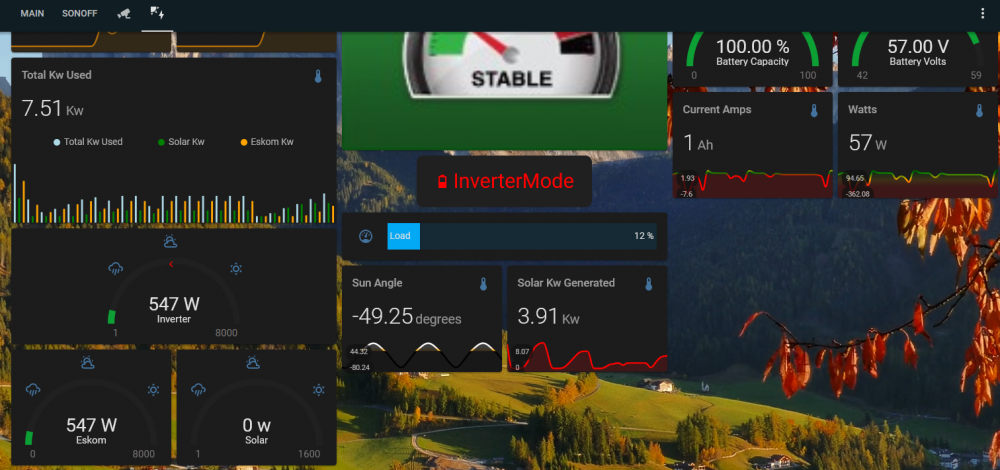
So I just went back to ICC, as that did exactly what I needed, Click on settings, then setup MQTT. Extremely glad I did a SD-Card clone before the install. No need to go out to the internet and battle to keep traffic local to the site. My Home assistant is far to involved to redo everything due to MQTT now sitting somewhere in the cloud and not local.
-
Hi Guys, Does anyone have a how-2 to setup MQTT on the new SMH? I don't want to do cloud integration for home assistant, as my fiber connection ISP is problematic. I was told to do it from the website, but for the life of me I can not find it op the local hosted website or the Emoncms website. Any pointers will be appreciated. Regard, Johan
