


Seedatster
Members
-
Joined
-
Last visited
-
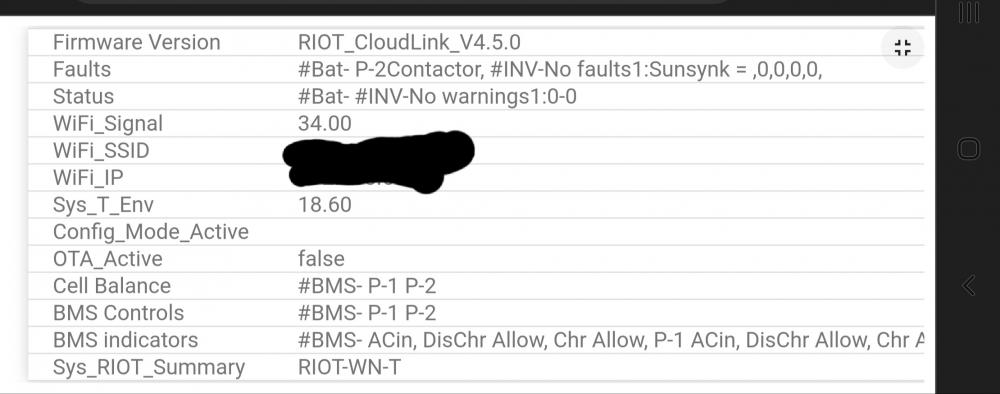
So when the charge limit is at 0A and the battery is at 70%, there's a 0x0C alarm code. Can you check if the alarm light is flashing on one of the batteries? I had a similar issue with my 2 batteries where it would only charge to 96% and then the bms would set a 0A charge limit. I've hooked up a riot and saw that one of the batteries had a cell high voltage fault which would trigger this state. I cycled the batteries using the AGM V mode and then left the riot for a day to do some balancing voodoo and it seems to have worked for me, I now get to 100% soc at 54v. I do get a random contactor fault that comes and goes on one of the batteries, anybody know anything about this?
-
I have the same solarman to home assistant integration setup and see the same with SOC as you. If you look at other parameters at the same time you'll also see weird spikes but this doesn't show up on the solarman app. I don't think there's any issue with the way the inverter is operating, just the way some data sets are processed.


