Skip to content
View in the app

A better way to browse. Learn more.

Power Forum - Renewable Energy Discussion

A full-screen app on your home screen with push notifications, badges and more.

To install this app on iOS and iPadOS
  1. Tap the Share icon in Safari
  2. Scroll the menu and tap Add to Home Screen.
  3. Tap Add in the top-right corner.
To install this app on Android
  1. Tap the 3-dot menu (⋮) in the top-right corner of the browser.
  2. Tap Add to Home screen or Install app.
  3. Confirm by tapping Install.

viden82

Members
  • Joined

  • Last visited

  1. Understand , thanks .
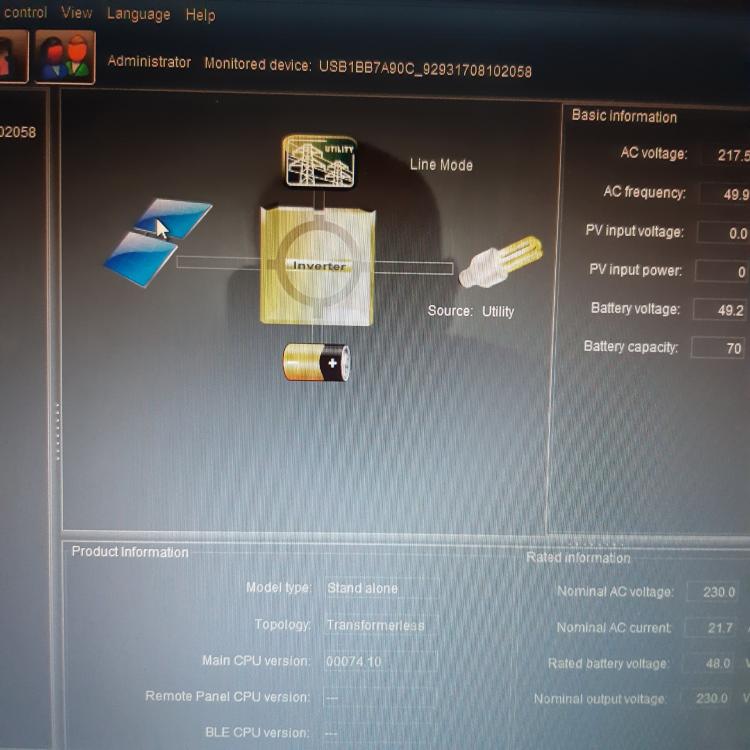
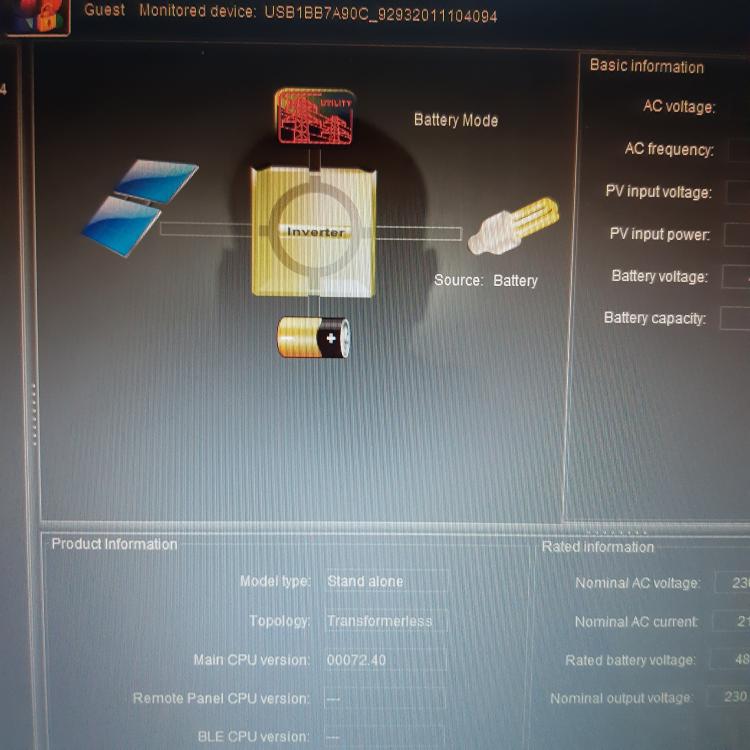
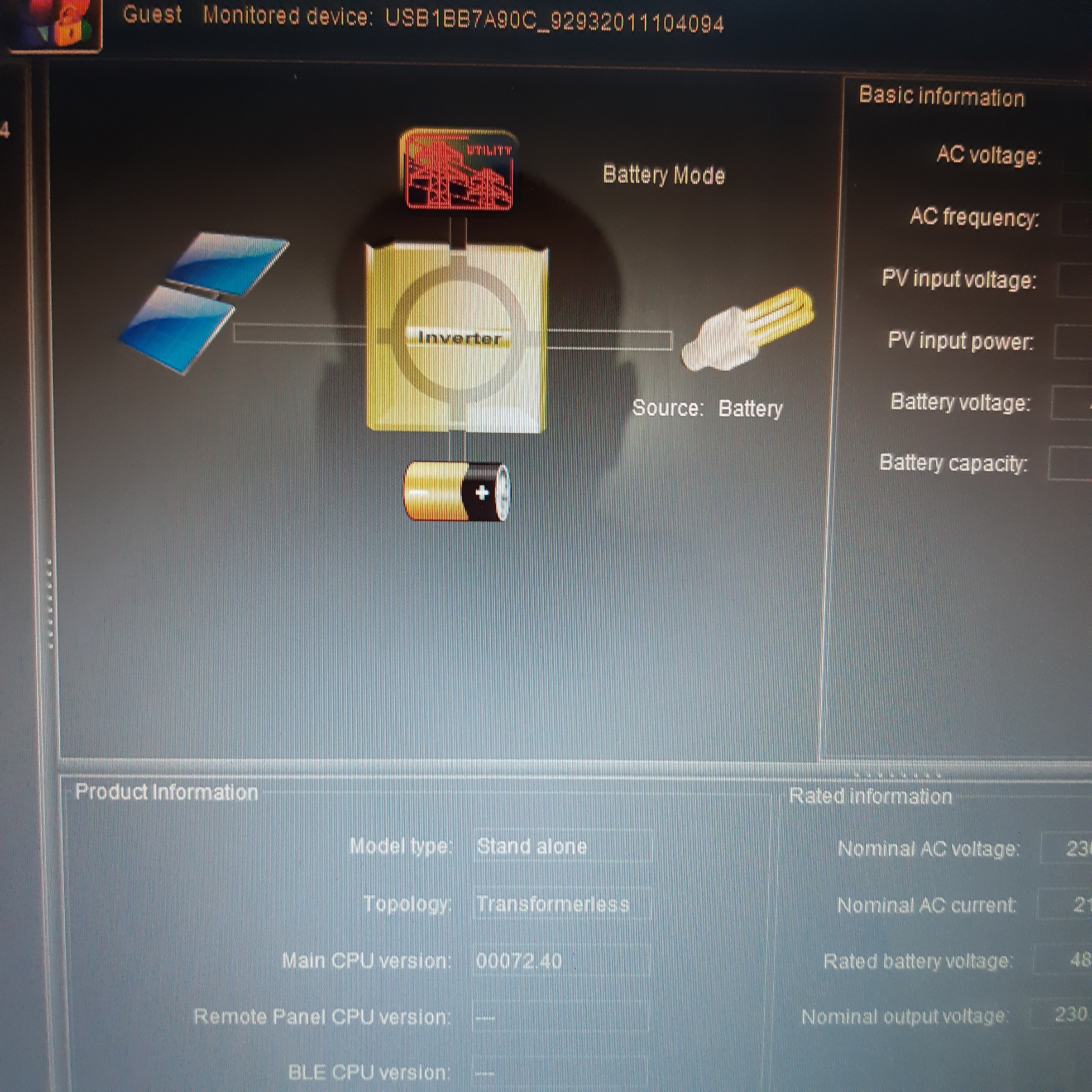
  2. Hello again, after connecting the two inverters in parallel, my new one got error 71 (firmware). Is there any common firmware for 5048 MS (74.10) and 5048 MS 64V (72.40)? Will it not be possible to change the firmware of the 5048MS 64V to 74.10 or vice versa? Thanks in advance .
  3. Thanks Coulomb ?
  4. Hi, I'm new to the forum. I have a 5048MS PIP from 2017 (basic version of the processor 74.10), yesterday I received a 5048MS 64V (72.40). A parallel map also arrived. Will it be a problem that they have different firmware? Please help. Thanks in advance .
  5. viden82 joined the community
  6. Hello , i have 5048MS PF1 with firmware 74.10 and other 5048MS 64V with 72.40 . Are MPP SOLAR INVERTER firmware 72.40 and 74.10 compatible? Thanks with advance .
Account

Navigation

Search

Search

Configure browser push notifications

Chrome (Android)
  1. Tap the lock icon next to the address bar.
  2. Tap Permissions → Notifications.
  3. Adjust your preference.
Chrome (Desktop)
  1. Click the padlock icon in the address bar.
  2. Select Site settings.
  3. Find Notifications and adjust your preference.