


Speed_Freak
Members
-
Joined
-
Last visited
-
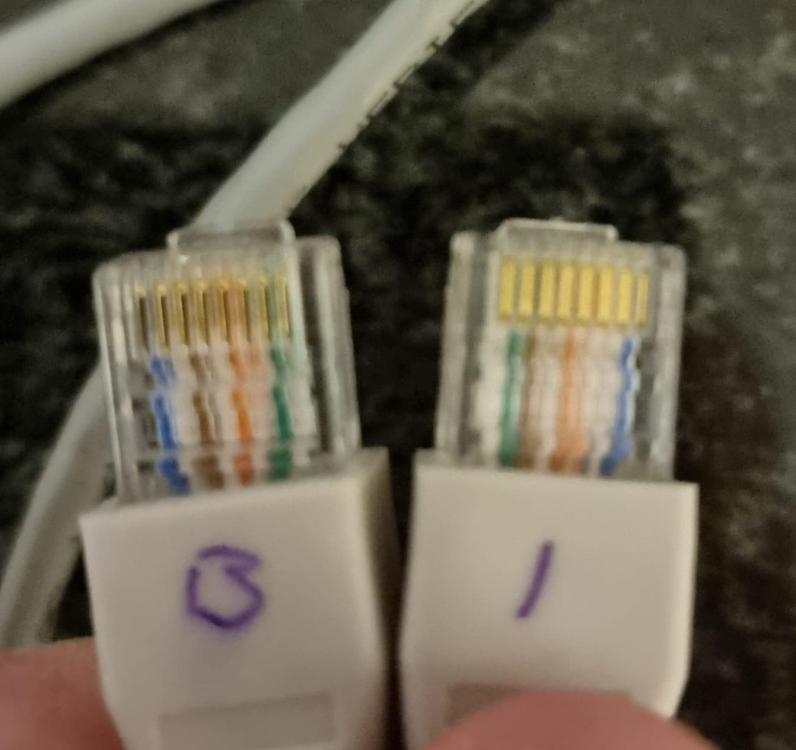
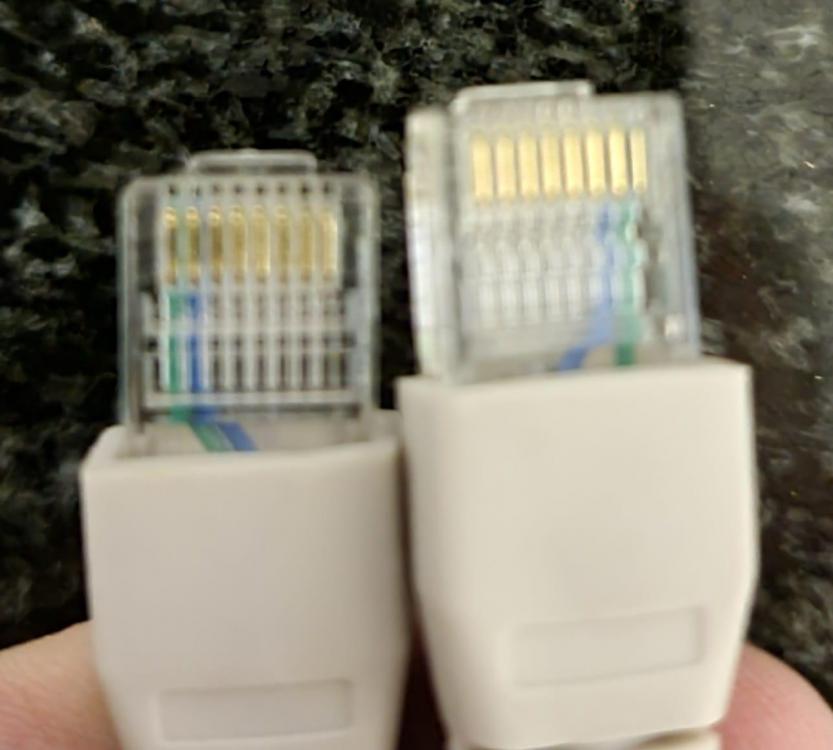
So some feedback. I have tried all cable configurations 1,2 to 7,8, a 1,2,3,4,5,6,7,8 to 8,7,3,4,5,6,2,1 cable, a RS458 with ground, a RS458 without ground, a cable given to my sparky by a Pylontech Supplier, swapped ports and cable ends and used all variations of Li protocol settings and nothing appears to work. Only thing I can assume is that the system needs a reboot after changes? At the moment the only way the system runs without a fault is with the battery type set to AGM I am worried the firmware will brick my unit, how often does that happen as even the Growatt guy I am chatting to seems resistant to a firmware upgrade

-
-
Will give that a try and let you know Thanks for the help
-
Just some feedback. I made a 1,2,3,4,5,6,7,8 to 8,7,3,4,5,6,2,1 cable last night and sadly the inverter will still not talk to my battery. My Inverters FW is currently 500.07/002.00/null so that is my next port of call. I just need to have my sparky on standby should the upgrade not go according to plan
-
And what cable? I have the means to make one, so can give that another try
-
The problem is I need there are a number of cables suggested, the biggest difference is most are using the PylonTech 3000C, maybe the UP5000 communicates differently?
-
I have the Growatt SPF5000TL HVM-P, Battery is a PylonTech UP5000 100ah 4.8kWh Lithium. The dip switch is upside down, but switch 1 is set to on, the rest off. There are two possibilities, the cable I have is incorrect or the Firmware is now allowing the BMS port to correctly talk to my battery. I have tried the 123 pin to 678 crossover, a 1278 crossover (not sure exactly cause battery was supplied from PylonTech battery supplier) and neither seemed to work. If the dip switches are right, the cable plugged in, when I change 05 to Li and 36 to L02 it should work, if the cable is wrong, switching the cable should nearly immediately fix the issue, but it has not with my setup. The Inverter shows a 04-20 error (battery communication and low battery)
-
I got a PylonTech battery supplier to give me a cable as you described, this one is wired as you mention, all be it only 4 cables are crimped each side I tried in both the BMS and RS485 port on the Inverter and the CAN and RS485 port on the PylonTech UP5000 battery. Dip switches are set to 1 0 0 0 No success, or do I have to reboot the whole system every time I make a change?
-
So Inverter Side Battery Side Pin 7 Pin 1 Pin 8 Pin 2 Pin 6 Pin 6 Or is it the other way around?
-
Tried a cable with the Following Pin outs: Battery Side Inverter Side Pin 6 GND Pin 3 Pin 7 RS485A Pin 2 Pin 8 RS485B Pin 1 I did not crimp any additional pins
-
Going to try the later firmware updates shared by Iss
-
Greets, I am battling to get rid of the 4-20 Error code and assume it's related to the firmware. Could you please send me the firmware that works or let me know where to get it? I have a Growatt SPF 5000TL HVM-P


